Add AALBC to your Home Screen directly from your browser for quick access to Black books, reviews, bestsellers, authors, and more—no Apple App Store or Google Play Store required. Once installed, AALBC works like a regular app, launching directly from your Home Screen, Dock, or taskbar. This gives AALBC a more direct relationship with readers while reducing our dependence on third-party platforms.
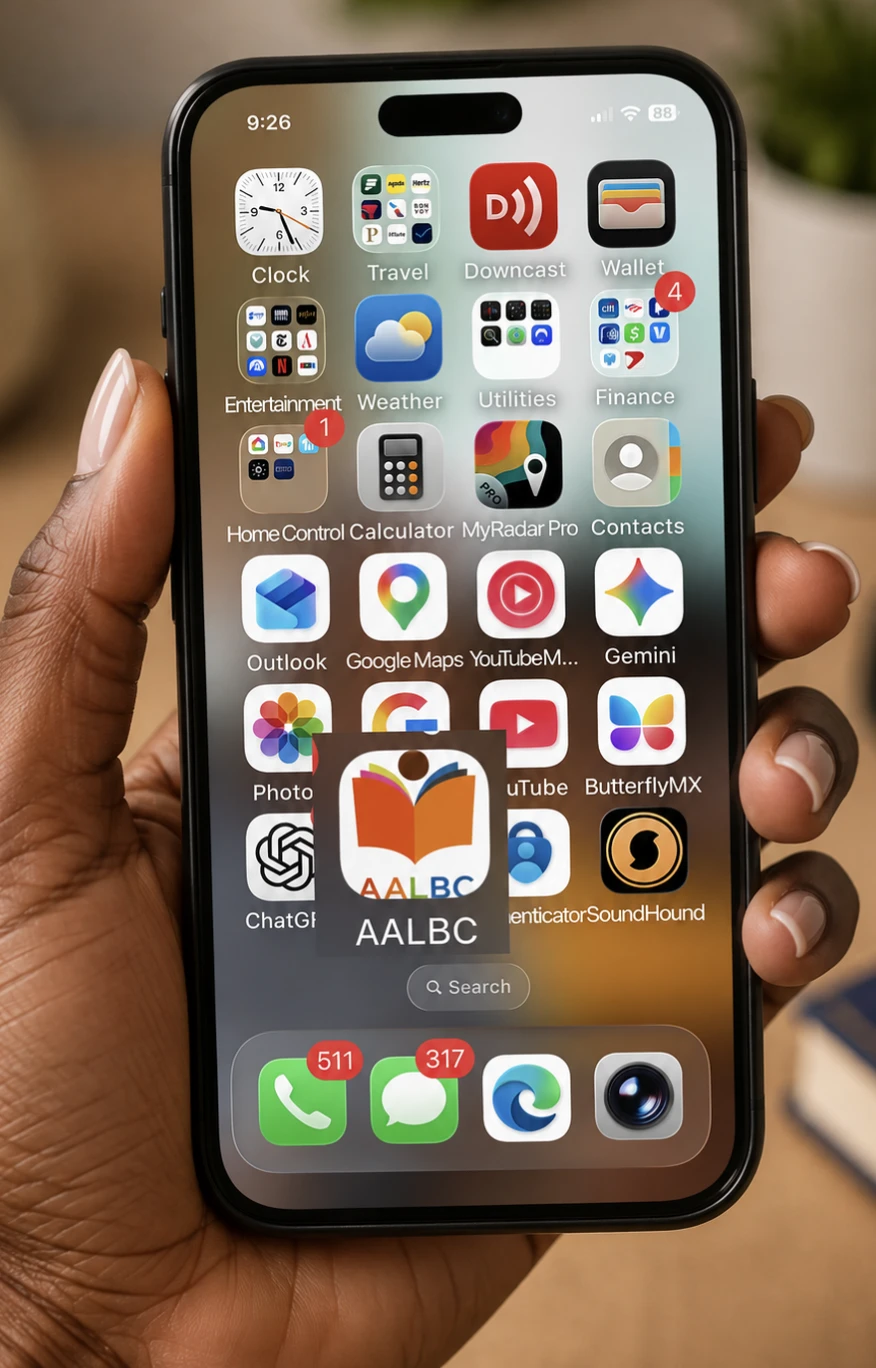 iPhone & iPad
Safari
- Open Safari and visit AALBC.com.
- Tap the Share button (the square with an upward arrow).
- Scroll down and select Add to Home Screen.
- Tap Add.
Google Chrome
- Open Chrome and visit AALBC.com.
- Tap the Share button.
- Select Add to Home Screen.
- Tap Add to confirm.
Microsoft Edge
- Open Edge and visit AALBC.com.
- Open the browser menu and select Share.
- Select Add to Home Screen.
- Tap Add to confirm.
Android
- Open your browser and visit AALBC.com.
- Open the browser menu, usually the three dots in the upper-right corner.
- Select Install app or Add to Home screen.
- Tap Install to confirm.
Your browser may also automatically display an option to install AALBC.
Mac & Windows
Google Chrome & Microsoft Edge
- Visit AALBC.com.
- Look for the Install option in the address bar or browser menu.
- Select Install and confirm.
Safari on Mac
- Visit AALBC.com in Safari.
- Select File from the menu bar.
- Choose Add to Dock.
- Click Add.
Why Install AALBC?
Installing AALBC gives you a more app-like experience while providing the same access to AALBC.com.
- Quick access: Launch AALBC directly from your home screen, Dock, or Windows taskbar.
- Fewer distractions: AALBC opens in its own window without the clutter of multiple browser tabs.
- Easy multitasking: Switch between AALBC and your other apps just as you would with any installed application.
- Faster return visits: Frequently used content can load more efficiently.
- Your AALBC account stays with you: Access your Bookshelf, saved books, followed authors, and other account features from the installed app.
No app store. No separate account. Just AALBC, directly from your device.