Dr. Kim
Members
-
Joined
-
Last visited
-
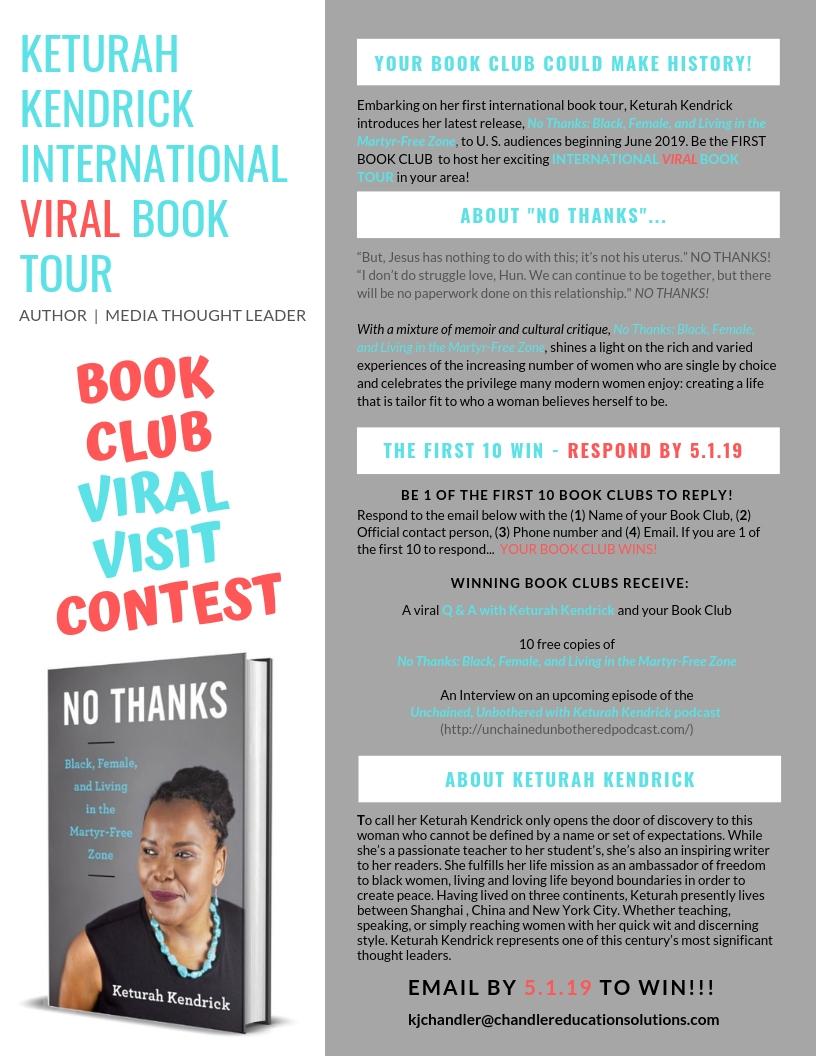
Dr. Kim joined the communityYour review of the upcoming book from author Keturah Kendrick would be greatly appreciated! THANKS! Book Title: No Thanks: Black, Female, and Living in the Martyr-Free Zone Print ISBN: 978-1-63152-535-3 E-ISBN: 978-1-63152-536-0 Publication Date: June 18, 2019 Book Cover: https://www.keturahkendrick.com/publications Synopsis “But, Jesus has nothing to do with this; it’s not his uterus.” NO THANKS! “I don’t do struggle love, Hun. We can continue to be together, but there will be no paperwork done on this relationship." NO THANKS! Through eight humorous essays, Kendrick chronicles her journey to freedom. She shares the stories of other women who have freed themselves from the narrow definition of what makes a “proper woman.” Spotlighting the cultural bullying that dictates women must become mothers to the expectation that one’s spiritual path follow the traditions of previous generations, Kendrick imagines a world where black women make life choices that center on their needs and desires. She also examines the rising trend of women choosing to remain single and explores how such a choice is the antithesis to the trope of the sorrowful black woman who cannot find a man to grant her the prize of legal partnership. A mixture of memoir and cultural critique, No Thanks uses wit and insight to paint a picture of the twenty-first-century black woman who has unchained herself from what she is supposed to be: a black woman who has given herself permission to be whomever she wants to be.