Pascha Adamo
Members
-
Joined
-
Last visited
-
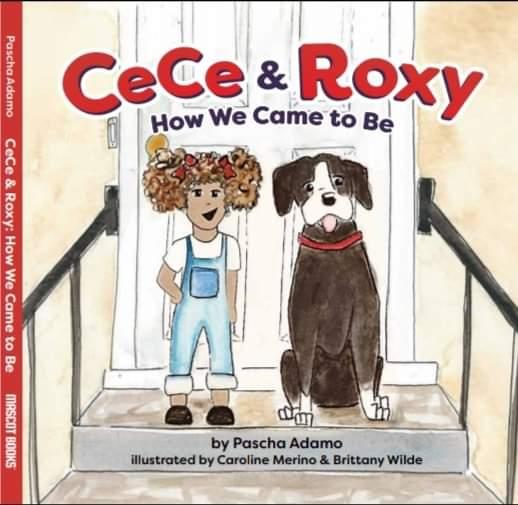
CeCe and Roxy Books is an independent board book series written by former educator, wife and mother, Pascha Adamo, with the intention to help bridge the gap in the disparity between people of color as main characters in children's books. Adamo began writing the series after receiving numerous books for her first born's baby shower and realizing that the underrepresentation of people of color was statistically indicative of the current trends. Adamo wanted characters and books for her biracial child (now 5) to see and connect with. She also wanted to go beyond the literature norm of historical and cultural stereotypical content and feature a biracial character having everyday adventures (just like the white characters). Thus, CeCe & Roxy Books were born. Nearly 4 years later, the first book, "CeCe & Roxy: How We Came to Be," was released in October of 2018. The story explains how CeCe's family come to foster a pit bull for a soldier who is getting deployed (synopsis). "How We Came to Be," along with the second release, "A Day in the Life of Roxy," (October 2019) can be found on our website (long with more of our story), Amazon.com (where we have 5 stars), BarnesandNoble.com and BAM.com. We have been humbled by the response to our first book, the conversations it has started, and the support it has received. We would be honored to have you review our book. We welcome your honest review and look forward to it. ISBN: 978-1-64307-047-6 www.ceceandroxybooks.com ceceandroxybooks@gmail.com