Valaida
Members
-
Joined
-
Last visited
Everything posted by Valaida
-
Thanks for your comments. You're right, the term "giving back" is usually applied widely, in reference to a specific neighborhood or community of people or society at large. Most of the stories I collected for the book convey a sense of responsibility and mutuality that's prevalent among African American givers. A definite takeaway message from Giving Back is that, whether you give your wealth, wisdom and/or work to dear causes, your intent and commitment are key to bringing about positive, meaningful change.
-
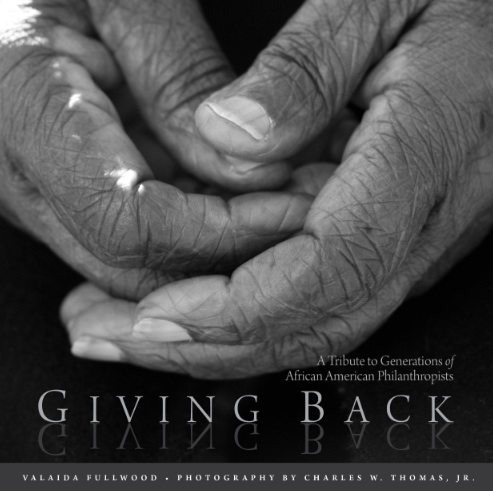
Through inquiry, interviews and images, the newly released book Giving Back: A Tribute to Generations of African American Philanthropists explores the question: How do you define philanthropy? As author of Giving Back, I, along with photographer Charles W. Thomas, engaged over 200 Black donors and posed questions about giving and generosity within African American communities. Juxtaposing photographs and narratives, Giving Back illuminates transcendent truths and elicits new thinking about philanthropy. Even after working nearly five years to create Giving Back, I remain interested in hearing more about how African Americans define and engage in "philanthropy." So...what's your story? You can learn more about the book Giving Back and African American generosity at valaida.com.