Alan Eisen
Members
-
Joined
-
Last visited
Everything posted by Alan Eisen
-
A hardback copy is now also available at the same link.
-
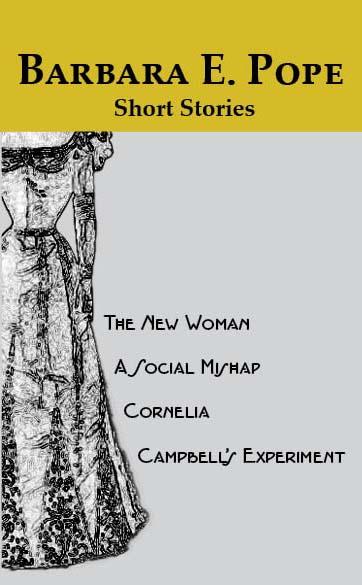
In March of 2021 The Washington Post published an article entitled "The Rosa Parks of D.C." about Miss Barbara E. Pope. The author, David A. Taylor describes her as follows: Mr. Taylor goes on to let us know that the only source of her stories is on microfilm at the Library of Congress. They were originally printed in Waverly Magazine between 1896 and 1900. And now they are available again in print here. Transcribed from the microfilm of the original printing as preserved at the Library of Congress. This edition includes useful descriptions of terms of the day that may be less familiar to the modern reader. The transcription is intended to be completely faithful to the original. In addition to Miss Pope's stories, this edition includes the following: Annotations to clarify archaic or out-of-date terminology Editorial notes to clarify where the original material may be unclear Biography/Description for Miss Pope, Waverly Magazine, and Daniel Murray Discussion Guide List of Characters This book includes four short stories: The New Woman A Social Mishap Cornelia Campbell's Experiment Editor: Alan S. Eisen Author: Miss Barbara E. Pope ISBN: 979-8763300710 Publication Date: November 9, 2021 I am interested in a book review of these historic short stories Note that a portion of the proceeds from this book will be donated to Howard University's African American Studies Resource Center.