tcbmac
Members
-
Joined
-
Last visited
Everything posted by tcbmac
-
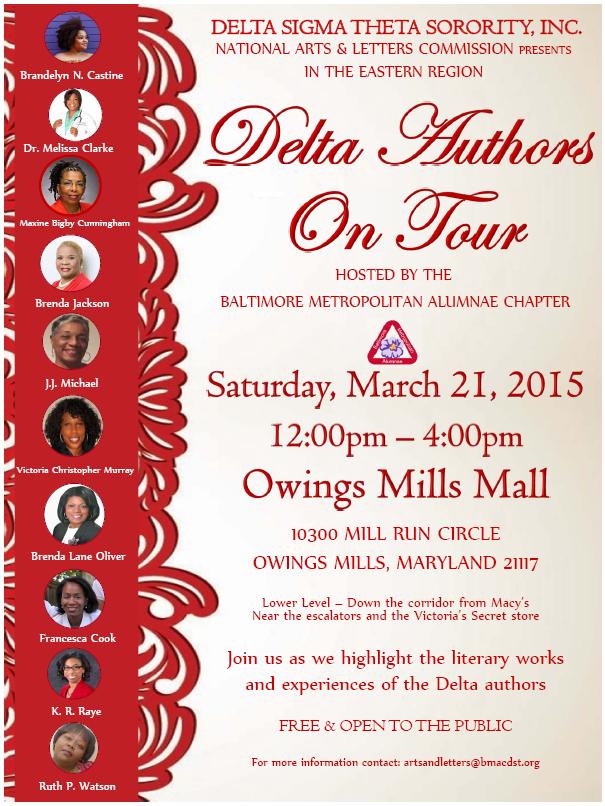
The Dynamic and Historic Eastern Region of Delta Sigma Theta Sorority, Inc present the Delta Authors on Tour. The tour will be held in Baltimore, MD on Saturday, March 21st at Owings Mills Mall from 12:00pm - 4:00pm. Presenters include distinguished Delta Authors. ● Brandelyn Castine,– “U.G.L.Y” ● Melissa Clarke, MD,– “Excuse Me Doctor! I’ve Got What? Taking Ownership of Your Health and Making Healthcare Reform Work for You.” ● Francesca Cook,– “Fourth Sunday: Journey of a Book Club” ● Maxine Bigby Cunningham, – “Power Walking, A Journey to Wholeness.” ● Brenda Jackson,– “A Man’s Promise “ ● Victoria Christopher Murray,– “Forever an Ex” ● Brenda Lane Oliver,– “Creating the Million Dollar Leader: 52 Lessons to Attract the Life You Want” ● Ramona Rene,– “The Colors of Friendship” ● June Sweeney,– “Five Days of Darkness” ● Ruth P. Watson,– “An Elderberry Fall “ The daylong free public event is part of Delta Sigma Theta Sorority, Incorporated National Arts and Letters Commission’s effort to promote literacy and entrepreneurship across the country. The Baltimore Metropolitan Alumnae Chapter (BMAC) is proud to serve as the host chapter for this educational, entertaining and enlightening event. Delta Authors on Tour features literary ladies from Maryland, Washington D.C., California, Georgia and Florida