AuthorTHill
-
Joined
-
Last visited
About Me
After graduating high school, I attended JohnCasablancas Modeling and Career Center in Nashville, Tennessee. I earned my certification as a select model and then joined Model Talent Management as an amateur model under (Gina Vickery).
While attending Middle Tennessee State University, life happened, and after entertaining a short modeling career, I graduated from MTSU majoring in Mass Communication and a minor in Entrepreneurship.
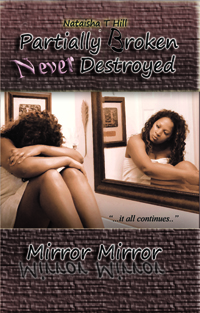
In the meantime, I also began to pursue a career in writing. I wrote articles for different websites such as associated content, which is no longer available, but I hadn't yet established myself as an author. Unexpected situations continued to happen to me as well as people around me, so I had to release. I've actually been writing short stories and poetry since the tender age of four, so I guess it was just in me to write. I published my first novel "Partially Broken Never Destroyed" in 2012, which was when I took on the title of being an author.
In addition to writing, I constantly find myself researching and finding innovative ways to manage my health which includes my hair, skin, nails, weight, and anything that has to do with me physically. I write reviews about products that work for me and those that flop.