
Yvonne Blackwood
Members
-
Joined
-
Last visited
-
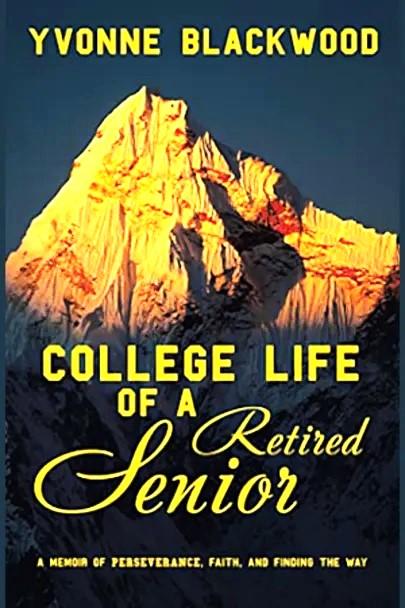
College Life of a Retired Senior by Yvonne Blackwood, was released March 2023. ISBN-13 : 978-1489746375. I am interested in a book review. Synopsis: Seven years after she retired from a lengthy career in banking, Yvonne Blackwood surprised her friends and family by returning to school at age sixty-four to pursue an English degree. Her purpose was fueled by four powerful reasons—to add texture to her writing; to ward off dementia; to enhance structure in her life; and to inspire her two young grandsons to continue their education after high school. But as she stepped onto the campus of Canada’s third-largest university, Blackwood had no idea of the hurdles she was about to face. In a retelling of her journey into a new beginning, Blackwood details how, after enrolling in York University, she struggled to maintain her established lifestyle, attend class with hard-to-connect-with millennials, and face a series of challenges that included two strikes at the university, a campus lockdown during the COVID-19 pandemic, and a shocking health diagnosis in her final year of studies. While leaning on the university’s motto—the way must be tried—Blackwood tells an inspiring story of how she persevered and learned to rely on her faith as she bravely conquered her fears and vulnerabilities to eventually achieve her goal.