


Skip to content
View in the app

A better way to browse. Learn more.

African American Literature Book Club

A full-screen app on your home screen with push notifications, badges and more.

To install this app on iOS and iPadOS
  1. Tap the Share icon in Safari
  2. Scroll the menu and tap Add to Home Screen.
  3. Tap Add in the top-right corner.
To install this app on Android
  1. Tap the 3-dot menu (⋮) in the top-right corner of the browser.
  2. Tap Add to Home screen or Install app.
  3. Confirm by tapping Install.

simplydilsa

Members
  • Joined

  • Last visited

Everything posted by simplydilsa

  1. Thank you @Mel Hopkins, I will do that.
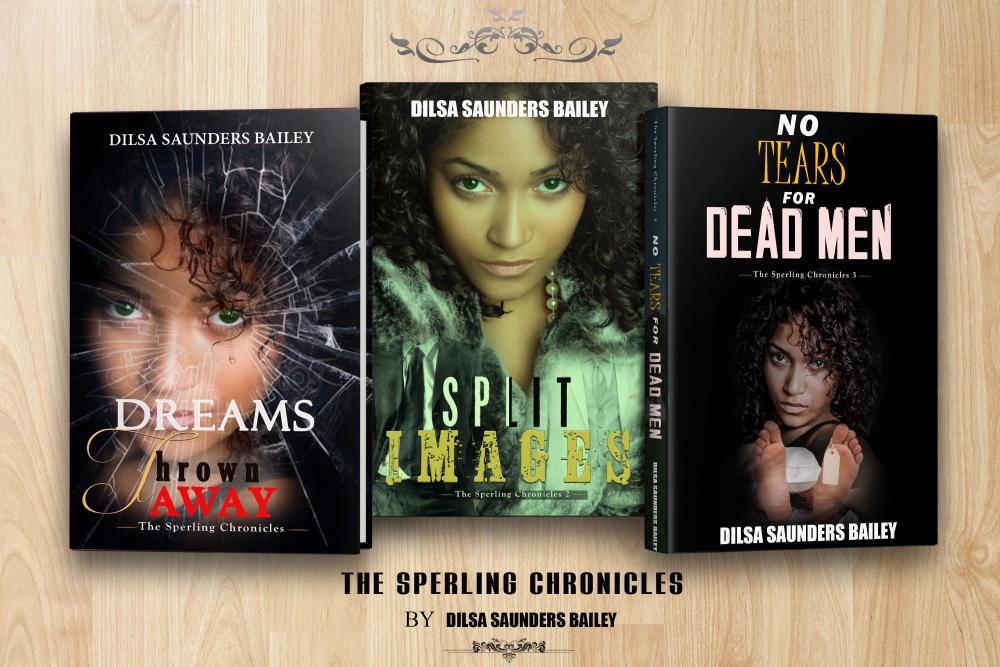
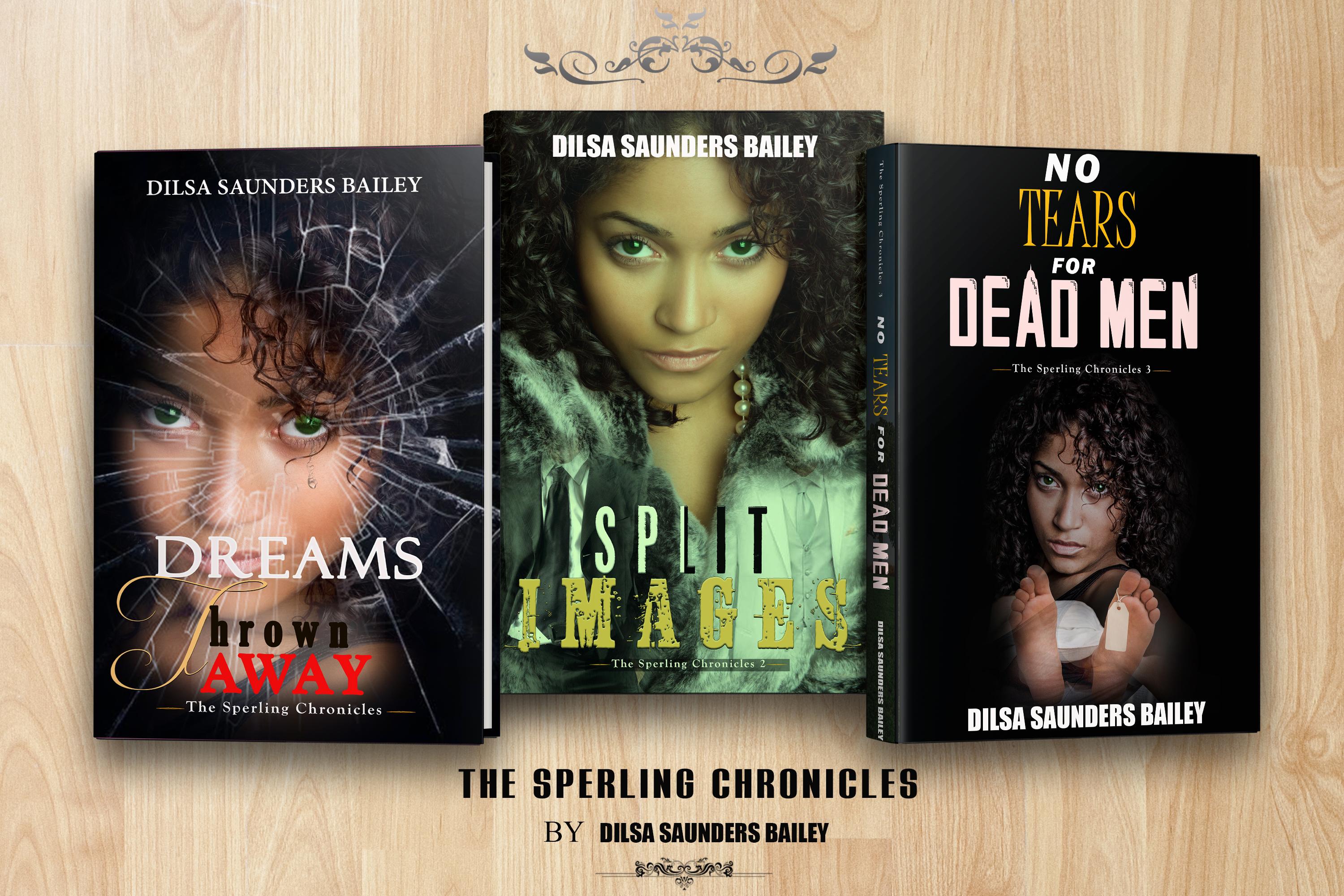
  2. Hello Troy, Forgive me for responding so late. Thank you for your applaud. I use affiliate codes whenever possible in posts and on my website where I sell my books, blog, and post my simplydilsa podcasts. I'm so excited about The Sperling Chronicles, my trilogy about deceit, love, and fear, that I have decided to turn it into a television series. I will be checking out AALBC more often for tips.
Account

Navigation

Search

Search

Configure browser push notifications

Chrome (Android)
  1. Tap the lock icon next to the address bar.
  2. Tap Permissions → Notifications.
  3. Adjust your preference.
Chrome (Desktop)
  1. Click the padlock icon in the address bar.
  2. Select Site settings.
  3. Find Notifications and adjust your preference.
