


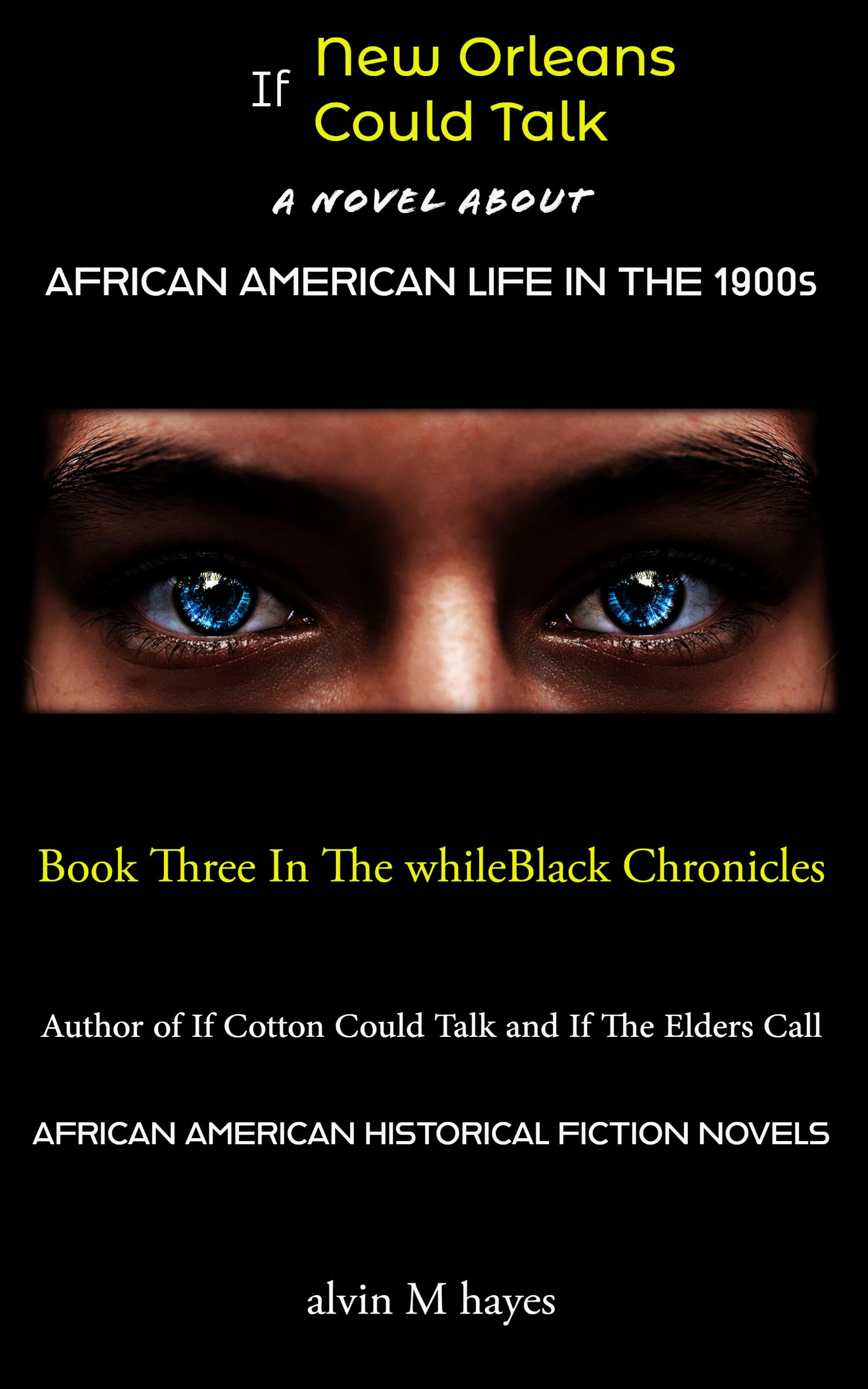
New Orleans & The Black Lady With Blue Eyes

By aMhayes in African American Historical Fiction
· 626 views
"If New Orleans Could Talk"
Recently relocated to New Orleans, Earl Thomas sets about getting his family settled and in the business of making money so they can get to their next safe destination, Chicago.
This gripping tale of family, freedom, and forbidden dreams is set in early 20th-century New Orleans. Earl and his family are determined to make a better life for themselves, and his daughter Linda is eager to learn, grow, and lead the family out of the South.
Betty Jones, a brothel madam with bright blue eyes, assumes the role of elder to Linda. Betty and Linda want to create a business that was forbidden and off-limits to blacks. Their business was dependent on a complex and dangerous start-up plan. If the plan fails there would be catastrophic consequences for everyone they cared about.
Meanwhile, Linda's brother Charlie abandons his family to find respect but unwittingly creates enemies when he dares to cross the color barrier.
But something was coming that only Betty can foresee, can she get Linda ready in time?
An unforgettable story of resilience and courage, readers will be on the edge of their seats as they follow Linda and her family's journey to migrate from the Segregated South. A captivating thriller with amazing heroes, heroines, and villains, including a hint of mystic-like intervention as the suspense and story evolve.
Recommended Comments
Join the conversation
You are posting as a guest. If you have an account, sign in now to post with your account.
Note: Your post will require moderator approval before it will be visible.