


Skip to content
View in the app

A better way to browse. Learn more.

African American Literature Book Club

A full-screen app on your home screen with push notifications, badges and more.

To install this app on iOS and iPadOS
  1. Tap the Share icon in Safari
  2. Scroll the menu and tap Add to Home Screen.
  3. Tap Add in the top-right corner.
To install this app on Android
  1. Tap the 3-dot menu (⋮) in the top-right corner of the browser.
  2. Tap Add to Home screen or Install app.
  3. Confirm by tapping Install.

Me Maplelized 08/08/2018

(0 reviews)

This event begins 08/08/2018 and repeats every year forever

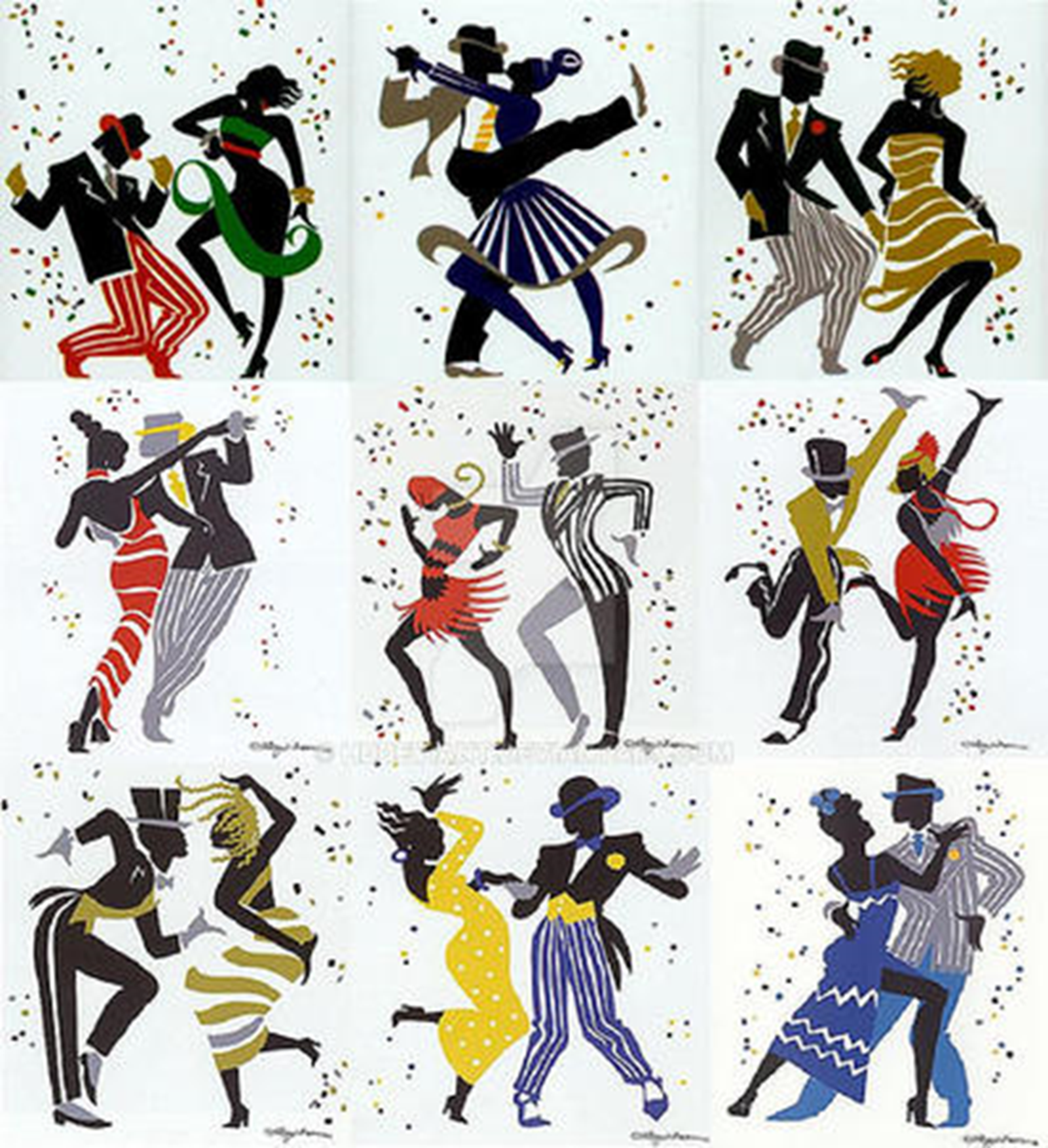
Me Maplelized 08/08/2018


I finished the Maple Story MApleize me contest entry. Enjoy the coloring pages to my entry, if you are part of my email newsletter. If you go for it, you still have a solid day in time, please share. Here is the link to my entry. 

https://www.deviantart.com/hddeviant/art/Me-Maplelized-758393673?ga_submit_new=10%3A1533699970 


For the record, the following link is to my original informing to the contest https://aalbc.com/tc/blogs/entry/194-richard-murray-creative-table/?page=4&tab=comments#comment-437

Original Post

https://aalbc.com/tc/blogs/entry/194-richard-murray-creative-table/page/4/?tab=comments#comment-439


EMBED CODE
me_maplelized_by_hddeviant_dcjj0ax-300w.


User Feedback

There are no reviews to display.

Account

Navigation

Search

Search

Configure browser push notifications

Chrome (Android)
  1. Tap the lock icon next to the address bar.
  2. Tap Permissions → Notifications.
  3. Adjust your preference.
Chrome (Desktop)
  1. Click the padlock icon in the address bar.
  2. Select Site settings.
  3. Find Notifications and adjust your preference.