Skip to content
View in the app

A better way to browse. Learn more.

African American Literature Book Club

A full-screen app on your home screen with push notifications, badges and more.

To install this app on iOS and iPadOS
  1. Tap the Share icon in Safari
  2. Scroll the menu and tap Add to Home Screen.
  3. Tap Add in the top-right corner.
To install this app on Android
  1. Tap the 3-dot menu (⋮) in the top-right corner of the browser.
  2. Tap Add to Home screen or Install app.
  3. Confirm by tapping Install.

Reborn Sep 13th - Halloween theme! 

(0 reviews)

This event begins 09/13/2025 and repeats every year forever

Reborn Sep 13th - Halloween theme! 
https://alledriahurt.com/

Referral
https://sistaghoul.substack.com/p/oh-so-i-guess-were-doing-a-thing

My Comment
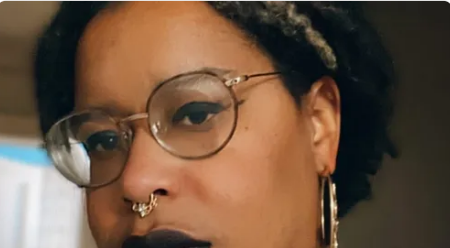
Perfect timing before Halloween! It's alive! Now you know what it feels like to be god!:) haha
Now it will demand you make a bride of website:) 
first congrats on ten years and counting:) I will share on my newsletter
consider getting a website with AALBC if you ever have problems with your current setup
https://aalbc.com/authors/
and here is how it is set up 
https://aalbc.com/advertise/authorprofiles.php

referral
https://sistaghoul.substack.com/p/oh-so-i-guess-were-doing-a-thing/comment/160778693

Oh, so I guess we're doing a thing... by Sista Ghoul

In which the new website is unveiled

Read on Substack

User Feedback

There are no reviews to display.

Account

Navigation

Search

Search

Configure browser push notifications

Chrome (Android)
  1. Tap the lock icon next to the address bar.
  2. Tap Permissions → Notifications.
  3. Adjust your preference.
Chrome (Desktop)
  1. Click the padlock icon in the address bar.
  2. Select Site settings.
  3. Find Notifications and adjust your preference.