


Leaderboard
-

Troy
Administrators2Points14,765Posts

Popular Content
Showing content with the highest reputation on 07/21/2018 in Posts
-
LOL where did you find this photo @Cynique? Actually this brings to mind another problem. It would be very easy for a hackers to create a fake video of me jacking off. Again, I would not pay a ransom to prevent for that from being distributed, but one could very easily be created. I've previous shared a couple of memes trolls created to make fun of me (after a quick search I can't find them now). I thought they were funny and, truth be told, being a target does reflects a degree of success.1 point
-
Yes @Chevdove, despite the typo the quote you copied shows you understood what I meant. Your point illustrated perfectly the point I was trying to make which is escaping some people. I only visited Eatonville because if it's history. Otherwise I would not have known about it or even cared to have visited the place. Many people know every little about their own communities, states, or country despite living here all their lives.
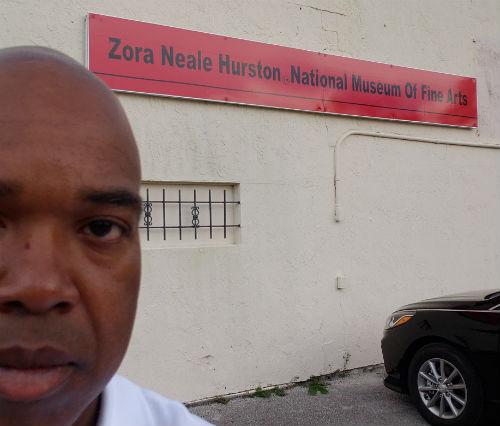 1 point