Leaderboard
-
Black Writers for Peace
Members2Points3Posts -

Pioneer1
Members1Points13,745Posts


Popular Content
Showing content with the highest reputation on 02/04/2026 in Posts
-
Troy and Cynique Well..... Since both of you have your minds made up about what you THINK I believe or represent....regardless as to what I actually say/type....why waste time with explanations, evidence, and proof of my assertions? I'm going to let you two have eachother.....lol.1 point
-
1 point
-
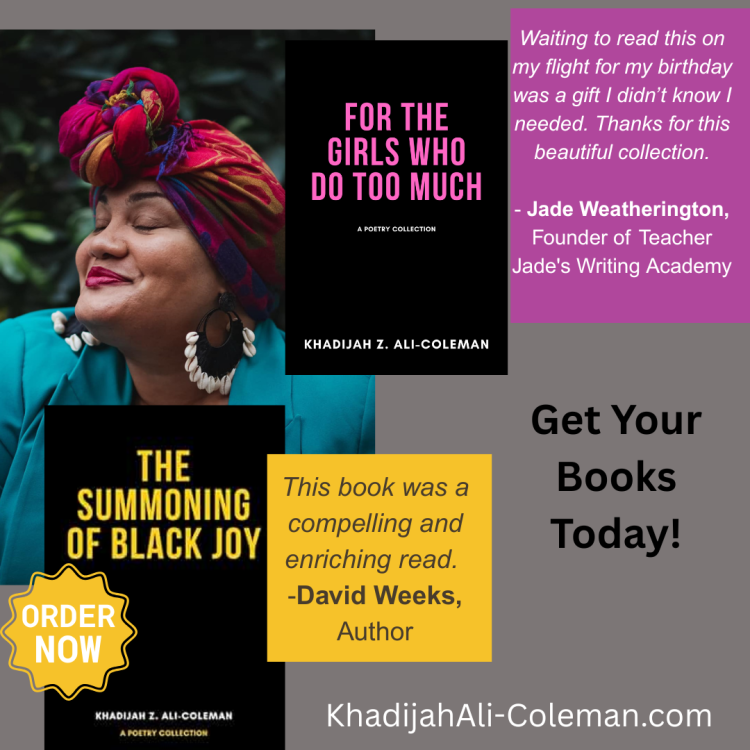
This third poetry collection from poet Khadijah Z. Ali-Coleman reflects on global oppression, occupation and the legacy of erasure. It is the first book published through Black Writers for Peace and Social Justice, Inc. Khadijah Z. Ali-Coleman's poems explore themes of identity, resistance, social justice, history, culture, and the American machine's cringeworthy hypocrisy. She tenderly examines the political trends/winds with a raw, soulful verse, which begs to be heard. This collection is a unique form of militant jazz. A must read. -Synnika A. Lofton, author of Monsters in My Head Both a meal and a treasure trove of lessons, A Park Stands On All of Our Graves is something to chew on, savor, and swallow...Dr. Ali-Coleman's latest offering, is a dish best served simmering and without an iota of an apology. -B. Sharise Moore, author and poetry editor of FIYAH Magazine of Black Speculative Fiction
 1 point