


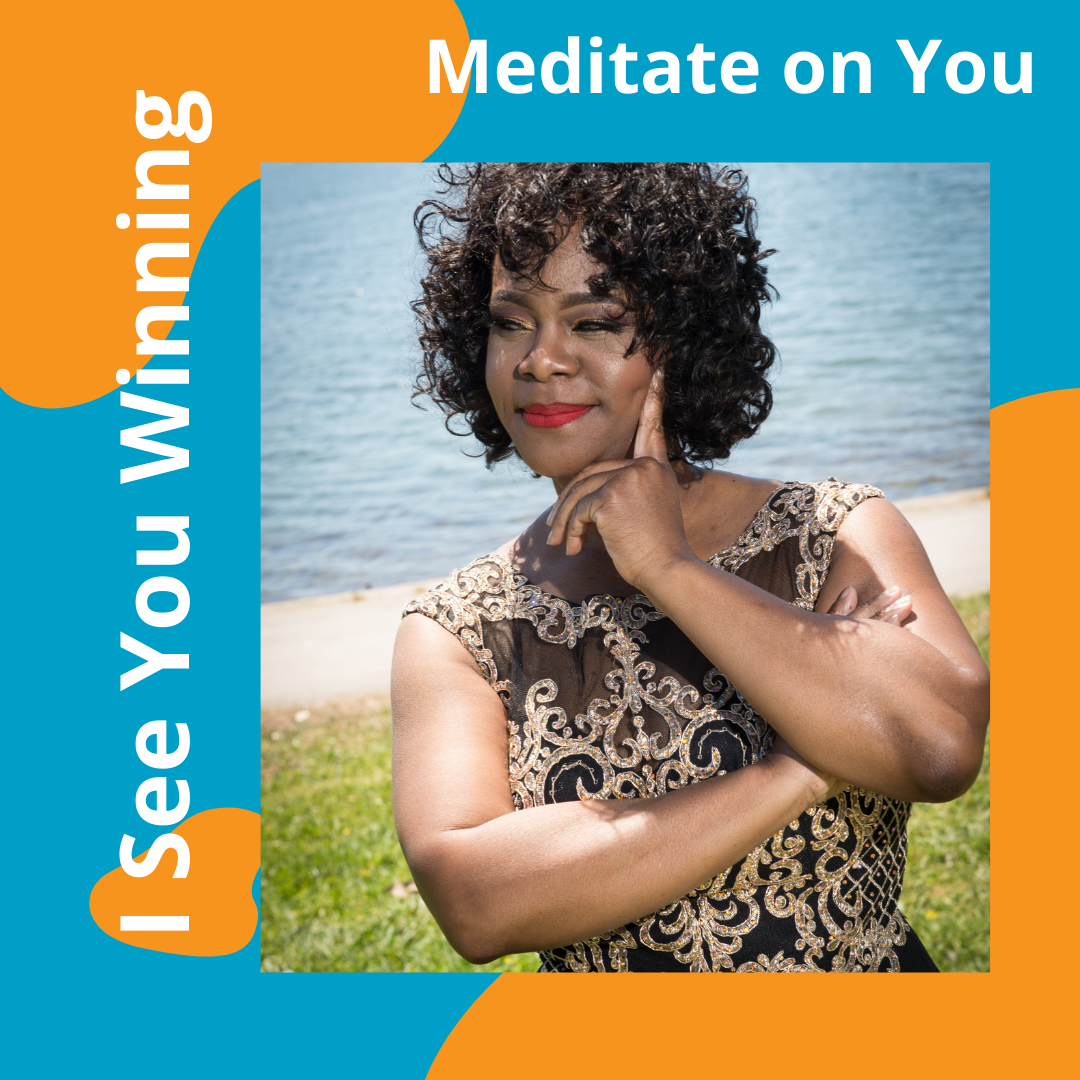

Michelle Tamiko Hardy
-
Joined
-
Last visited
About Me
Philanthropist, Inspirational Speaker and Author known as 'The Giving Guru' for her daily Random Acts of Kindness (RAOK) and teaching people how to give without ceasing. She shows people how to give in creative ways for low or no cost. Her personal motto "Give without ceasing." She is the expert of taking little to nothing and making it into something to give. Michelle Hardy is the founder of Women Owned Merchants Bank (WombInc) a parent company for her business ventures, where the motto is "We Own a Bank." Ideally Michelle believes you can finance your own 'ask'. You have an idea and you are able to finance it. Michelle is a believer in GOD and wholeheartedly operates her business based on pure determination and making no excuses. Michelle is the co-founder of Bossy and Flossy and apparel and accessory company where the goal is to motivate and inspire individuals between the ages of 18-29. Michelle is also the producer of the YouTube Show 'Proof' which encourages people to answer the question "How are you proof that GOD Exists? How does GOD show up in your life?" Michelle delves into an intimate conversation about how GOD has shown up in the lives of everyday people thus miracles happen.