



Skip to content
View in the app

A better way to browse. Learn more.

African American Literature Book Club

A full-screen app on your home screen with push notifications, badges and more.

To install this app on iOS and iPadOS
  1. Tap the Share icon in Safari
  2. Scroll the menu and tap Add to Home Screen.
  3. Tap Add in the top-right corner.
To install this app on Android
  1. Tap the 3-dot menu (⋮) in the top-right corner of the browser.
  2. Tap Add to Home screen or Install app.
  3. Confirm by tapping Install.

Ms. TY

Members
  • Joined

  • Last visited

About Me

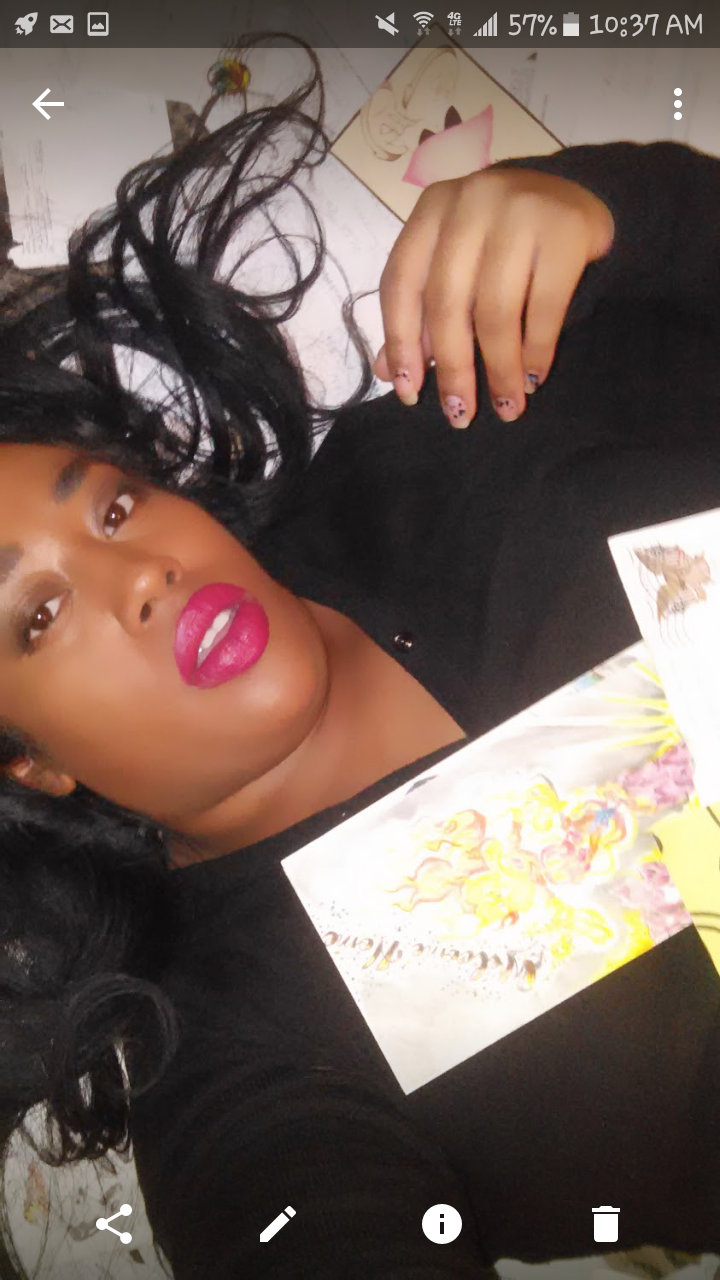
Scratchn my head. Trying to figure out how to post pics to this site that aren't "2 Big" after I figure that out I can proceed... I was using that Blogger App and getting nowhere, I'm hoping here I can get my point across and share ideas. Expand my Horizons so to speak. I have faith that this will be a good Home to promote and motivate, not only myself but others who have similar interesets.

Account

Navigation

Search

Search

Configure browser push notifications

Chrome (Android)
  1. Tap the lock icon next to the address bar.
  2. Tap Permissions → Notifications.
  3. Adjust your preference.
Chrome (Desktop)
  1. Click the padlock icon in the address bar.
  2. Select Site settings.
  3. Find Notifications and adjust your preference.