


Skip to content
View in the app

A better way to browse. Learn more.

African American Literature Book Club

A full-screen app on your home screen with push notifications, badges and more.

To install this app on iOS and iPadOS
  1. Tap the Share icon in Safari
  2. Scroll the menu and tap Add to Home Screen.
  3. Tap Add in the top-right corner.
To install this app on Android
  1. Tap the 3-dot menu (⋮) in the top-right corner of the browser.
  2. Tap Add to Home screen or Install app.
  3. Confirm by tapping Install.

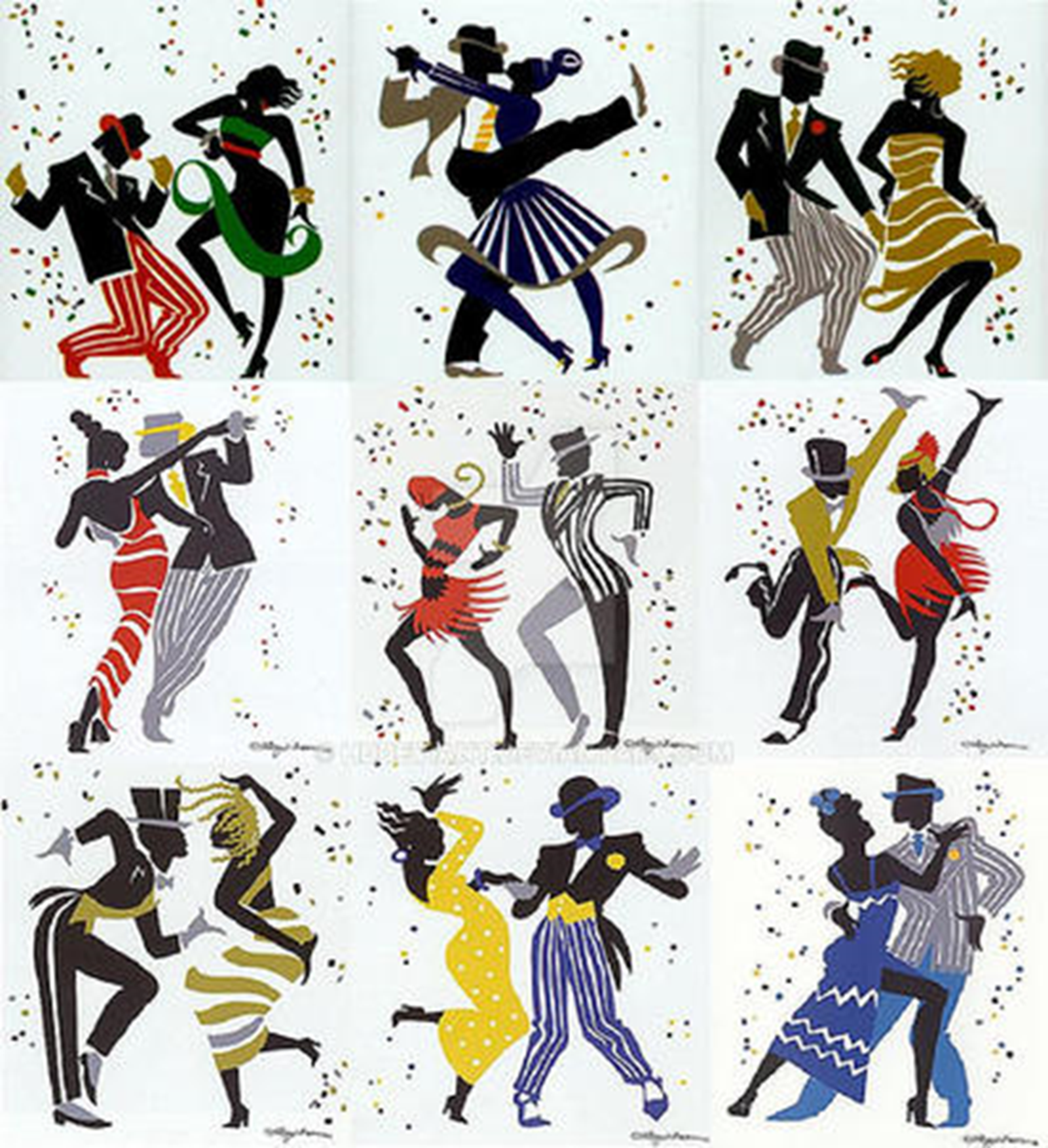
Ranzerox - Tamburini + Liberatore sixartschallenge 05062020

(0 reviews)

This event began 05/06/2020 and repeats every year forever

URL

https://www.deviantart.com/hddeviant/art/Ranzerox---Tamburini-%2B-Liberatore-sixartschallenge-840716261

CONTENT

EMBEDED
ranzerox_tamburini_liberatore_sixartschallenge_by_hddeviant_ddwjgth-300w.jpg?token=eyJ0eXAiOiJKV1QiLCJhbGciOiJIUzI1NiJ9.eyJzdWIiOiJ1cm46YXBwOjdlMGQxODg5ODIyNjQzNzNhNWYwZDQxNWVhMGQyNmUwIiwiaXNzIjoidXJuOmFwcDo3ZTBkMTg4OTgyMjY0MzczYTVmMGQ0MTVlYTBkMjZlMCIsIm9iaiI6W1t7ImhlaWdodCI6Ijw9MTQwNyIsInBhdGgiOiIvZi81ZDI3YzVlMC1hNDU1LTQ5Y2MtOGI0ZS1lNjUxYjdhYmE1ZTQvZGR3amd0aC1jOTlmYjUzYi1jMzRiLTRiY2EtYTk3YS02NThjN2I2OWU0ZjIucG5nIiwid2lkdGgiOiI8PTk4NiJ9XV0sImF1ZCI6WyJ1cm46c2VydmljZTppbWFnZS5vcGVyYXRpb25zIl19.9LeBwKQxhyZHF98Yl8cP8HLImQJR7KP59xrKa91mFAI
EMBED CODE

Ranzerox for the sixfanarts challenge by heavy metal. If you like my art, check out my writing. I have a Bookbub page linked below, as well as my blog if you have any thoughts or questions, just leave a guest comment in any blog entry.

HeavyMetal link
https://x.com/HeavyMetalInk/status/1251242642215665664?goal=0_ed3dc1bc6e-280ac9ab12-18550247&mc_cid=280ac9ab12&mc_eid=4a9fb21904

Bookbub
https://www.bookbub.com/profile/richard-murray-16885e64-6c28-459e-bf5f-45c7d458ce49
My BLog
https://aalbc.com/tc/blogs/blog/29-richard-murray-hearth/


User Feedback

Recommended Comments

There are no comments to display.

Account

Navigation

Search

Search

Configure browser push notifications

Chrome (Android)
  1. Tap the lock icon next to the address bar.
  2. Tap Permissions → Notifications.
  3. Adjust your preference.
Chrome (Desktop)
  1. Click the padlock icon in the address bar.
  2. Select Site settings.
  3. Find Notifications and adjust your preference.