



- Open Club
- 2 members
- Rules
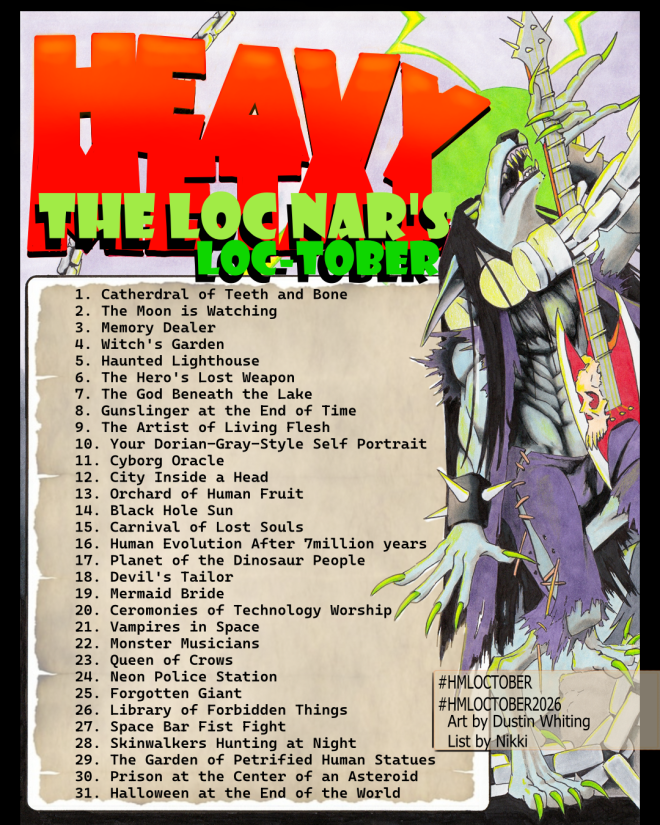
LOCTOBER 2026

Event created by richardmurray
This event began 09/30/2026 and repeats every year forever
We’re pleased to kick-off our second annual “Loc-Tober”. If you or an artist you know participates, be sure to have them tag our account and use the hashtags #HMLOCTOBER and #HMLOCTOBER2026 so we and others can find their work.
If you didn’t know, “Loc-Tober” contributes to the artist community tradition of following prepared lists of art prompts in order to create original art on a daily basis to share with others. It’s a good way to get noticed as an artist but, more importantly, to join in the spirit of community and appreciate one another’s creativity and skill.
There will be active highlighting and celebration of the more outstanding pieces!
Even if you don’t consider yourself an artist. Fuck it, let’s all do some drawing. Or hey, maybe use each item as the prompt for the next part of an ongoing story you’re writing?
It’s gonna be a good October.
PS - Original art by DUSTIN WHITING! @Dustin Whiting / Artist and an homage to MILLSTONE? Epic.
@HM Fan #hmloctober2026
BTW this still has nothing to do with the fetish of locking genitalia up. Or maybe it does. We'll see.
Hey all, 😁
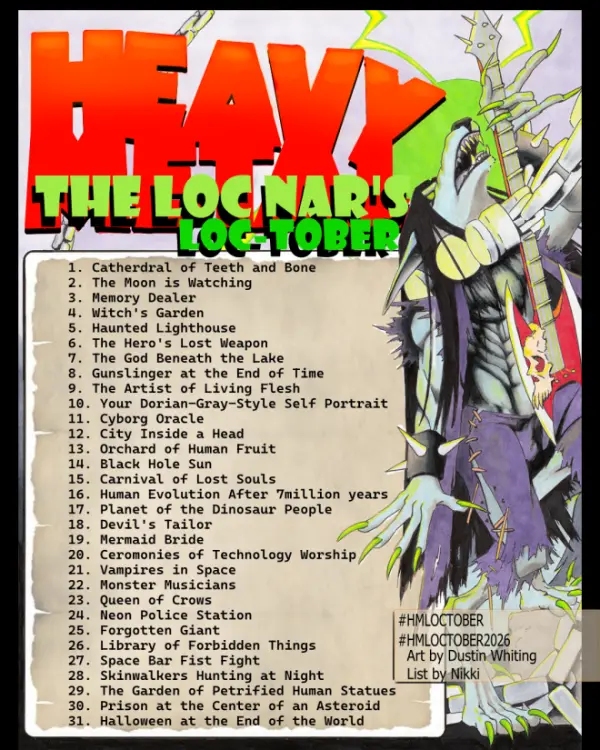
On the eve of October we're excited to share the list with you here first! Thanks to @Nikki / Artist Performer for the killer list, and to @Dustin Whiting / Artist for the amazing accompanying artwork to help us kick off Loc-Tober!
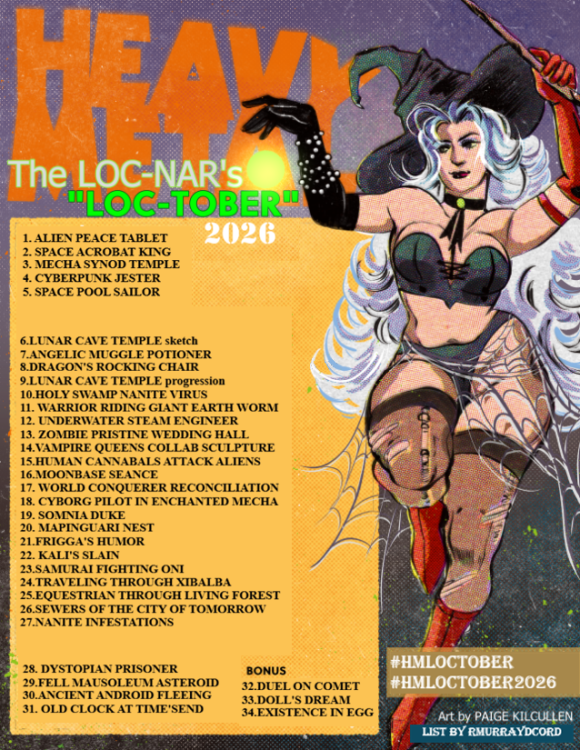
I made my own just in case, i used 2025 and adjusted it:)
User Feedback
There are no reviews to display.