


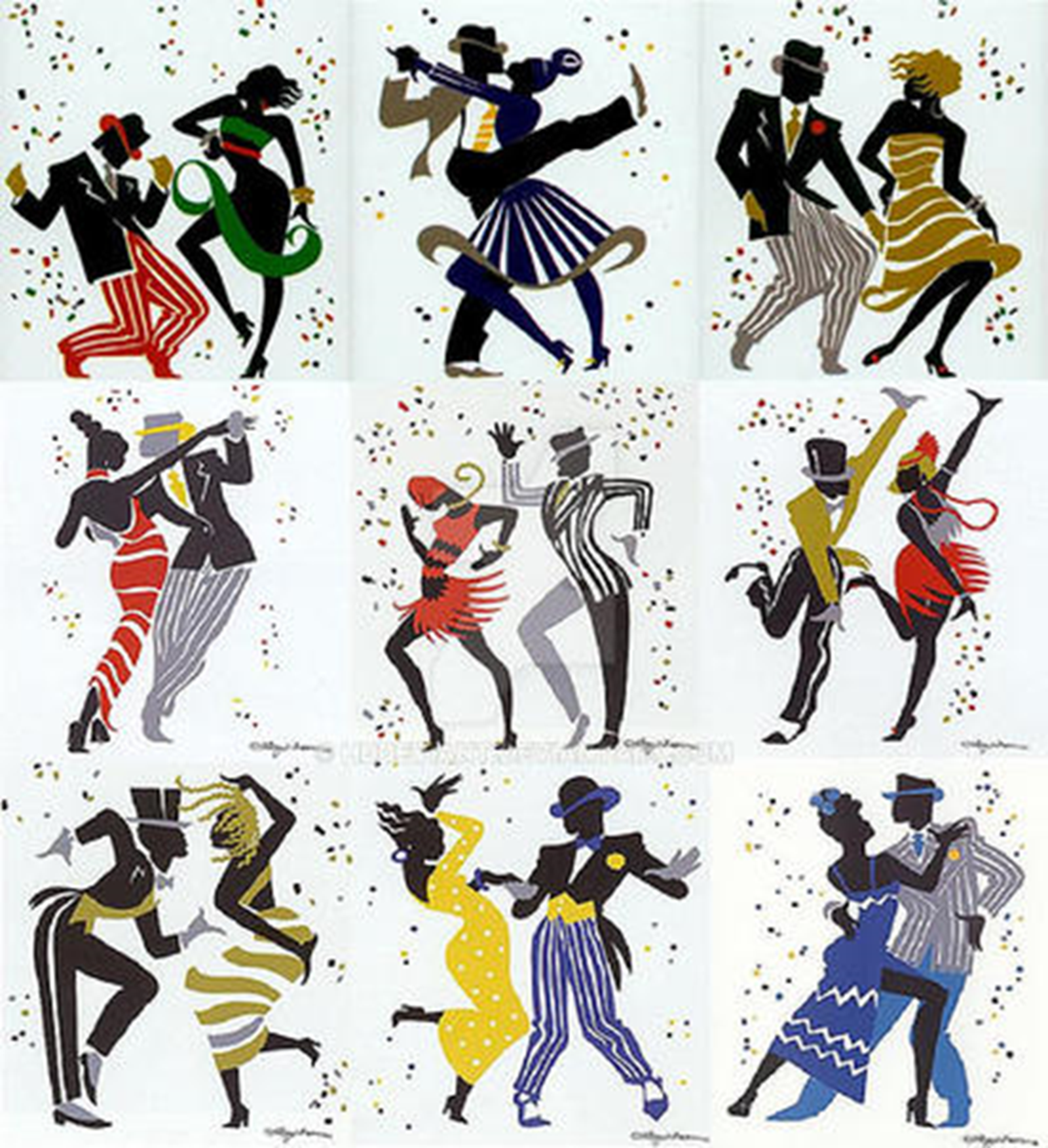

- Open Club
- 2 members
- Rules
Earn the October 2026 Group Profile Badge! 10012026

Event created by richardmurray
This event began 10/01/2026 and repeats every year forever
URL
https://www.deviantart.com/hddeviant/journal/Earn-the-October-2026-Group-Profile-Badge%21-1381833605
CONTENT
No AI generated entries in this group.
Check out @DeviantAI for AI specific contests. Thanks!

Join @color-me-club as we celebrate the season of spirits. For some this time is a time of fear, curses born of murder that spread through the interaction of the living with the spirits of those murdered. For some this time is a time of memory, spirits of ancestral lines communicating or encouraging their living descendants. A ghost haunts former homes, to remain a part of their past life. The hues of home are infinite, and even the most frightening looking home can be loved. What ever you decide warrants #HauntedHues , @color-me-club wants you to present them for October.
You have a couple ways you can earn the #HauntedHues profile badge:
Create a Haunted Hues theme line art deviation and include the tag #HauntedHues before you submit the deviation
Color a free-to-use line art featuring a Haunted Hues theme and include the tag #HauntedHues before you submit the deviation (please credit the line art creator in your deviation description)
This is the profile badge you will earn when you submit your fall-themed deviation with the tag #HauntedHues

Once you have submitted your deviation and received your #HauntedHues profile badge, we’d love it if you would share your deviation to the @color-me-club group 💚 Check out our GALLERIES to find the best one for your deviation.
You may see other Community groups offering similar #HauntedHues challenges, you are welcome to participate in as many as you’d like. However, the profile badge can only be earned once with the first deviation you submit that includes the #Hauntedhues tag.
This profile badge is available indefinitely so even if you are reading this after October 2026 you still have a chance to earn this badge 😎
Need some help finding a Haunted Hues line art free to download and color? Check out the example below , free to use, or beneath the example , a gallery search of amazing artworks from the @color-me-club group!
MY EXAMPLE OF #HauntedHues

LINK TO HOUSE's in @color-me-club
https://www.deviantart.com/color-me-club/gallery?q=title%3Ahouse
Remember to have fun and good luck
A Small Gallery for more Inspiration


HAUNTED HUES EXAMPLES thanks @exarobibliologist + @DrThomasStockmann
Ravenwood Library

Graveyard Moss

Purple Shadows
Bloodwine Apple
Bone Candlewax

Ectoplasm Mint

Prior Profile Badge Challenges
Earn the color-me-club May 2026 Profile Badge!
May 1, 2026
Earn the color-me-club June 2026 Profile Badge!
Jun 20, 2026
Earn the September 2026 Group Profile Badge!
Sep 1, 2026