Skip to content
View in the app

A better way to browse. Learn more.

African American Literature Book Club

A full-screen app on your home screen with push notifications, badges and more.

To install this app on iOS and iPadOS
  1. Tap the Share icon in Safari
  2. Scroll the menu and tap Add to Home Screen.
  3. Tap Add in the top-right corner.
To install this app on Android
  1. Tap the 3-dot menu (⋮) in the top-right corner of the browser.
  2. Tap Add to Home screen or Install app.
  3. Confirm by tapping Install.

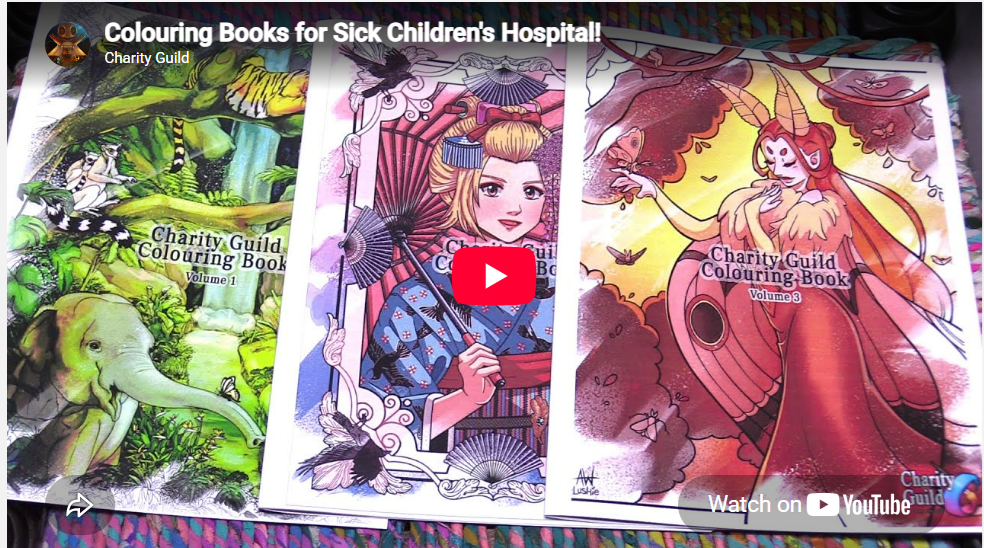
Coloring Books winter 2026 from Charity Guild

(0 reviews)

This event began 10/11/2026 and repeats every year forever

OCtober 11th initiated
Info
The next project is now launched! We're making colouring books and will be sending them to kids hospitals again! You can draw up to TWO pages per person! Our goal is to have at least 30-50 colouring books printed! ReallyColor is joining us again with this project! Please use our form to join and get registered into the project!

https://forms.gle/foQjj3q4Vcrx1eqw6
This is the sign up form for the Charity Guild's winter event in 2026. The goal is to create beautiful colouring books that will be printed by ReallyColor and given to kids hospital at the end of the event. If you want to contribute up to two colouring pages, please fill out this form.

Make sure to include one username/website that we can cont...


Project rules:
-No AI. All images must be drawn by you only
-Digital lineart only please. You may use traditional art if needed and a volunteer will convert them! ❤️
-Wholesome images only please. Fanart or original drawings are accepted
-No bases
-Minimum canvas size 800x1000 (Vertical pages only please)
-No art older than October 11, 2026
-Deadline December 1st, 2026

DISCORD https://discord.com/channels/619731511716872205/972156466511355914/1558877182913286275

2024

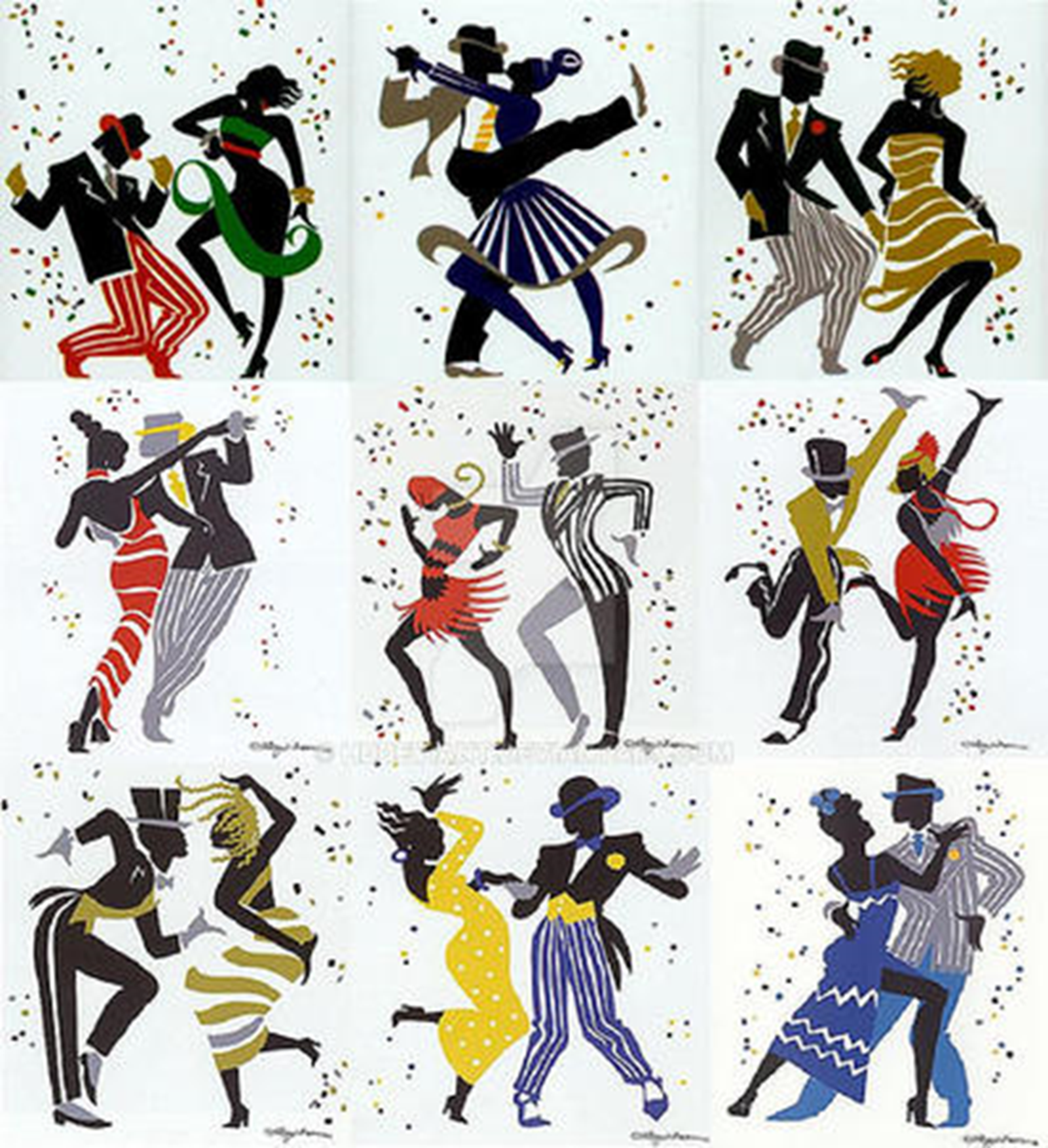
entry from me

https://aalbc.com/tc/events/event/279-charity-coloring-book-10142024/

User Feedback

Recommended Comments

There are no comments to display.

Account

Navigation

Search

Search

Configure browser push notifications

Chrome (Android)
  1. Tap the lock icon next to the address bar.
  2. Tap Permissions → Notifications.
  3. Adjust your preference.
Chrome (Desktop)
  1. Click the padlock icon in the address bar.
  2. Select Site settings.
  3. Find Notifications and adjust your preference.