


Leaderboard
-
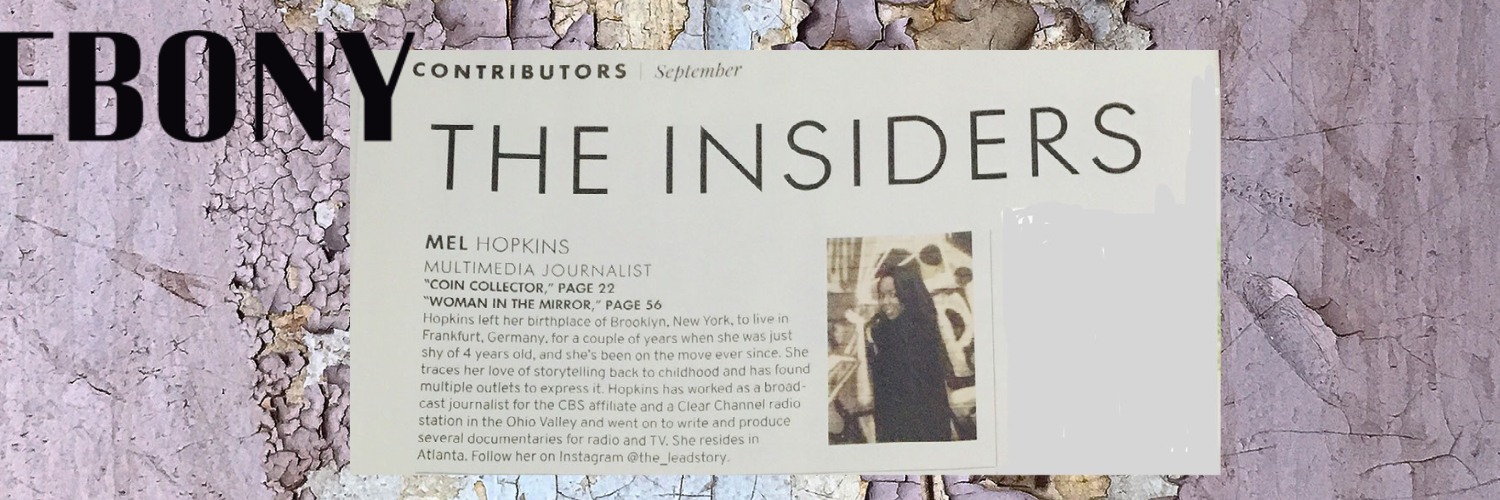
Mel Hopkins
Members1Points2,198Posts -

Troy
Administrators1Points14,765Posts


Popular Content
Showing content with the highest reputation on 01/10/2020 in Blog Comments
-
@Troy The action is here! Some of Independent authors here seem to echo the same thing "I didn't know how to market my book." Except, they do. -It appears they're not strategic in their marketing practices. I was the same way with my first novel - I knew what to do but I didn't work my plan. I like how you call it a (book marketing )"clinic" because it is! We, independent authors, already know what's wrong - we just aren't consistent with our "outpatient" care. I'm writing this out for me too. I believe this is one the best places for original content on the subject. By the way, I like that I don't even have to repost it to my profile - the software keeps track of all my postings as long as I'm signed in. Oh! I'll check out @dtpollard. @Troy OMG @hen81 is my writing "hero"! He didn't come here to play with us one-book every 20 year folks !!! 65 titles according to his last post! 😀1 point
-
You are giving a clinic now @Mel Hopkins. DT PollarUsed to posr here quiet regularly. He really was cranking the ebook several a year (or so it seemed).1 point