Leaderboard
.jpg.255908580b7b2e85963163c37dc91a1d.jpg)


Popular Content
Showing content with the highest reputation on 04/07/2026 in Posts
-
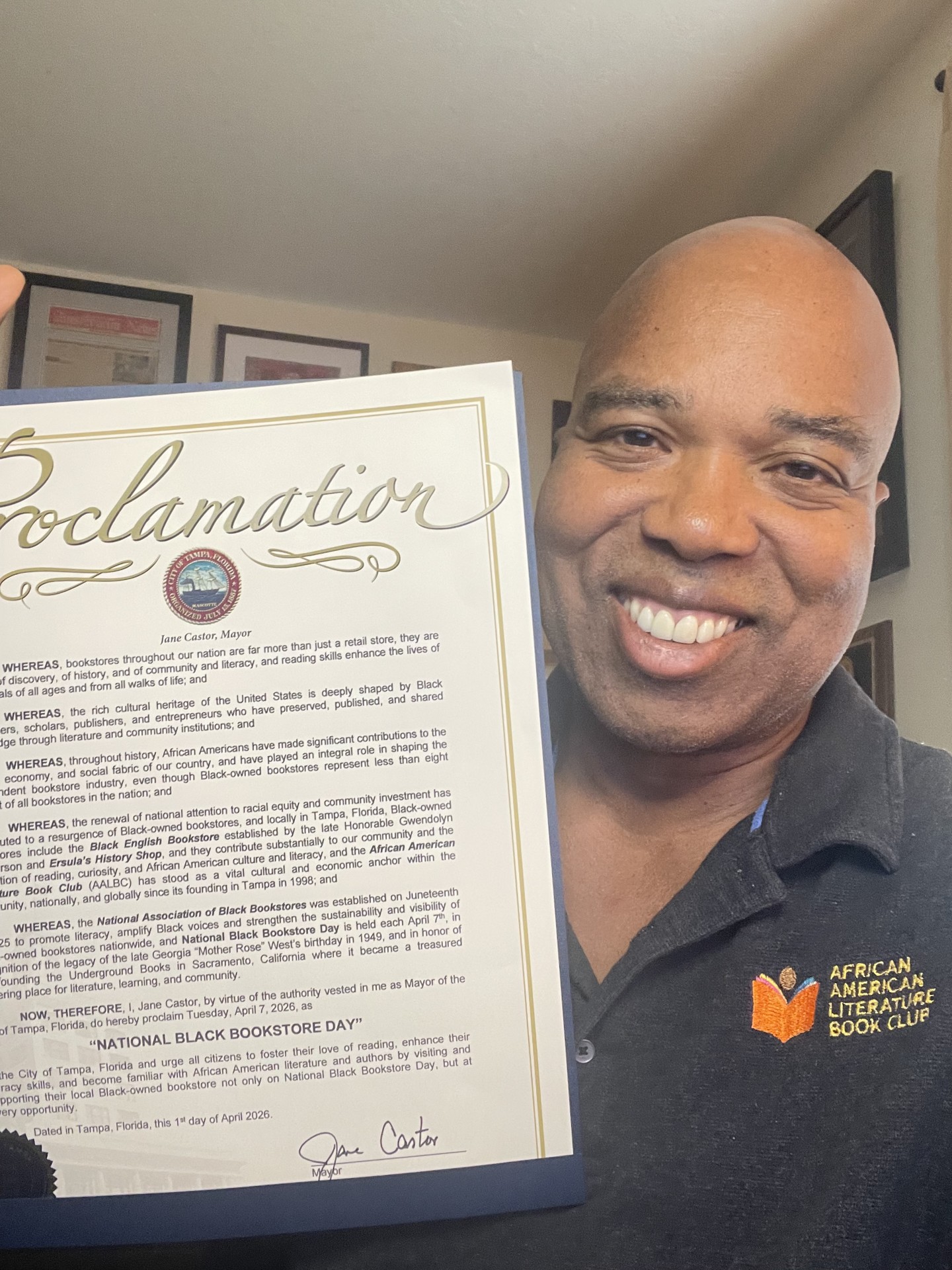
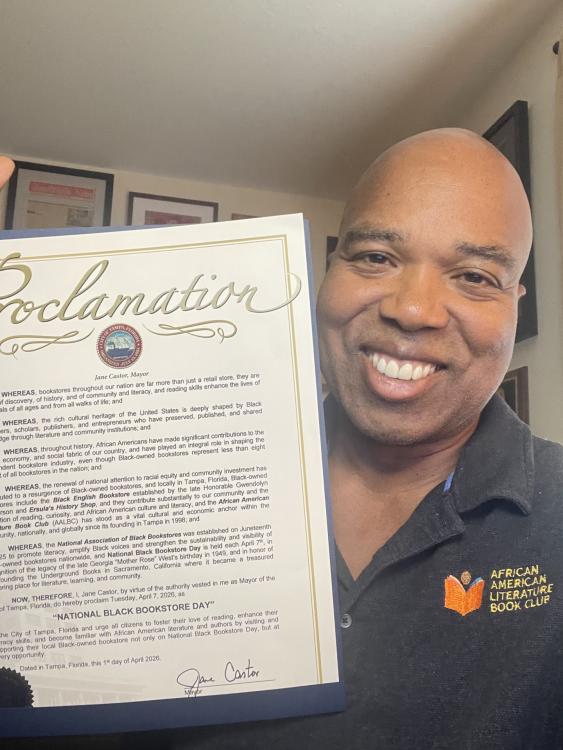
The city of Tampa recognizes National Black Bookstore Day.
 2 points
 -
I'm going to stick with this software. As I plow through all the problems on the rest of the site. I don't think the trade off of moving to new software is worth the the learning curve. Besides this forum's posting capabilities are better than most other solutions I reviewed. This software has a major upgrade available. I think I will use it. I also want to better integrate this forum with the design of aalbc I also want to use the same login for the forum as well as the rest of the site. I'll try to get all of that working with the new version of the forums software. I'm also getting rid of the Google Analytics code and Google ads (they don't generate enough revenue to be worth the headache and it made using the forums on a phone more difficult. So things will actually be getting better around here 🙂1 point
-
1 pointLooks like you deleted the thread What is Wrong with Her? or or Where Is She? or something to that effect.😎1 point