




Skip to content
View in the app

A better way to browse. Learn more.

African American Literature Book Club

A full-screen app on your home screen with push notifications, badges and more.

To install this app on iOS and iPadOS
  1. Tap the Share icon in Safari
  2. Scroll the menu and tap Add to Home Screen.
  3. Tap Add in the top-right corner.
To install this app on Android
  1. Tap the 3-dot menu (⋮) in the top-right corner of the browser.
  2. Tap Add to Home screen or Install app.
  3. Confirm by tapping Install.

DJ Dont Touch The Trim - late night video game playing

(0 reviews)

I have known DJ Dont Touch The Trim for a while, she is a lovely artist of Pinup work. 

As the following will show...


She enjoys drawing yoga poses and some great adult BDSM stuff. I apologize but many sites don't allow such things anymore

https://richardmurrayhumblr.tumblr.com/post/187240082792/titletwisted-dark-chocolate-artist


She loves to tease:) hey brothers:) And I will not deny her pinup book is one of my prized art books

https://richardmurrayhumblr.tumblr.com/post/187094318856/title-valentines-cupcake-artist


She is also very communal, her daughter is a lovely artist as well

https://richardmurrayhumblr.tumblr.com/post/187187729877/titlehappy-labormothers-day-artist


Some extra images


For Nippon lovers

https://www.deviantart.com/djdonttouchthetrim/art/Sad-Penny-Painting-2-0-871570513


A work in progress but black bdsm-ers rejoice:) 

https://www.deviantart.com/djdonttouchthetrim/art/W-I-P-shibari-872288794


I love likes, I need to use something like this more often:) 

https://www.deviantart.com/djdonttouchthetrim/art/I-love-Likes-448861318


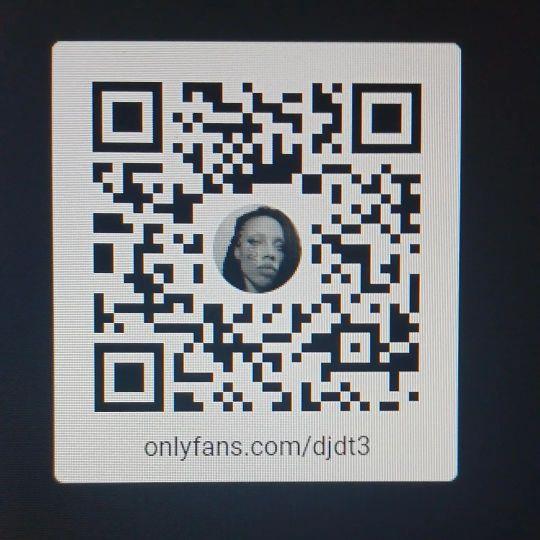
If you want to join her naughty video game playing, use the qrcode below

onlyfans djdontotuchthetrim djdt3.jpg

0 Comments

Recommended Comments

There are no comments to display.

Join the conversation

You are posting as a guest. If you have an account, sign in now to post with your account.
Note: Your post will require moderator approval before it will be visible.

Guest
Add a comment...

Account

Navigation

Search

Search

Configure browser push notifications

Chrome (Android)
  1. Tap the lock icon next to the address bar.
  2. Tap Permissions → Notifications.
  3. Adjust your preference.
Chrome (Desktop)
  1. Click the padlock icon in the address bar.
  2. Select Site settings.
  3. Find Notifications and adjust your preference.