




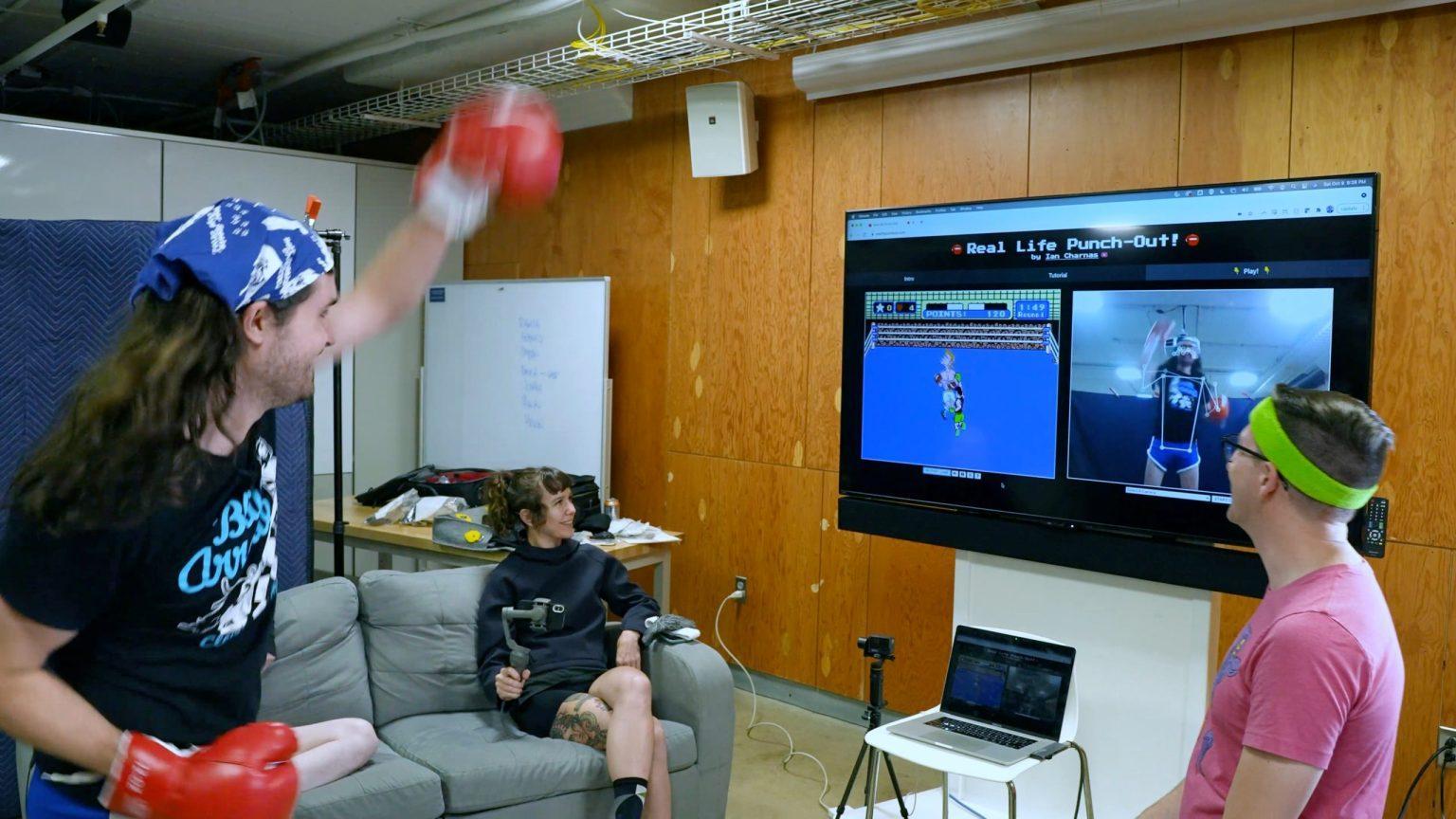
Hacking Nintendo Punch-Out To Control It With Actual Punches

By richardmurray in Gaming Craft
· 607 views
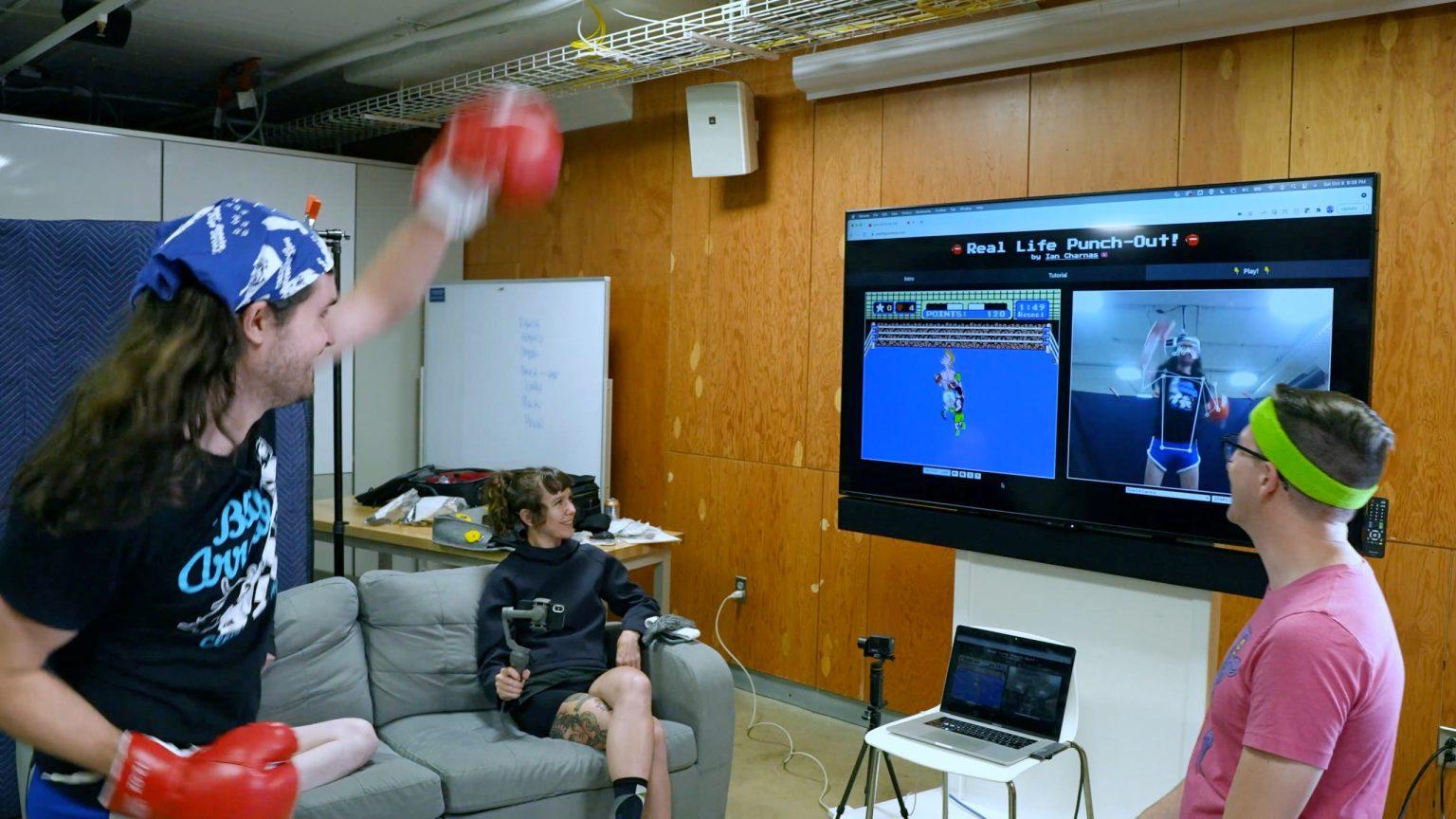
Hacking Nintendo Punch-Out To Control It With Actual Punches
By Ian Charnas November 17th, 2021
I recently adopted a kitten I found on the street, and every morning we play with the laser pointer. She gets a lot of fun and exercise out of this single-pixel video game, and it got me thinking I should make a video game where I get exercise too!
Fast forward 3 months and I’ve hacked a Nintendo Punch-Out boxing game so that you control it with actual punches instead of a controller. It gives you the feeling of actually being inside the video game! You can watch me build and test the game on my youtube video.
VIDEO
The hardest part of the project was hacking the game to slow the opponents. You see, punching into the air is much slower than pressing a button on a control pad. So, the opponents were moving too fast, relatively, and it wasn’t a fair fight. I had to reverse engineer the source code (a process called “disassembly”) and slow each opponent down one by one.
The result is a very fun and playable game that you can try yourself — entirely in your browser — by visiting RealLifePunchout.com
ARTICLE LINK
https://makezine.com/2021/11/17/hacking-nintendo-punch-out-to-control-it-with-actual-punches/
Recommended Comments
Join the conversation
You are posting as a guest. If you have an account, sign in now to post with your account.
Note: Your post will require moderator approval before it will be visible.