Skip to content
View in the app

A better way to browse. Learn more.

African American Literature Book Club

A full-screen app on your home screen with push notifications, badges and more.

To install this app on iOS and iPadOS
  1. Tap the Share icon in Safari
  2. Scroll the menu and tap Add to Home Screen.
  3. Tap Add in the top-right corner.
To install this app on Android
  1. Tap the 3-dot menu (⋮) in the top-right corner of the browser.
  2. Tap Add to Home screen or Install app.
  3. Confirm by tapping Install.
A club blog for BlackGamesElite
  • Entries

    108
  • Comments

    43
  • Views

    24,133

About this blog

Blog is for notifications or status or developments of projects or various news about the video game world.


Entries in this blog

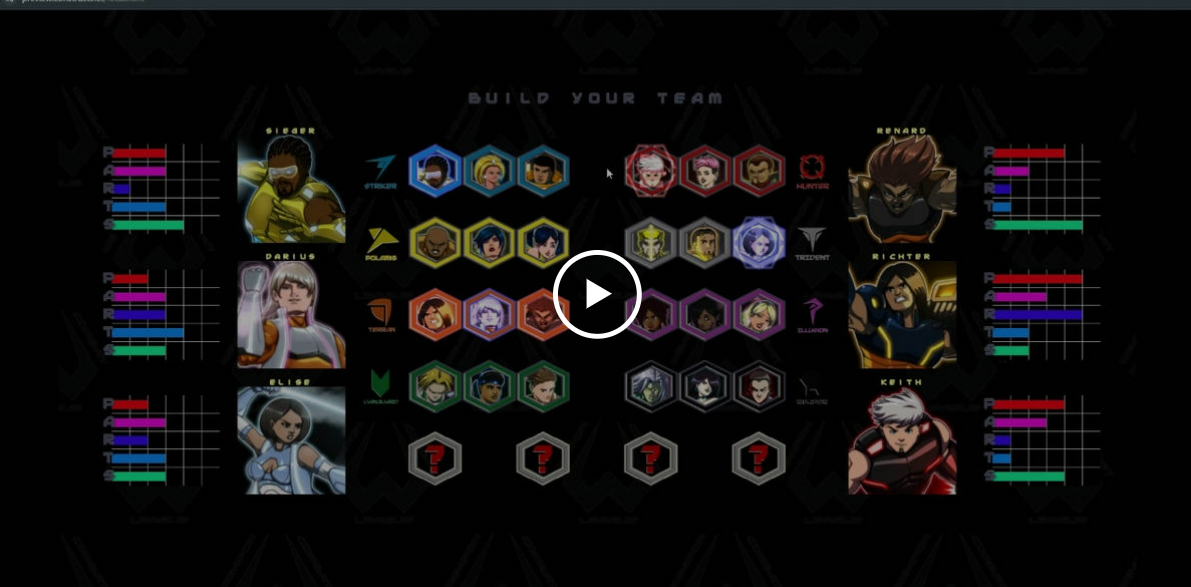
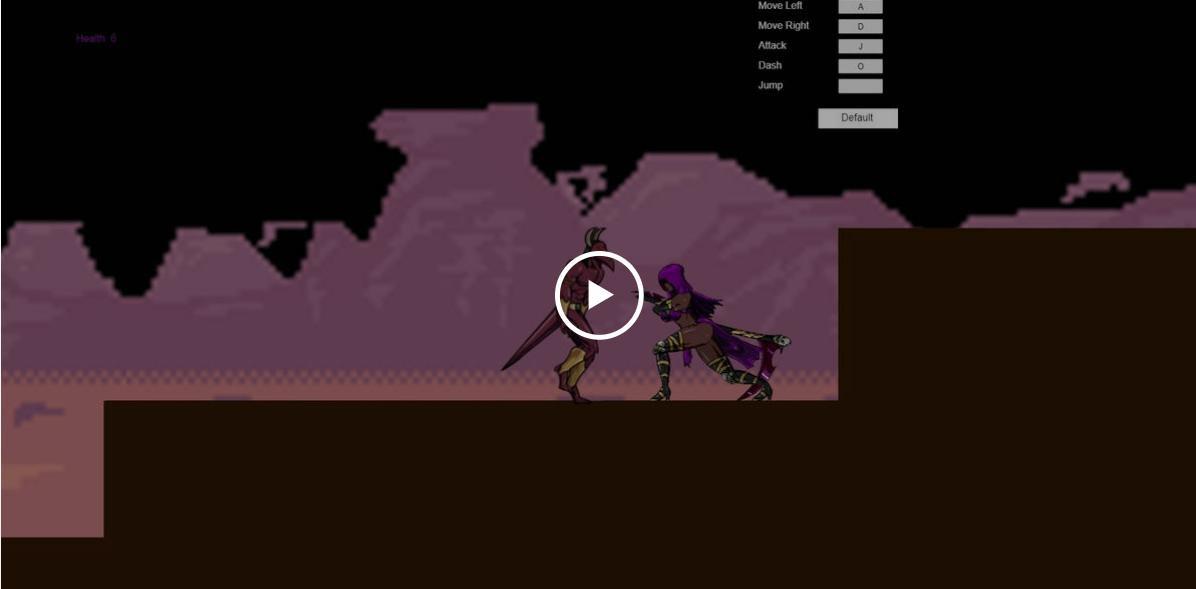
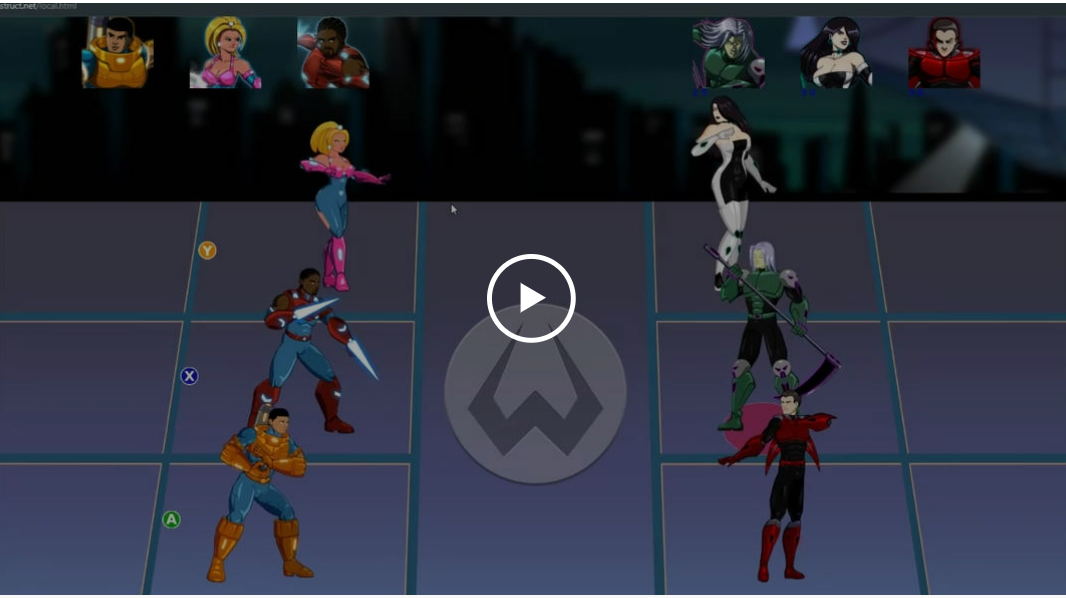
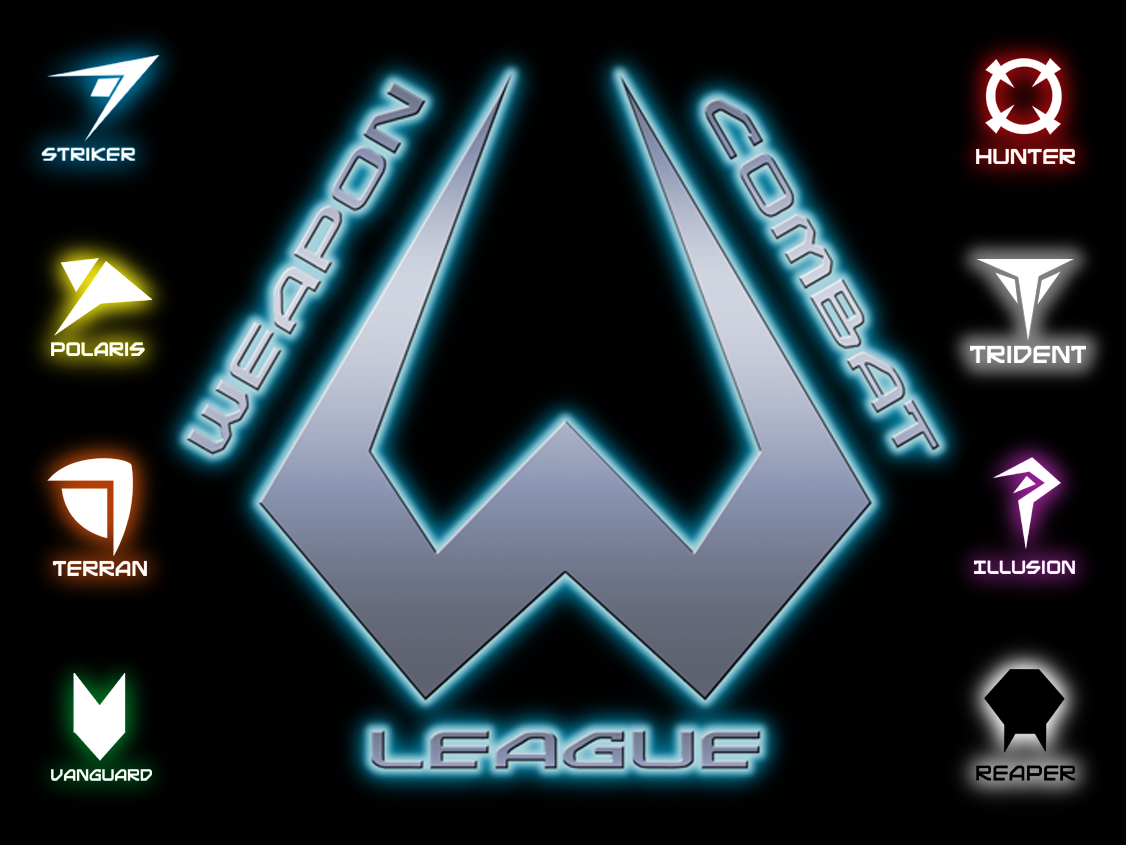
When the secrets of the military combat suit known as WEAPON are exposed to the public, before long they flood the streets and it seems every civilian is using a power suit for crime, chaos or their own selfish ends. To avert the possibility of civil war, General Patricia James, amid dissent from both superiors and subordinates, sponsors a tournament to encourage the "WEAPON-wielders" to compete for fame and fortune, and to inspire the populace. But just as the world begins to embrace the WEAPON
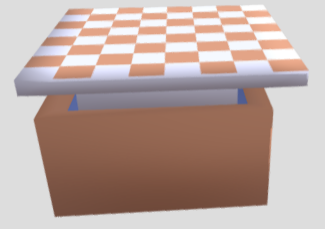
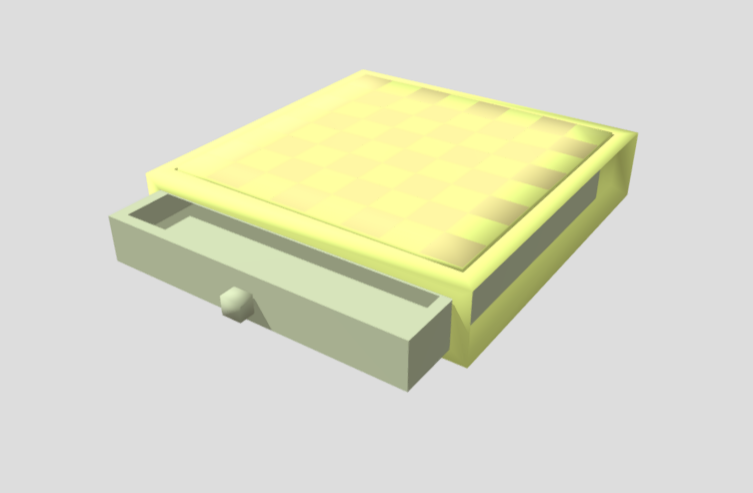
Enjoy the design. I will make a design all mine for the second and for the third I will do a star trek 3d chess. Any suggestions or thoughts, please and all are welcome to join in. I used, Figuro to create and hosted on SKetchfab.      Richard Murray Chesstable 01 by richardmurray3d on Sketchfab  
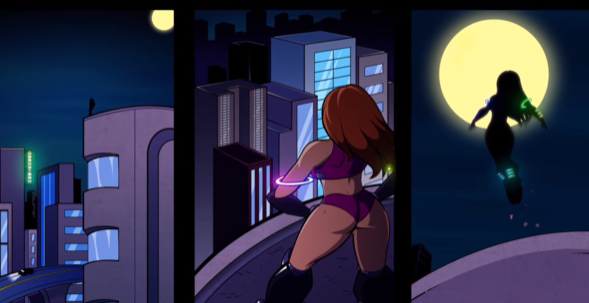
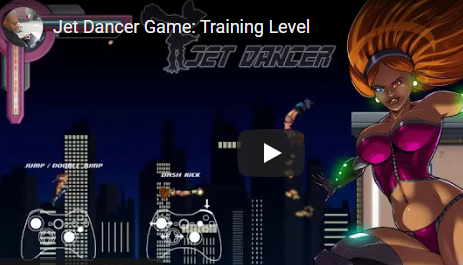
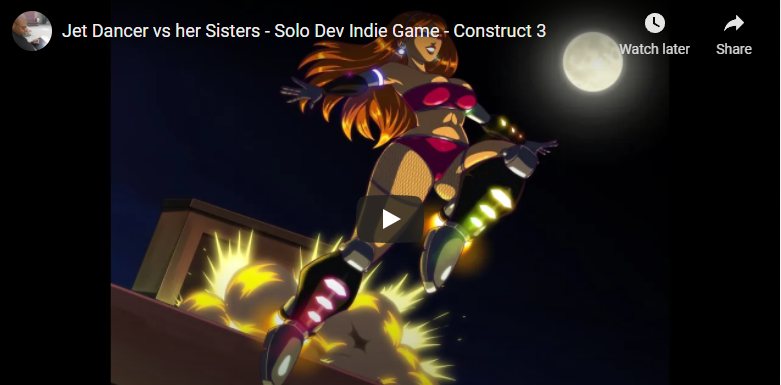
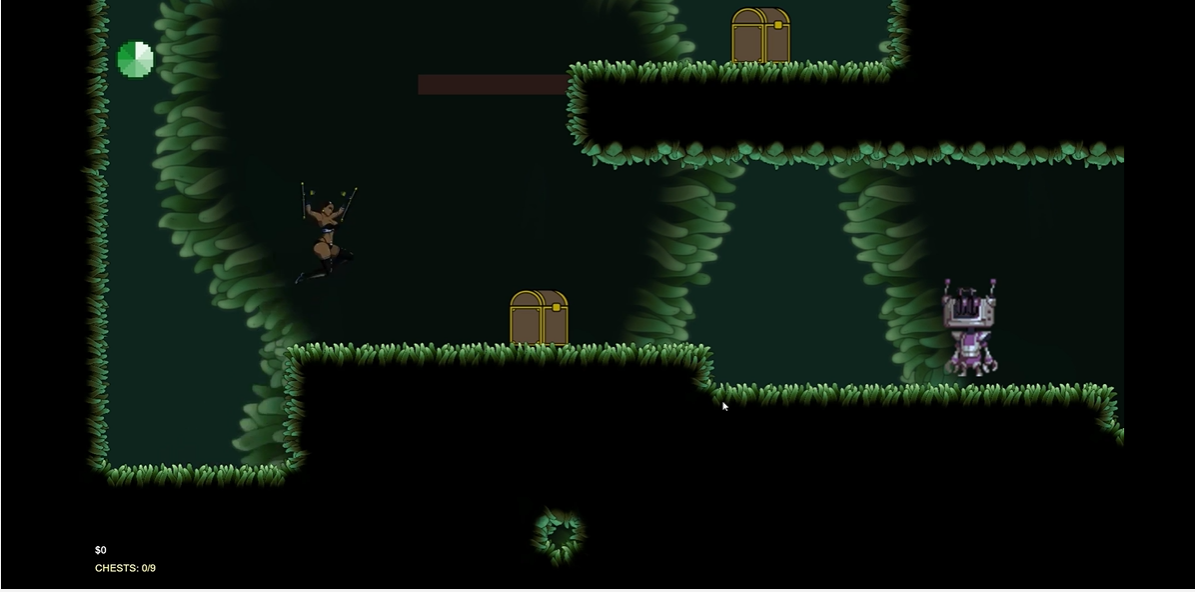
Jet Dancer from Dual Mask https://store.steampowered.com/app/2084470/Jet_Dancer/   ABOUT THIS GAME You are Jenna Delgado, also known as Jet Dancer. A nanomachine-infused synthetic being bred as part of a project to develop humanoid weapons, Jenna Delgado was the last in her series. When she learned the true scope of her reason for being--to be used as both bodyguard and concubine to the highest bidder--she managed to escape the project and vowed to use her superhuman abilities
I admit, the following youtuber, I follow for sword/weapon information and design. He is informative.  But when I realized he had a set of videos specifically on games,  I feel they are discussion starters.    rpg character classes are stupid- his reasoning is that character class restrictions turn the fantasy into tomfoolery.  Why can't a wizard pick up a sword? His proof is whenever a game has added character classes later, the developers are admitting the original character cla
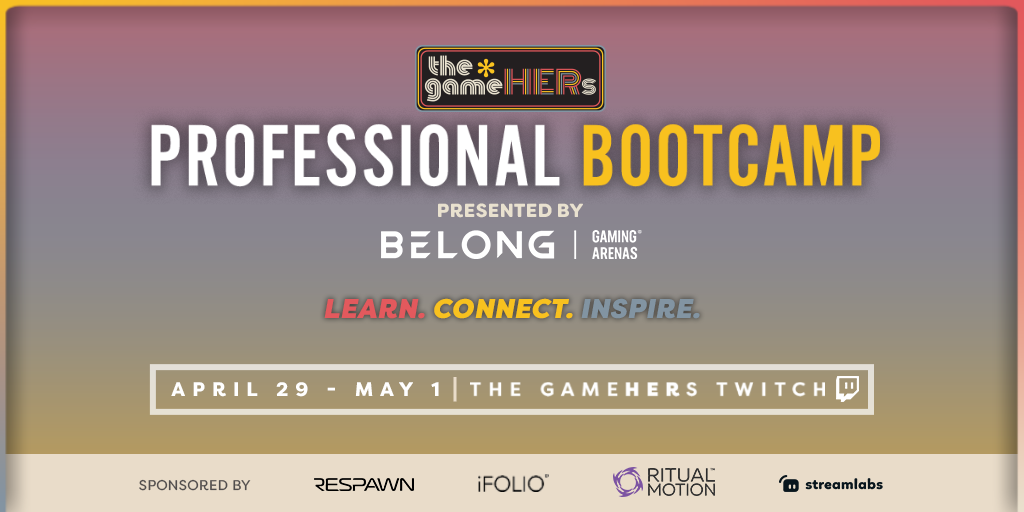
Learn More & Register Join us for our second-annual Professional Bootcamp, presented by the*gameHERs and Belong Gaming Arenas! Sign up for 3-days of informative events including panels, educational webinars, and roundtable discussions with gaming industry experts. Plus, you’ll be able to join the conversation, connect with industry professionals, and directly speak with them in RitualMotion GUILD!
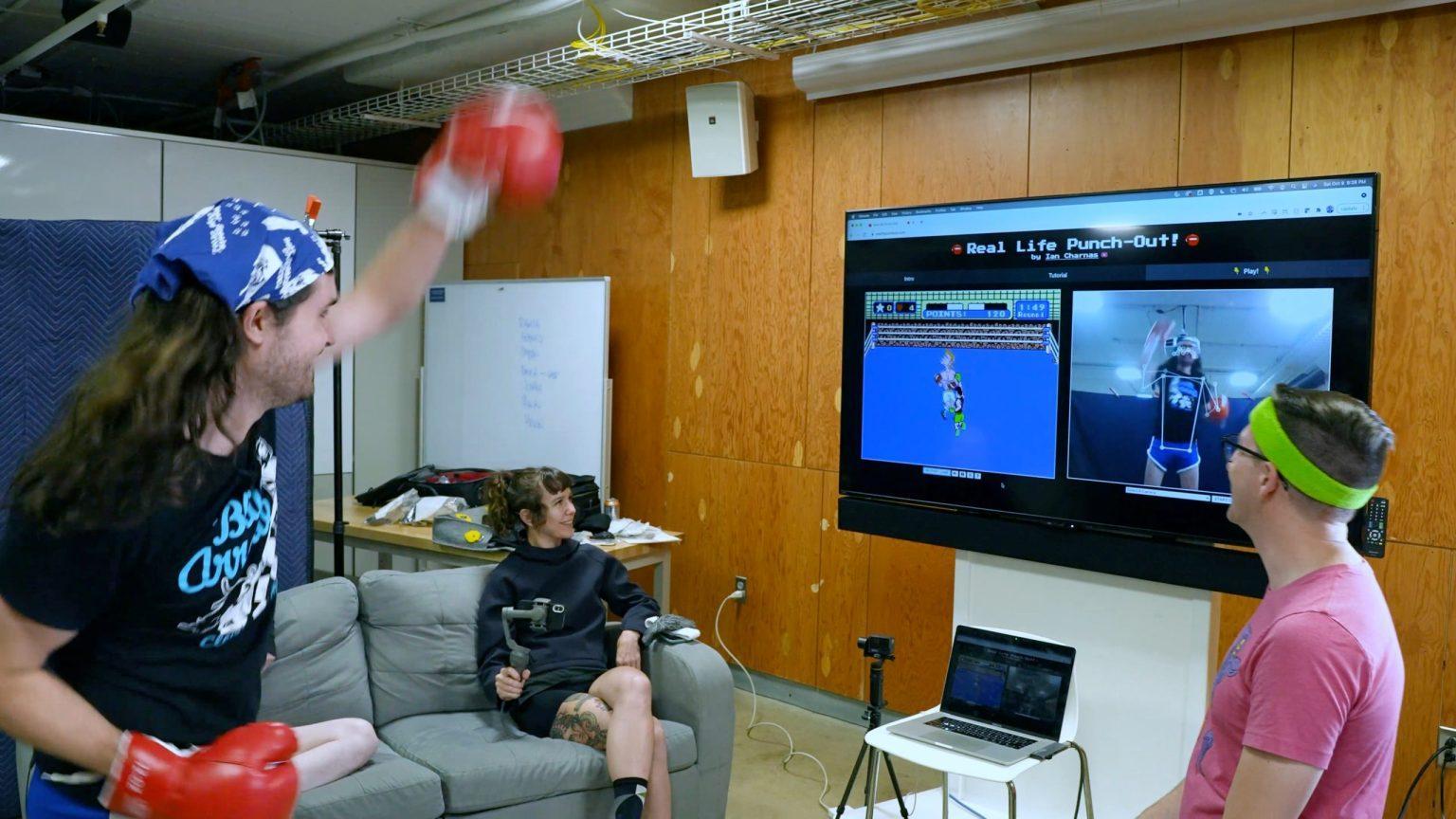
Hacking Nintendo Punch-Out To Control It With Actual Punches By Ian Charnas November 17th, 2021 I recently adopted a kitten I found on the street, and every morning we play with the laser pointer. She gets a lot of fun and exercise out of this single-pixel video game, and it got me thinking I should make a video game where I get exercise too! Fast forward 3 months and I’ve hacked a Nintendo Punch-Out boxing game so that you control it with actual punches instead of a control
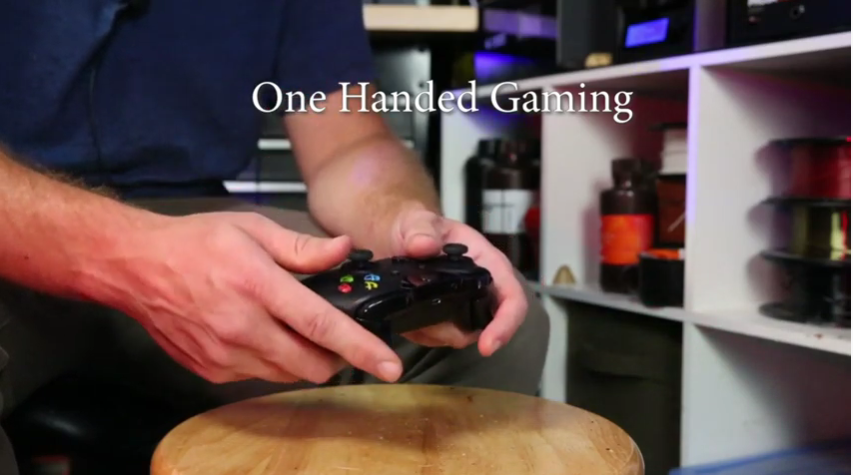
Caleb KRaft is a great maker, this is a video with examples on how to aid gamers with disabilities.   The Controller Project This site is a place where you can find documentation on how to modify game controllers for people with physical disabilities. Most of my mods have been used for assistance muscular dystrophy, but the library is an ongoing process and people may find the modifications and accessories helpful for other physical needs. I will be adding other modifi

Account

Navigation

Search

Search

Configure browser push notifications

Chrome (Android)
  1. Tap the lock icon next to the address bar.
  2. Tap Permissions → Notifications.
  3. Adjust your preference.
Chrome (Desktop)
  1. Click the padlock icon in the address bar.
  2. Select Site settings.
  3. Find Notifications and adjust your preference.