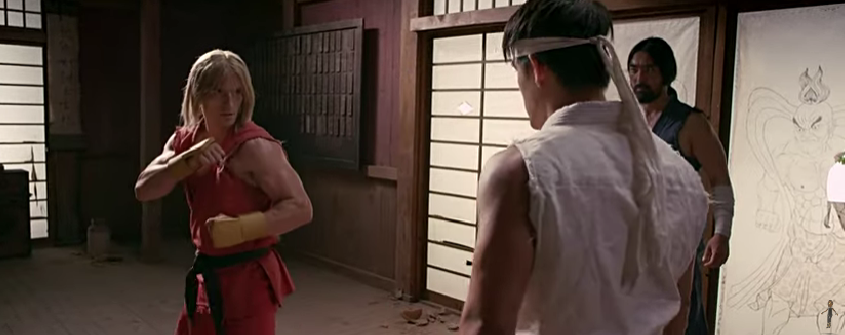
Street Fighter the underground movie (0 reviews) Share https://aalbc.com/tc/blogs/entry/343-street-fighter-the-underground-movie/ Share on Bluesky Share on X Share on LinkedIn Share on Facebook {lang="reddit_text" Share via email Share on Pinterest More sharing options... Followers Your thoughts? Of live action fighting game films, do you have any thoughts?
richardmurray Boycott Amazon December 7, 20223 yr comment_1070 Report Author stats I watched it, they approached it as if true, without trying to special effects it to death... I like it. It isn't at the special effects level that many audiences want/need/expect/desire when it comes to video game films, but I like the approach Ryu and ken
Rodney campbell Members January 9, 20233 yr comment_1076 Report Author stats You are correct. I do expect more from the games I play. Especially in regard to effects and ingame character physical interaction, as well as more voiceover relevant to the ingame universe at that moment in the game. At the same TIME. I dont mind watching the basic gameplay. Because I am not the one who is playing. I have lost track of how many of the advanced effects and liveaction videos of game characters I have watched over the years. Many of them becoming a favorite of mine in their respective gaming category, and specific game genre.






Recommended Comments
Join the conversation
You are posting as a guest. If you have an account, sign in now to post with your account.
Note: Your post will require moderator approval before it will be visible.