




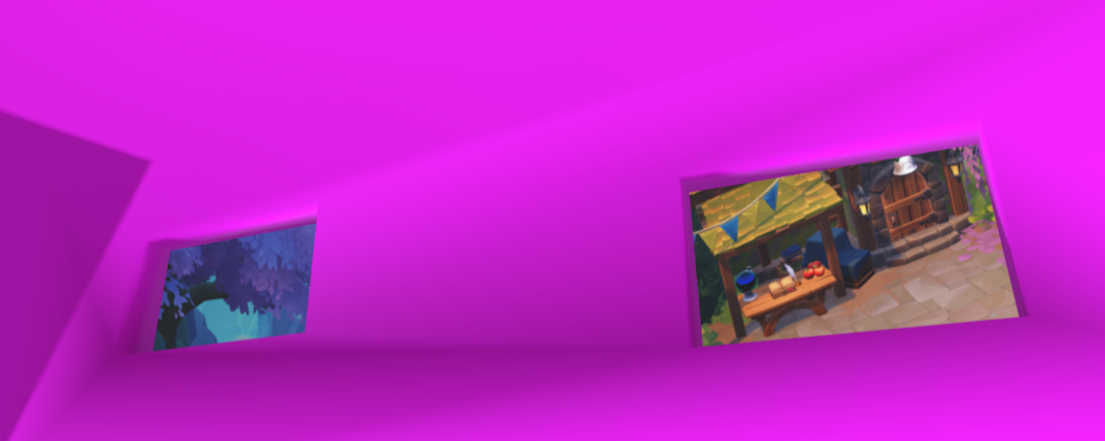
Faefarm visions

By richardmurray in Game Art
· 807 views
I can't wait for Fae Farm, I hope it is a similar game like my beloved Fantasy Life, which is finally coming out with its second edition too.
But, Fae Farm asked
Here's some pictures I took while exploring Azoria! 📸 I love hanging up photos to make my space look as cozy as can be~
Maybe you can use these pictures in your cozy space as well and show us how you've done it! 🖼️ 💖
https://twitter.com/FaeFarm/status/1634252925022158848
So I made two versions, the first is a living space where the magical worlds of Fae Farm are right out the window. the sketchfab can be rotated and focused.
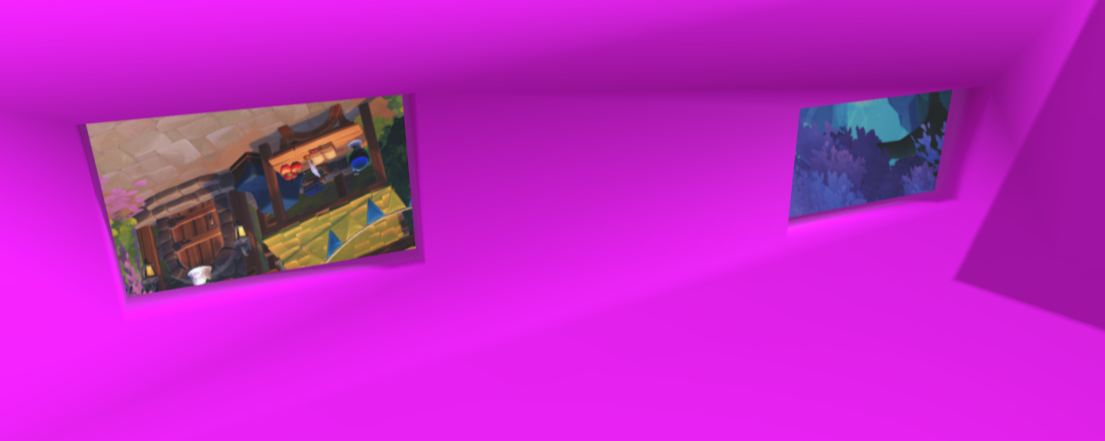
The second version is a magical space in the clouds where the worlds face this home in the sky. the sketchfab can be rotated and focused. The blog entries graphic came from this one
My Linktree- to my spaces in the e-space
https://linktr.ee/richardmurraywriter
My Newsletter- join for free for updates in your email.
https://rmnewsletter.over-blog.com/
My Blog - message me anytime
https://aalbc.com/tc/profile/6477-richardmurray/
Image from the first
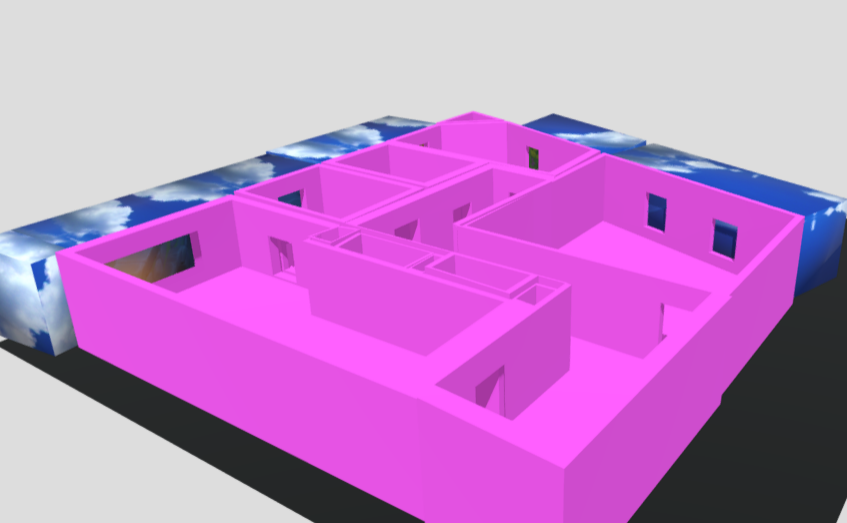
Image from the second
Recommended Comments
Join the conversation
You are posting as a guest. If you have an account, sign in now to post with your account.
Note: Your post will require moderator approval before it will be visible.