




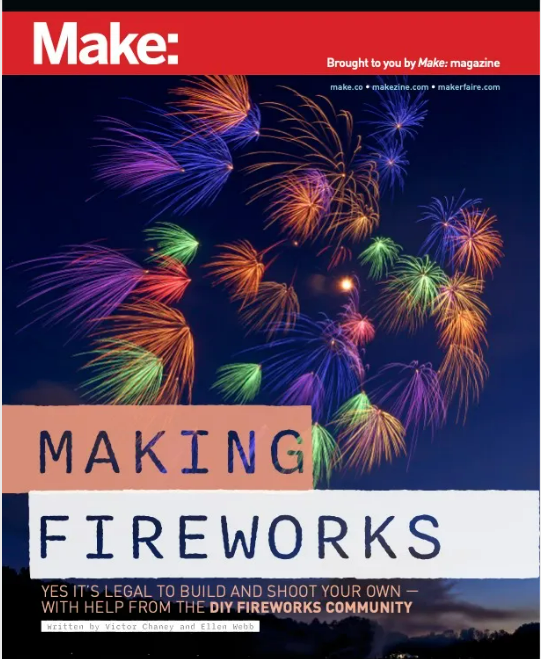
A potential firework project for us all

By richardmurray in Game Art
· 820 views
Craft Question 05302023 1 member has voted
Imagine if we all made a firework with what we learn in this book referring to a game for juneteenth.
Fashion tech tutorials are linked later in the post, if you get any ideas share.
Just put your email FREELY and in comes in your email
https://make.co/making-fireworks-premium-download/
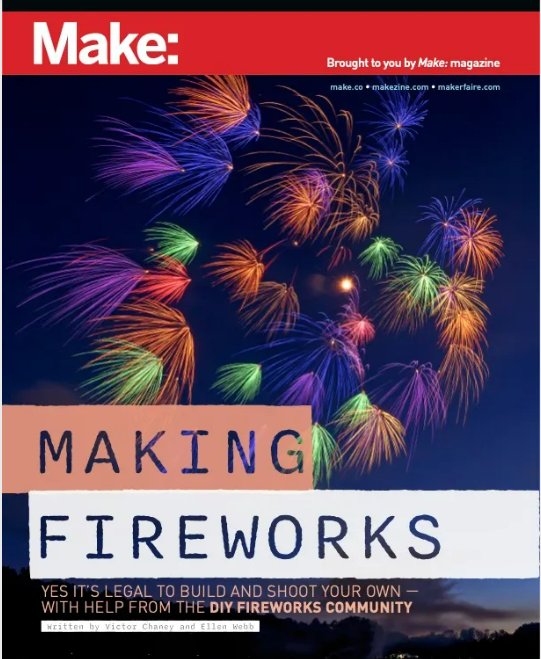
AND wearable tech tutorials, maybe make a game out of clothes, any ideas?
Wearable tech tutorials
https://www.wearabletutorials.com/
and some others
https://www.hackster.io/kitty-yeung/custom-wearable-organic-solar-films-asca-c9358d
https://www.hackster.io/kitty-yeung/light-up-raincoat-no-code-no-solder-nliten-bekonix-a340a0
https://www.hackster.io/anouk-wipprecht/light-up-kitty-ears-fee08d
https://www.hackster.io/AmieDD/lego-dots-cyberpunk-belt-c52016
https://www.hackster.io/AmieDD/revenge-of-the-sith-glow-pcb-necklace-6571be
https://www.hackster.io/AmieDD/cyberpunk-3d-printed-fabric-light-up-corset-25c7bd
Recommended Comments
Join the conversation
You are posting as a guest. If you have an account, sign in now to post with your account.
Note: Your post will require moderator approval before it will be visible.