




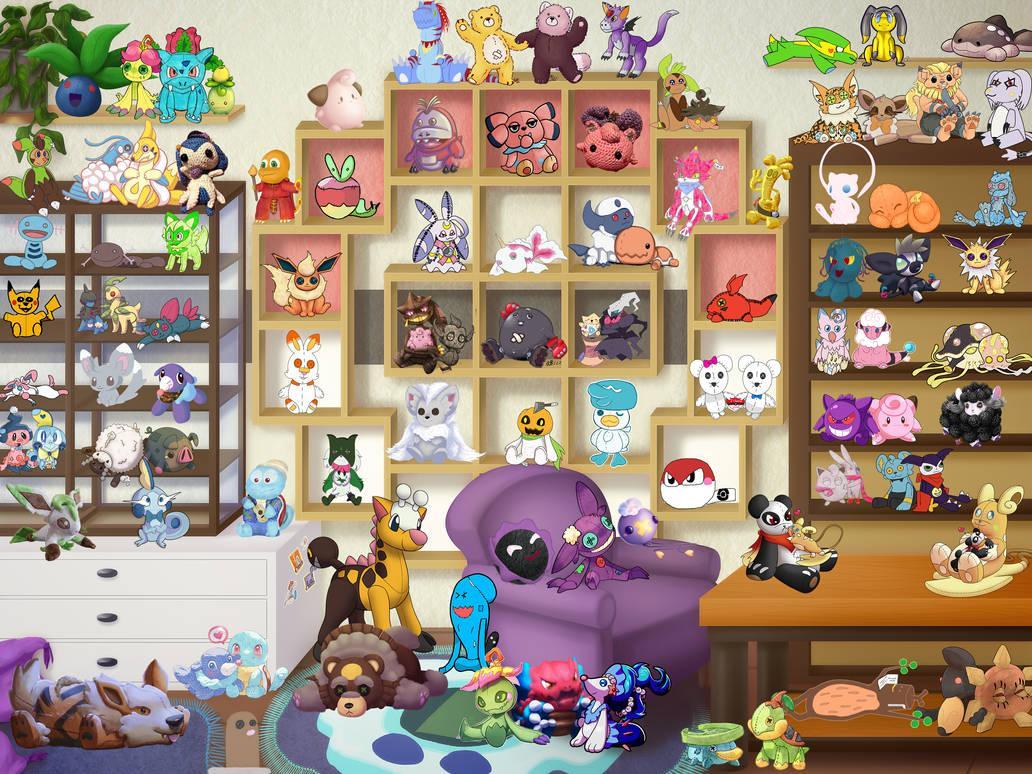
Rainforest Pokemon Collaboration

By richardmurray in Game Art
· 2,068 views
Do you have a favorite pokemon?
Once I made a plushie form of a pokemon for a positive donation to make a wish.
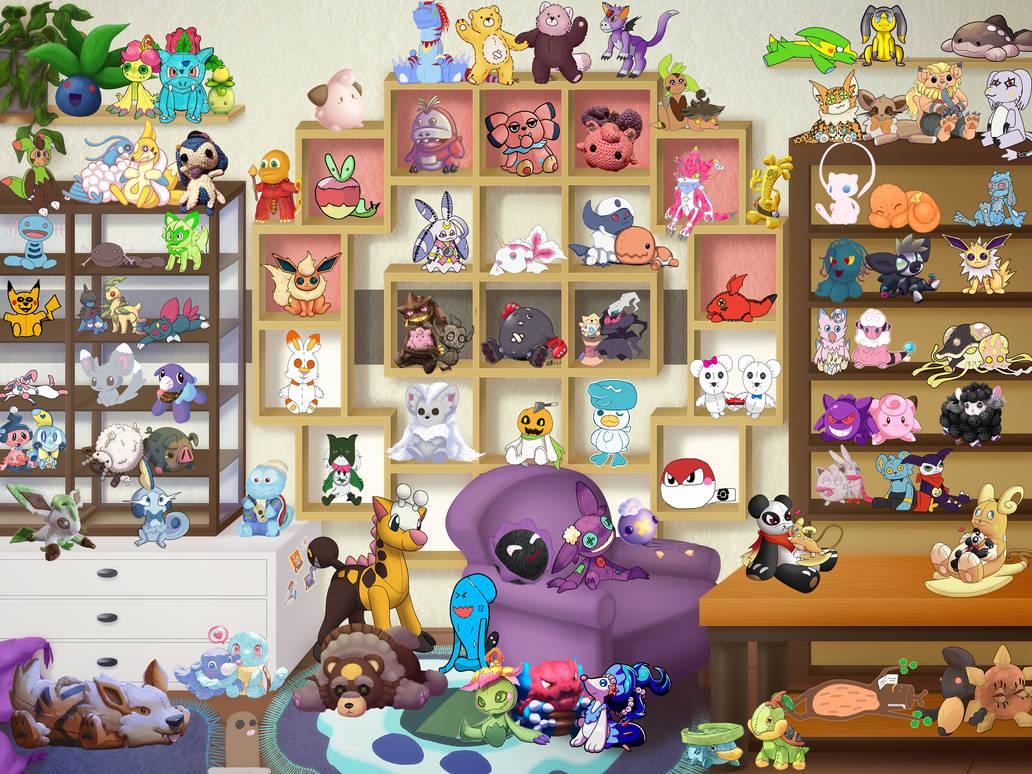
Here is the link to my work, can you find it in the image above?
https://www.deviantart.com/hddeviant/art/Bedtime-with-Sudowoodo-plushie-944022157
Now, to make positive donations to the nature conservancy, I created another. When the collab image comes up I will post it, for now, you can see mine.
https://www.deviantart.com/hddeviant/art/Sudowoodo-in-the-rainforest-Color-981132583
I also have Dedenne, and i already figured what I will do, but I will create next week. It is writing time:)
Also, if you are feeling a strong pokemon vibe, i made a sudowoodo in random colors.
https://www.deviantart.com/hddeviant/art/Sudowoodo-random-colors-color-981133324
Hopefully when I am done , per my planning, the last months of 2023 I can focus on black games elite doing something similar or involved likewise.
Recommended Comments
Join the conversation
You are posting as a guest. If you have an account, sign in now to post with your account.
Note: Your post will require moderator approval before it will be visible.