Leaderboard
-

Troy
Administrators2Points14,765Posts -
dinactate
Members1Points1Posts -

Yasheca LaSha
Members1Points2Posts



Popular Content
Showing content with the highest reputation on 11/05/2016 in all areas
-
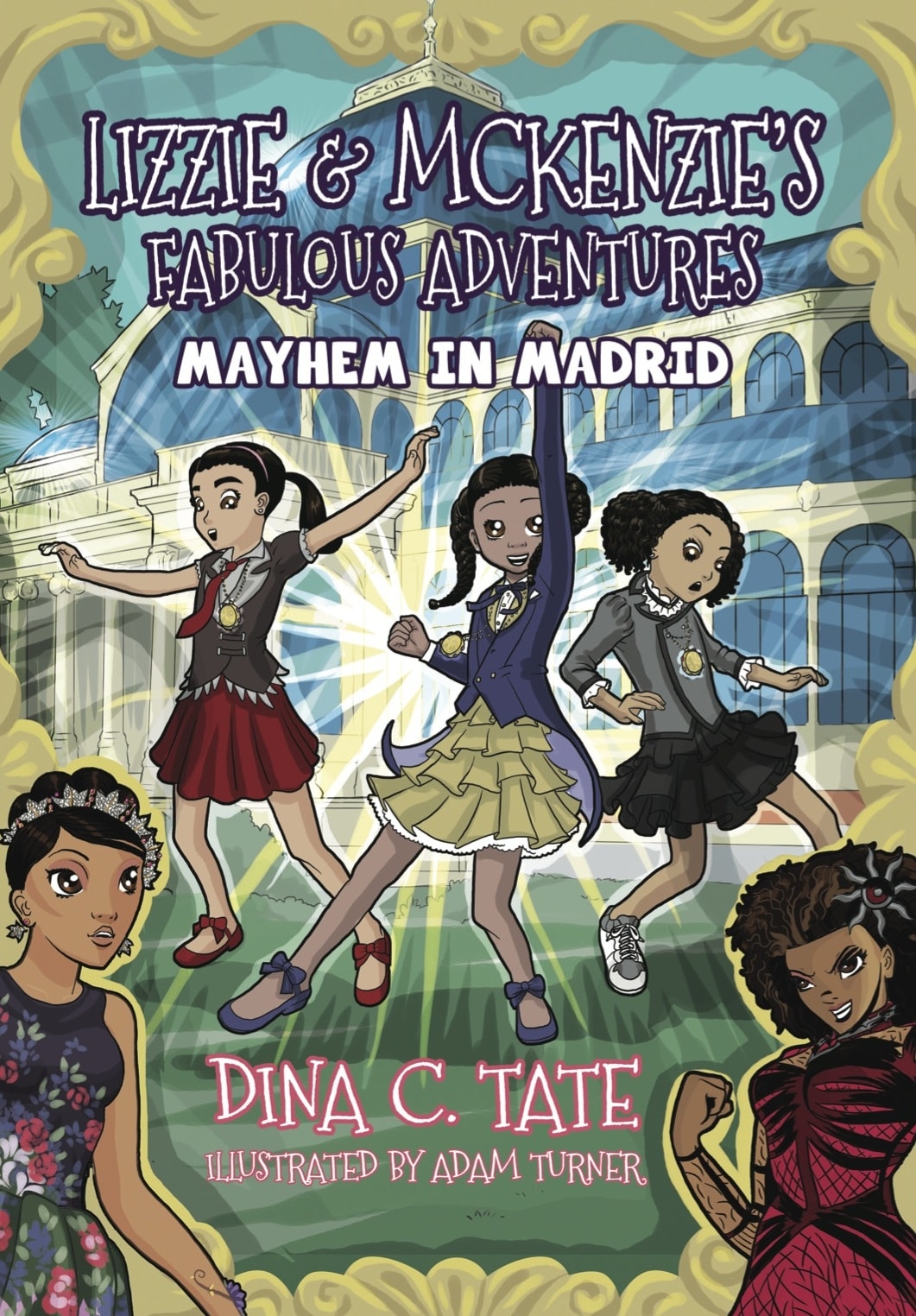
1 pointThank you @Troy. You are correct. The error message was in reference to the size of the image. Thank you for your assistance in uploading the book cover. Peace and Blessings.1 point
-
1 pointHi @Yasheca LaSha, I'm sorry you had difficulty adding and image. I added your book's cover. It is possible the image you were attempting to add exceeded the maximum allowable size I allow, but the error message would have said that. There may have been some other problem with the image. If you have an opportunity it would be helpful to me if you send me the error message you got so that I can track down the cause of the problem. Thanks for sharing information about your work, if we decide to review the book I'll follow up with the email address you used to sign up here.1 point
-
Good Day It would be an honor to have my debut chapter book read and reviewed. I have always enjoyed reading magical realism and wanted to see more young girls of color as protagonists exploring new worlds. Lizzie & McKenzie's Fabulous Adventures is about empowerment, celebrating diversity, culture with some misadventures along the way. Title: Lizzie & McKenzie's Fabulous Adventures: Mayhem in Madrid Genre: Magical Realism Formats: Softcover, Hardcover & eBook ISBN-10: 1535602333 ISBN-13: 978-1535602334 Pages: 102 Retailers: Amazon, Barnes & Noble Website: http://lizzieandmckenzie.com/ Synopsis: Lizzie Sanders, the pint-sized daredevil, and McKenzie Rivers, who loves all things frilly, aren’t afraid of being different. And that’s exactly why Princess Lovina of Exquisite City calls upon them to stop the Same Glam Goddess from making all the little girls of the world look the same. With the aid of their magical lovely lockets and fierce diva weaponry, Lizzie and McKenzie will travel the world to find the Seven Crystals of Sisterhood. While on their quest around the world, they’ll meet new friends who will help them learn about other cultures and eventually form the Global Girls Squad. Their first stop in their quest is to the magical city of Madrid. The members of the Global Girls Squad have magical powers and celebrate and appreciate being different. Lizzie and McKenzie will need their help to obtain the crystals before the Same Glam Goddess gets her hands on them. If the crystals are not found, little girls all over the world will remain under the spell of the Same Glam Goddess and will lose their identities forever! Will Lizzie, McKenzie, and the Global Girls Squad be enough to find the crystals, break the spell, and stop the Same Glam Goddess?
 1 point
 -
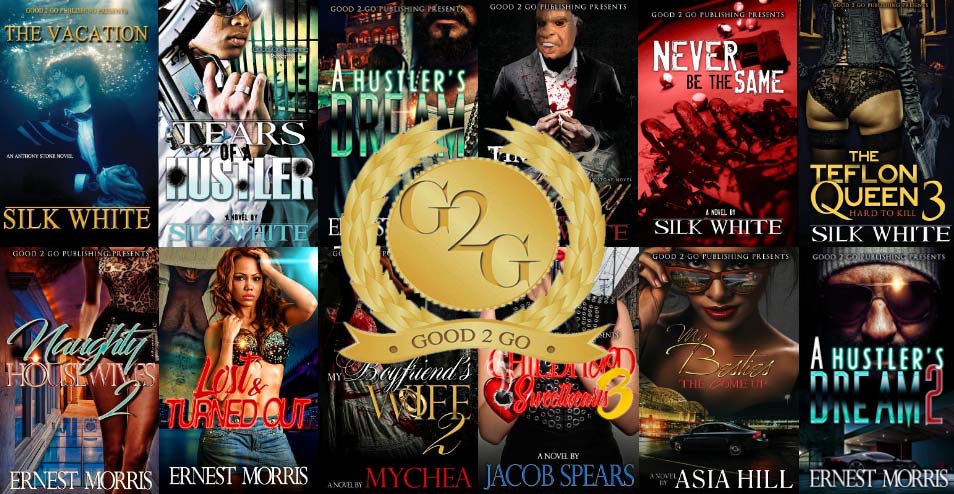
Good2go Publishing – Over 1 Million Books Sold! The publisher is a long time supporter of AALBC.com. Since I've started the website's upgrade and am now able to quickly incorporate large amounts, of information here. The depth of Ray Brown's accomplishments came into light, and I learned he has sold over million copies of his books, across 57 titles. Do I did not ask for invoices from distributors, or otherwise vet the statement, but I believe him, which would seem reasonable given the tendency of indie publishers to inflate sales figures over time, but given his consistency of performance over time in the market place I believe the stat. Selling a million books is a tremendous accomplishment. Congratulations to Good2Go!
 1 point