


Leaderboard
-
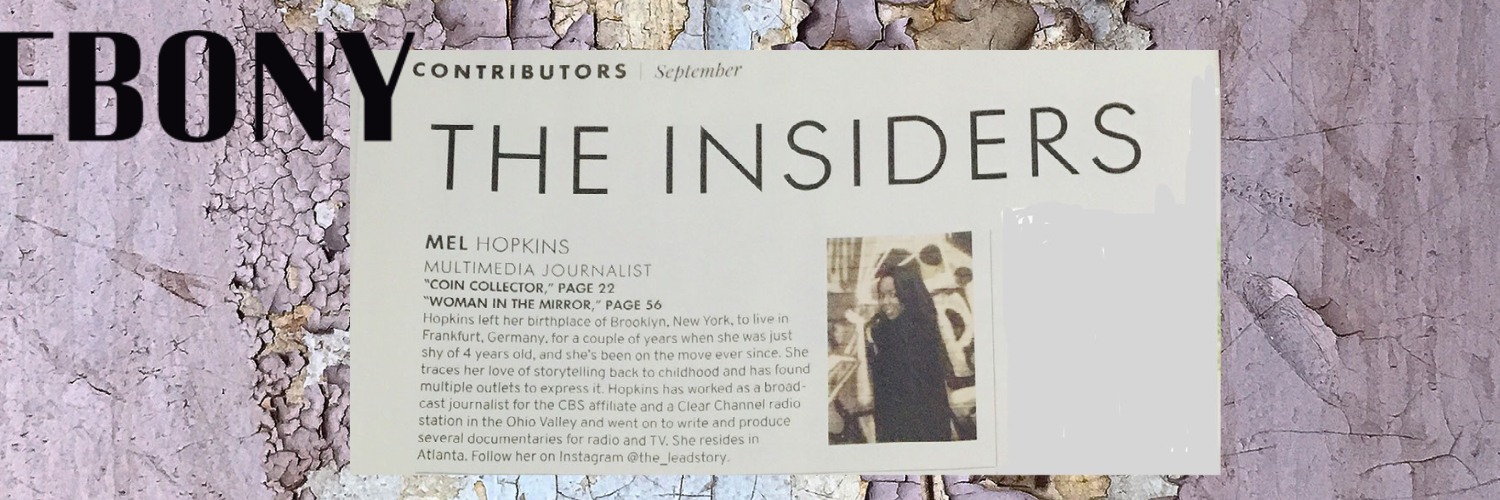
Mel Hopkins
Members1Points2,198Posts

Popular Content
Showing content with the highest reputation on 05/18/2018 in all areas
-
1 pointExactly, why I chose not to talk about the video! I did watch it once on twitter out of curiosity . I wanted to know what all the fuss was about - Once I saw it, I thought nothing to see here move along. It wasn't sharing anything that I didn't already know. Further, I'm not impressed by Donald Glover's work. @Pioneer1 's discussion of the video allowed me to revisit the role of art - but the video, meh. @Troy Maybe at the Black Pack Party 2018 but shoot up black books . Then in perfect "Coyote Ugly" style, dance on the bar top. Next send it to the Coretta Scott King Awards committee members and also have someone post it to twitter and facebook with the hashtag #readingblack.com 😛😝1 point