


Skip to content
View in the app

A better way to browse. Learn more.

African American Literature Book Club

A full-screen app on your home screen with push notifications, badges and more.

To install this app on iOS and iPadOS
  1. Tap the Share icon in Safari
  2. Scroll the menu and tap Add to Home Screen.
  3. Tap Add in the top-right corner.
To install this app on Android
  1. Tap the 3-dot menu (⋮) in the top-right corner of the browser.
  2. Tap Add to Home screen or Install app.
  3. Confirm by tapping Install.

Leaderboard

Popular Content

Showing content with the highest reputation on 04/29/2019 in all areas

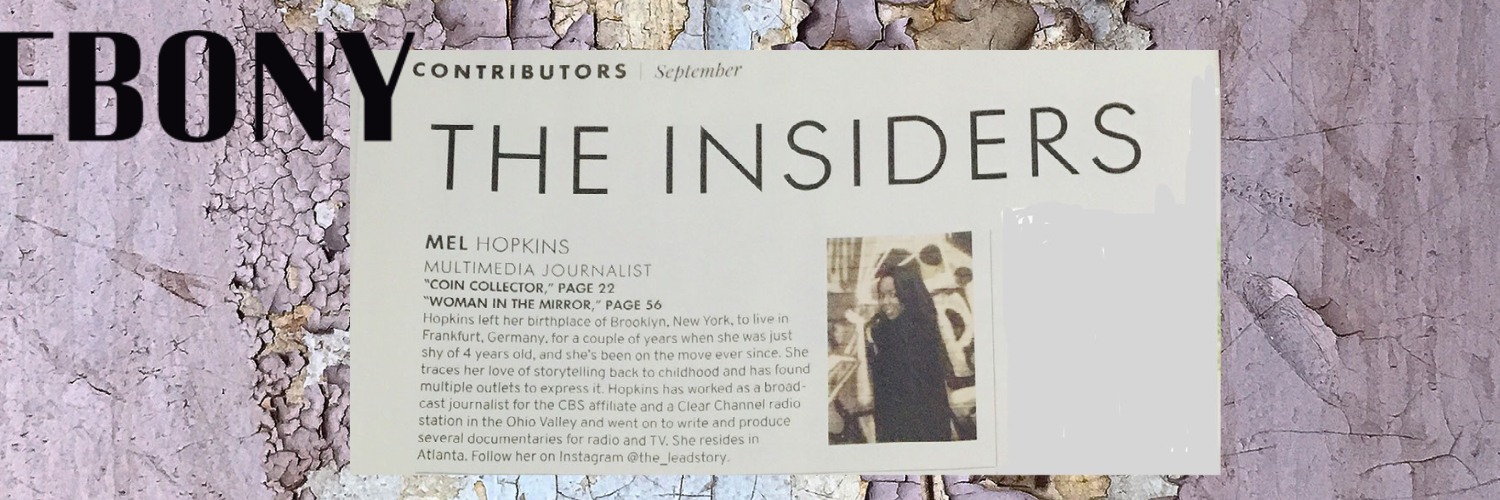
  1. @Chevdove me too! I didn't know until I read the company's statement regarding the bankruptcy petition. It appears mainstream media didn't cover the deal either. They ran with the "EBONY JET sold to Clear View Group for an undisclosed amount" and left it there. When I worked as a broadcast news journalist; I never left anything "at that"... I kept digging until I got the story for my television news station. I used to get into trouble - even with the former Senator Jay Rockefeller because he tried to pass off a standard line and thought that's was good enough. He even yelled at me during a telephone conference hmph! But I betcha I got my answer LOL

Account

Navigation

Search

Search

Configure browser push notifications

Chrome (Android)
  1. Tap the lock icon next to the address bar.
  2. Tap Permissions → Notifications.
  3. Adjust your preference.
Chrome (Desktop)
  1. Click the padlock icon in the address bar.
  2. Select Site settings.
  3. Find Notifications and adjust your preference.