


Leaderboard
-

Troy
Administrators1Points14,765Posts

Popular Content
Showing content with the highest reputation on 11/04/2019 in all areas
-
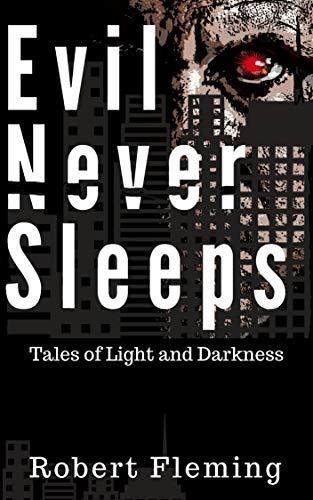
1 pointI'm reading a few books but am primarily focused on Evil Never Sleeps: Tales of Light and Darkness, by Robert Fleming. Robert is one of America’s most accomplished writers. He has written poetry, novels, nonfiction articles, and has reviewed over 60 books for AALBC. His work spans over 40 years. It seems to me that writers like Robert should be better known, but he is just your run of the mill late-middle-aged Black man {yawn}. He’s not Caribbean or African, he’s not LGBT, he does not have a white parent, he can’t rap or dunk a basketball, he wasn’t gang banger or previously incarcerated. He is the kind of writer that I always complain about being ignored by the mainstream media. Robert's accomplishments will never go viral on twitter despite his significant contributions to our literature.
 1 point