





Skip to content
View in the app

A better way to browse. Learn more.

African American Literature Book Club

A full-screen app on your home screen with push notifications, badges and more.

To install this app on iOS and iPadOS
  1. Tap the Share icon in Safari
  2. Scroll the menu and tap Add to Home Screen.
  3. Tap Add in the top-right corner.
To install this app on Android
  1. Tap the 3-dot menu (⋮) in the top-right corner of the browser.
  2. Tap Add to Home screen or Install app.
  3. Confirm by tapping Install.

A discussion on the art of GOD OF WAR from Tofusenshi

(0 reviews)

A 5 hour talk so be prepared, but lively and informative or comparative. But, what are your thoughts to the art of Black characters or regions where Black characters live in video games?


LINK

https://www.twitch.tv/videos/1604402565


Check out her art

Title: Emilia
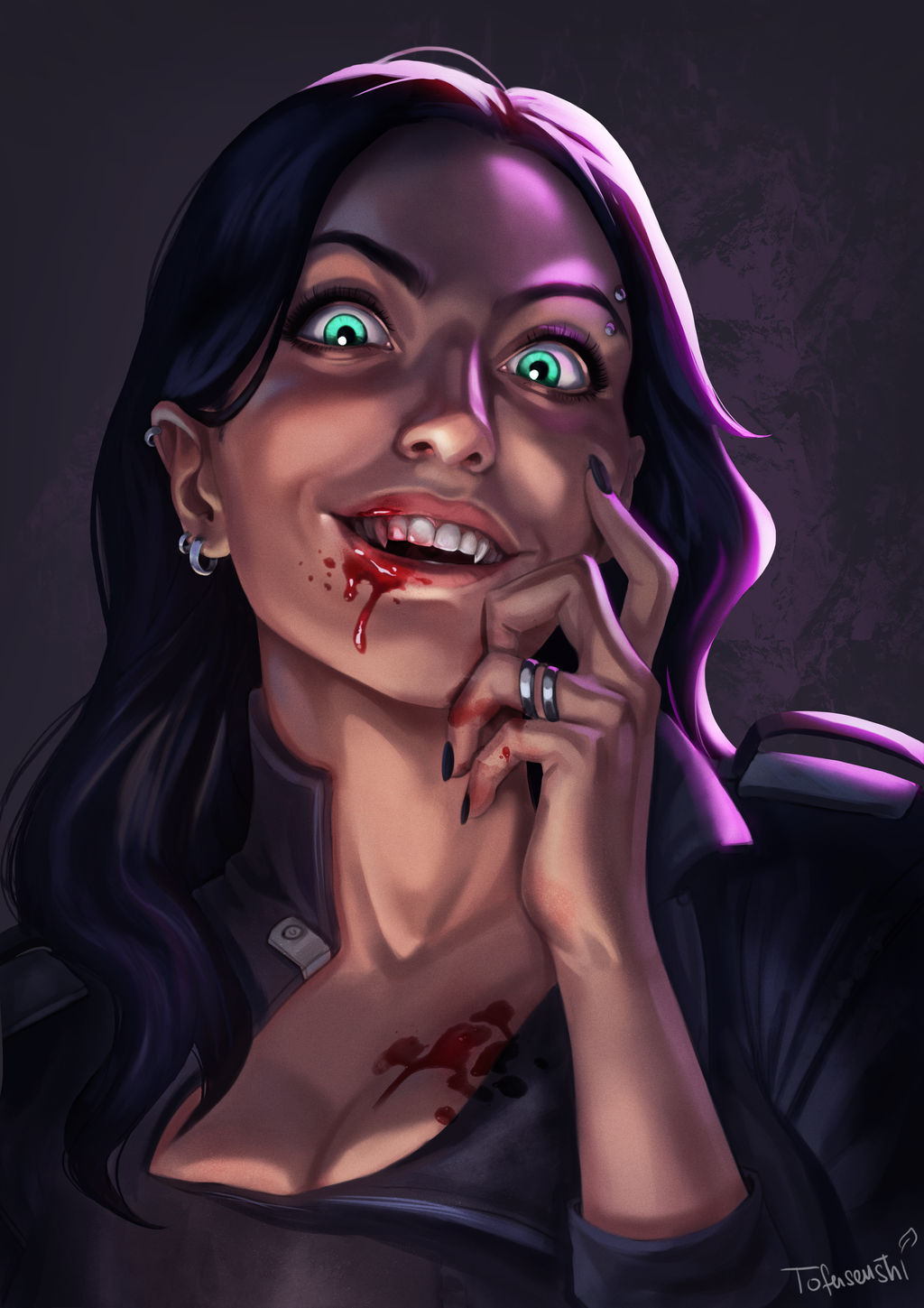
now4.jpg

https://www.deviantart.com/tofusenshi/art/Emilia-oc-commission-921063712


If you don't know how to embed twitch, use the following


URL in text

https://www.youtube.com/watch?v=nPA3EiqnaMM


1 Comment

Recommended Comments

Join the conversation

You are posting as a guest. If you have an account, sign in now to post with your account.
Note: Your post will require moderator approval before it will be visible.

Guest
Add a comment...

Account

Navigation

Search

Search

Configure browser push notifications

Chrome (Android)
  1. Tap the lock icon next to the address bar.
  2. Tap Permissions → Notifications.
  3. Adjust your preference.
Chrome (Desktop)
  1. Click the padlock icon in the address bar.
  2. Select Site settings.
  3. Find Notifications and adjust your preference.