


Leaderboard
-

Troy
Administrators1Points14,765Posts -

B.L. Brown
Members1Points15Posts


Popular Content
Showing content with the highest reputation on 08/06/2017 in all areas
-
Excellent information! The section on how African American Literature is doing was very encouraging to me as a new author. Thank you!1 point
-
1 pointI never heard of Future until last night. Maybe this is a man thing, but were it not for Minaj, I would not have watched for than 30 seconds of the video. I guess I'm in the minority regarding Future's music, but again I know I'm not the demographic, so this is not surprising. Del I was just too tired to give Inconvenient Truth a good watch, that is really what I meant when I wrote "bored." I was too tired to give the film the focus needed to watch it critically--a Minaj video does not require the same mental capacity. I do plan to get to it and to IT2 well. I'll let you know what I think on the other conversation.1 point
-
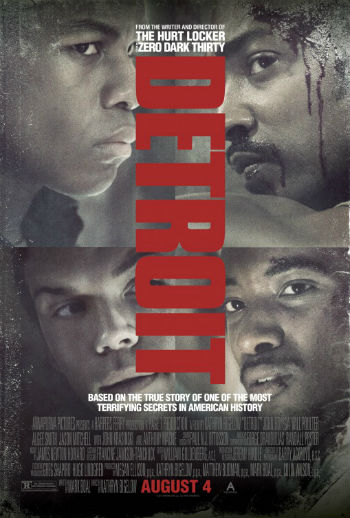
0 pointsI don't know where I've been. But I was not aware of this film until my wife suggested to check it out. Am I the only one? Now I know I'm not completely out of the pop culture loop because I was totally aware of Girls Trip. The crazy thing is that I would really like to see a film like Detroit and have less than zero interest in seeing Girls Trip, which looks like a Black female version of The Hangover part III. I wonder what the respective marketing budgets are for these films are and where they advertise. At any rate here is Kam's Review. I have not published anything by him lately.
 0 points