


Leaderboard
-
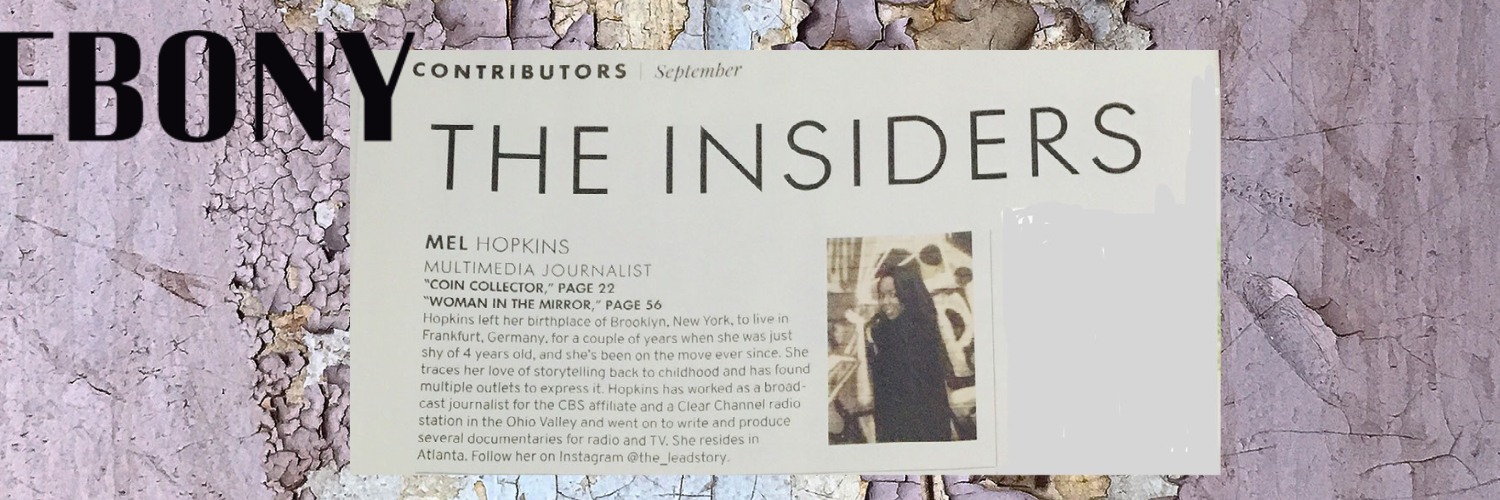
Mel Hopkins
Members2Points2,198Posts -

Troy
Administrators1Points14,765Posts


Popular Content
Showing content with the highest reputation on 06/07/2018 in all areas
-
2 points@Delano, I missed the nonsense, thank goodness! But then again I've spent the last month learning about blockchain, bitcoin and cryptocurrency. Also, I've been looking into consciousness and habits (remember the link you shared about Rupert Sheldrake) - I can really see from Sheldrake perspective how life is a series of habits - not necessarily, innate behavior. I'm glad you shared that ted talk. Anyway, if you're tiring of culture and economy please do visit us over at that readinglack.com forum!2 points
-
1 pointNo I never said Pioneer had a magazine company. You might have gotten confused back when he was using the Earl Graves as his avatar. Graves is the publisher of Black Enterprise magazine. I was probably explaining to someone who the photograph represented. Also, Pioneer did not start Tuskegee institute (Just in case someone accuses me a saying that)1 point