


Leaderboard
-
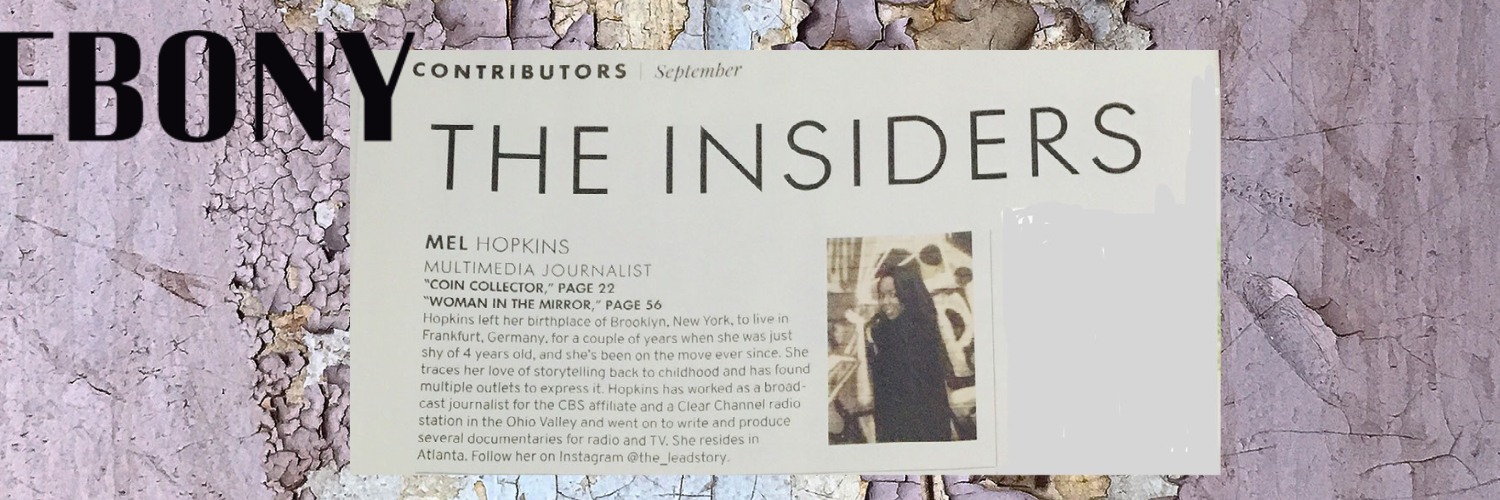
Mel Hopkins
Members1Points2,198Posts -

Delano
Members1Points6,052Posts -
Chevdove
Members1Points2,875Posts -

Troy
Administrators1Points14,765Posts



Popular Content
Showing content with the highest reputation on 07/01/2019 in Posts
-
@DelanoAgree! I won't acquiesce to someone's opinion. I may even add a point or two for consideration but I've returned to my old ways of NOT debating opinions either. It's actually a waste of time.1 point
-
1 pointThis is not "new" news, because Amazon has providing a platform for, and profiting off, the sale of counterfeited books (indeed a variety of products) for years. It is good see this covered. In major news paper. The New York Times reports the on a publisher who purchased 34 of their own books on Amazon and found that 30 were counterfeit. Maybe someone in government will contemplate reigning in Amazon's monopoly. What Happens After Amazon’s Domination Is Complete? Its Bookstore Offers Clues https://nyti.ms/2ZIao2M1 point
-
1 point
-
@Troy this is why I post links not my opinions. I am moving away from debating opinions. The next step for me is to not have any fixed opinions. Since this interferes with my having an open mind.1 point