


Leaderboard
-

Pioneer1
Members1Points13,762Posts -
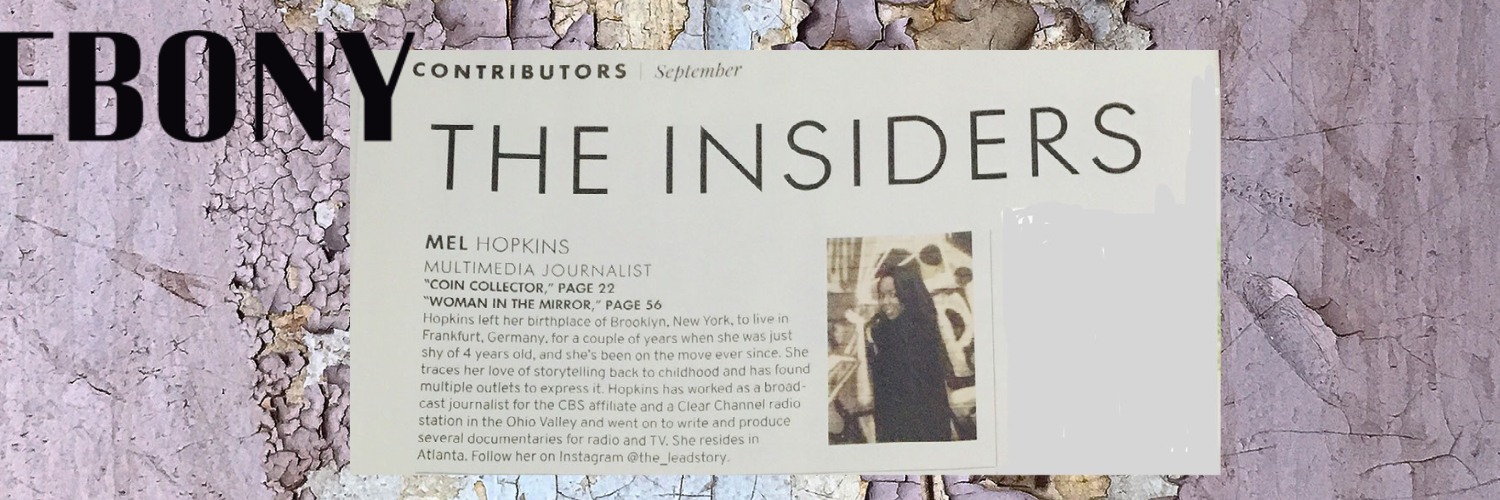
Mel Hopkins
Members1Points2,198Posts


Popular Content
Showing content with the highest reputation on 11/25/2019 in all areas
-
Serving Writers and Readers: African-American Literary Organizations by Diane Patrick Features our own @Troy and AALBC.Com leading the pack of several organizations that help books by and for African Americans thrive. The Publisher Weekly's article lists African American Literary and Culture Society, Cave Canem, The Center for Black Literature, Harlem Writers Guild, and Hurston Wright Foundation. For more of what each organizations offers writers and readers visit Publisher's Weekly November 22, 20191 point
-
Kareem Oh trust me, I would very much like to hear about the spiritual encounters of other people because in my opinion it's closer to the "truth" than most of these organized religions that just feed the people a bunch of ritualistic dogma to keep them in check and suppressed. It's funny you mention DMT because I've been doing some light research about that chemical for about 11 or 12 years now and how this chemical that is naturally found in our own bodies is related to our spirituality. I study some of the work of Dr. Rick Strausman. I respect your right to privacy, go ahead brother and share what you feel comfortable sharing.1 point