


Leaderboard



Popular Content
Showing content with the highest reputation on 03/02/2022 in all areas
-
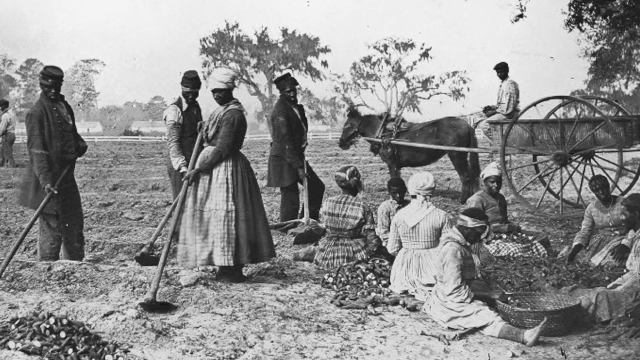
@Troy Chattel Slavery appears too far in the past for anyone to claim Blacks alive today deserve redress. I do not believe this is the case at all because we do have surviving Black Slave narratives, photos, drawings and learned historians who have little problem telling the truth about the centuries of our subjugation. For everyone else: Most mistakenly argue for and against Reparations because they do not understand its underlying reasoning. The purpose of Reparations for Black Slave descendants is NOT for pain and suffering. Reparations will be payment for centuries of UNPAID labor and there are legal precedents for this. Once this is narrowed down and this salient is driven home repeatedly, it may make our case easier. However, we must contend with the Hate against our People. This will not be easy because new legal ground has to be broken and legal history made before we can even advocate for pain and suffering. However, we owe it to our ancestors to do something they have always done: Believe a Better Day was coming.
 1 point
 -
USAFacts is a not-for-profit, nonpartisan civic initiative making government data easy for all Americans to access and understand. ...for those of you who facts matter.1 point