Leaderboard
-
Chevdove
Members1Points2,875Posts -

Troy
Administrators1Points14,765Posts -
The Black Diaspora
Members1Points1Posts



Popular Content
Showing content with the highest reputation on 08/16/2023 in all areas
-
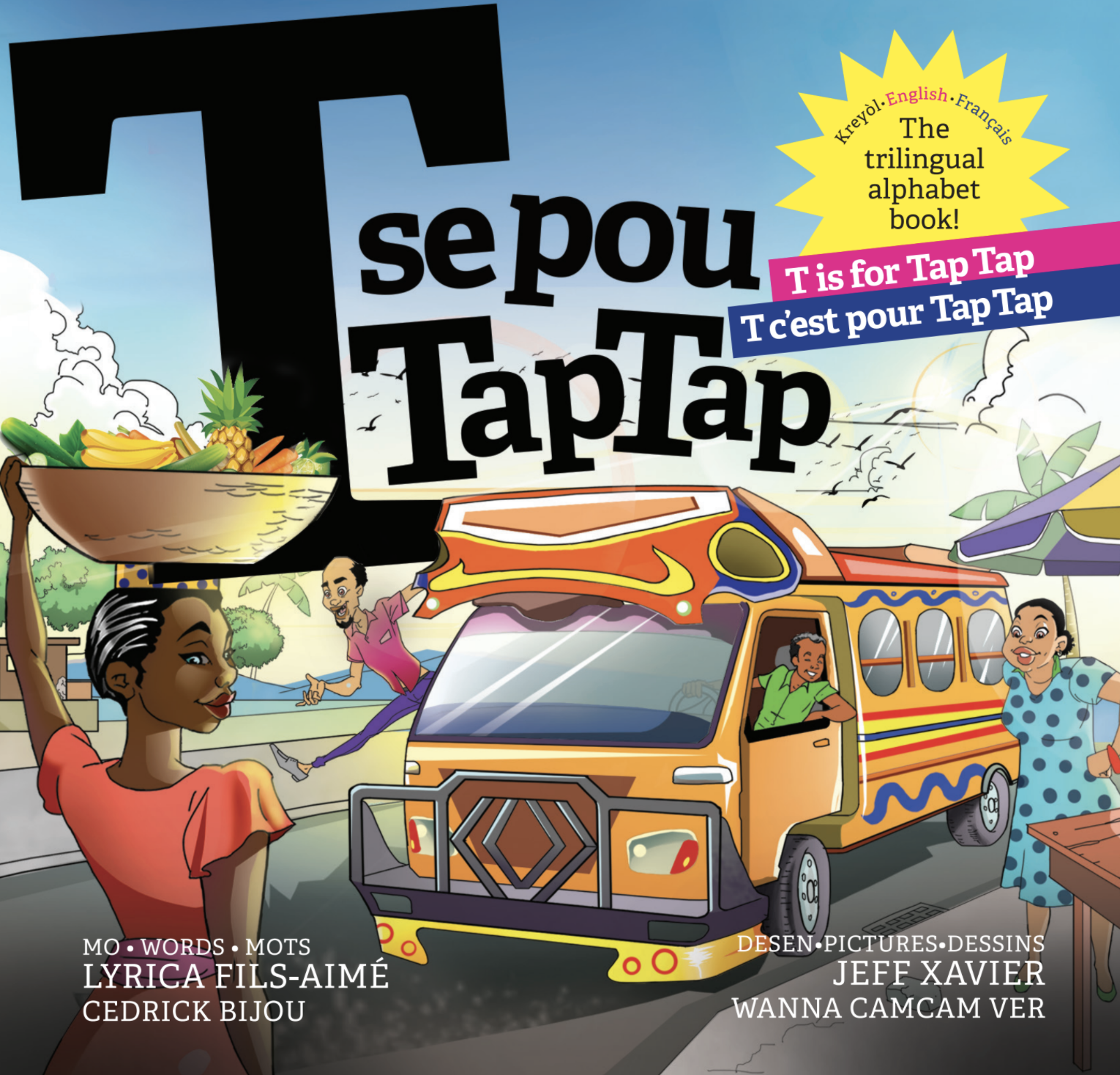
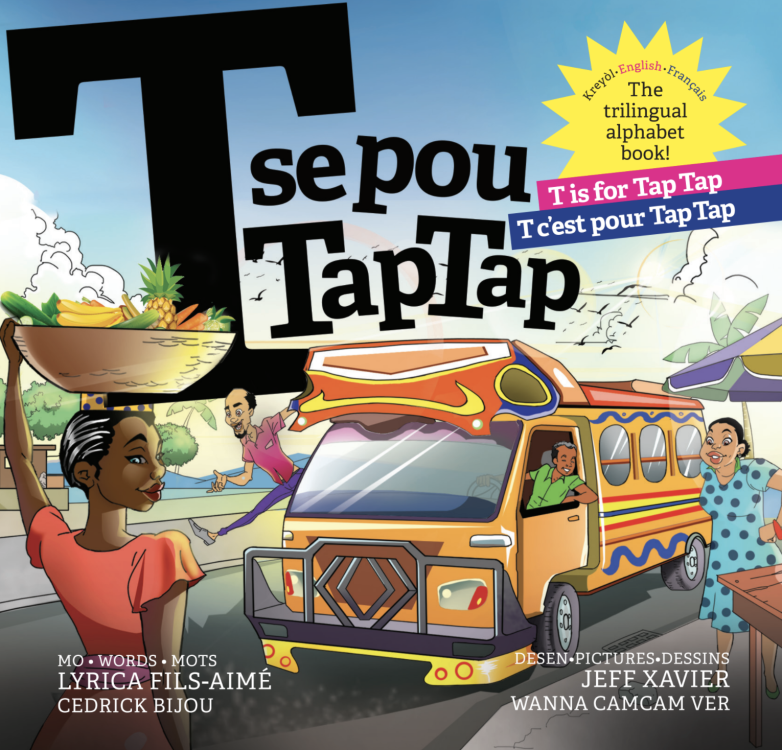
T is for Tap | Tap T se pou TapTap | T se pour TapTap Liberation Press presents this fresh new alphabet board book that empowers parents and children to reclaim the Haitian Kreyòl language or teach their children about Haiti. With bold art and thoughtful yet playful text, T se pou TapTap introduces the youngest readers and the grown-ups in their lives to important Haitian history and key Kreyòl words. T is for TapTap is the perfect gift for readers of all ages dedicated to keeping their culture alive. Print length 30 pages ISBN-10 1737901404 ISBN-13 978-1737901402 Author Motivation One day, Lyrica was going through a box of books at her childhood home. She rediscovered her favorites: “Amazing Grace,” “The Drinking Gourd,” and “Whistle for Willie.” Lyrica realized her mother had made sure she would see Black characters in texts. However, what she didn’t grow up with was books with Haitian characters and books written by Haitians. Lyrica decided she had to write her own. That is how '“T se pou TapTap” was born. Lyrica believes that the diaspora can reconnect to their roots through art.
 1 point
 -
Unlike yourself, I can assimilate new information and adapt accordingly 😉1 point
-
1 point