Leaderboard




Popular Content
Showing content with the highest reputation on 09/25/2023 in all areas
-
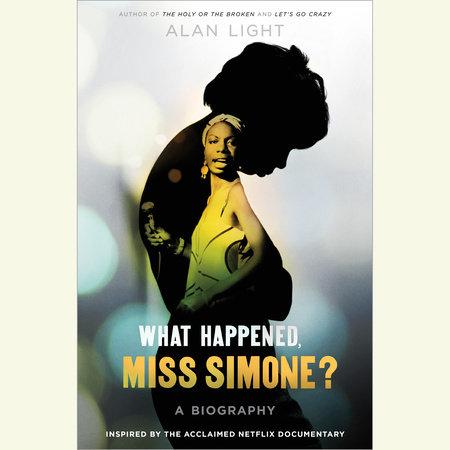
1 pointI finished it two weeks ago, and I can say that it's one of the best books I've ever read. I really loved it1 point
-
POWERFUL observation and statement. This entire "stop playing victim" theme was really born out of the 80s with Ronald Reagan and the conservative movement as they tried to shame Black folks into not complaining about racism. -Stop playing victim. -Get over the past. -Stop with all the complaining. -No one likes a complainer -Stop the bitching and moaning All of these are terms that White folks love to use....ON BLACK FOLK when we speak up and stand up for ourselves or point out injustice. However if you notice they never use them on eachother! When a White woman gets on televison crying about how she's been raped, you never hear a White man tell her to "stop playing victim". When White Republicans get on television or the radio complaining about a law or state of the nation, you don't hear White folks tell them to "stop complaining" or "if you don't like this country than leave it". It's a form of reverse psychology or perhaps gas-lighting to try to turn the tables on the victim so that they'll be ashamed to speak up.1 point
-
1 point