


Leaderboard
-
.jpg.473e1f1051552796800f1e62b10321ca.jpg)
Cynique
Moderators1Points5,744Posts -

Troy
Administrators1Points14,765Posts -
ErnestLiving
Members1Points3Posts
.thumb.jpg.3bf9f25532a7944736ddb02aa1b64269.jpg)


Popular Content
Showing content with the highest reputation on 11/17/2018 in all areas
-
1 pointWell, you are "notorious" for you spontaneous replies that are not in context. So I always have to make sure who and what you're referring to. 😉1 point
-
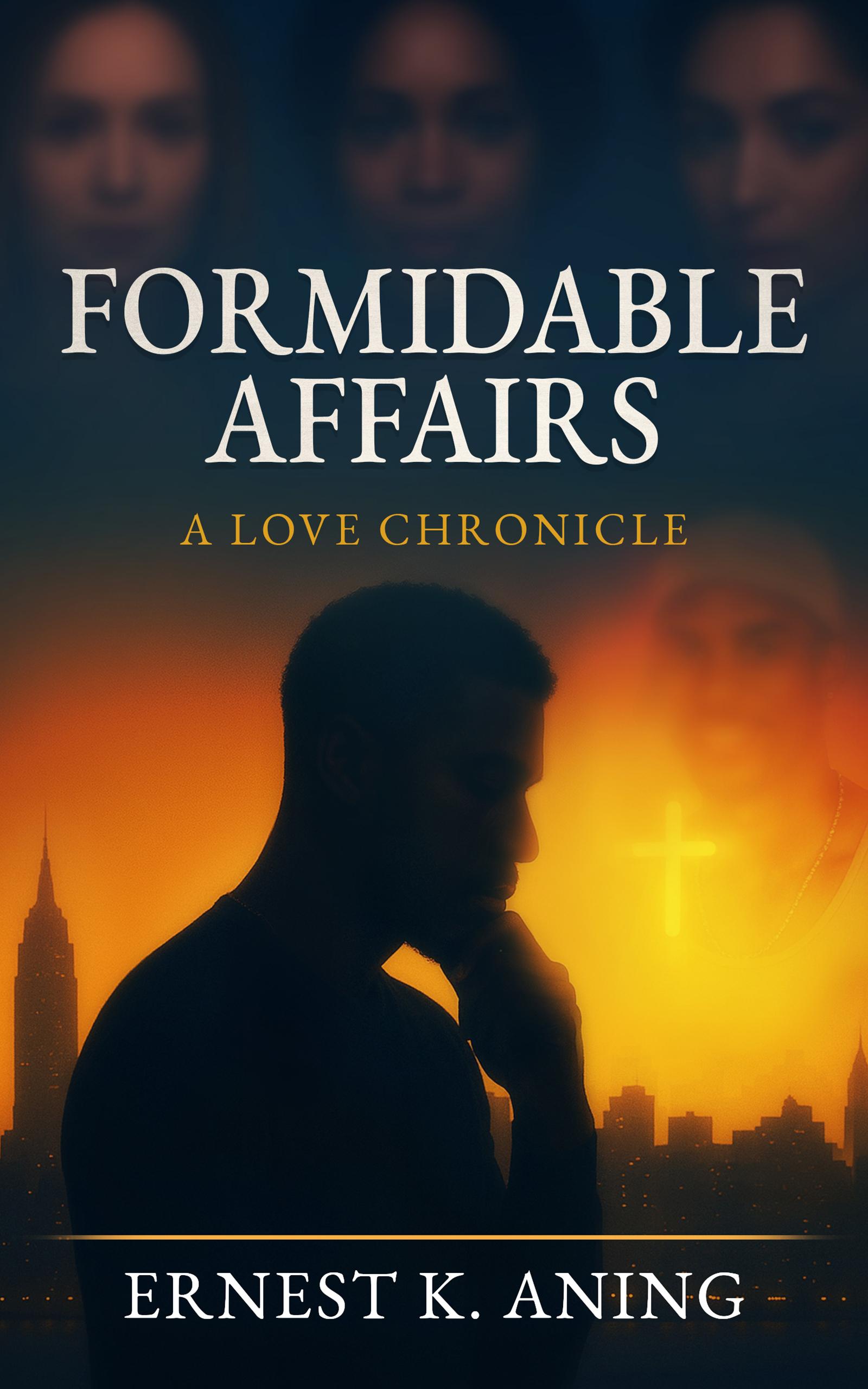
1 pointGood stuff. Thanks again @Troy @Mel Hopkins I most certainly am! I'm currently working on a fictional story dealing with real life/everyday matters, and I plan on doing a follow up to my featured book. Very excited about both. @Troy I've taken down your info. Were you interested in a copy of the book?1 point
-
1 pointI previously recommended that authors select 5 to 10 BISAC codes for their book. However BIAC recommends choosing three as a best practice: https://bisg.org/page/BISACSelection I find it is useful, at least in my database, to apply more if they are truly applicable. Again, it makes it easier for books to be found. I'm already creating my own codes and applying BISAC for books that don't have them. @ErnestLiving are you planning on writing any more books? Also email me at troy@aalbc.com ill send you my mailing address. I added your book here: https://aalbc.com/books/bookinfo.php?isbn13=9781732457300
.jpg.d8e4a7d9beb1974226acf53d5c59eb7b.jpg) 1 point
1 point