Leaderboard
-
Tesa
Members2Points20Posts -

richardmurray
Boycott Amazon2Points4,767Posts -
HenryLT
Members1Points1Posts -

Troy
Administrators1Points14,765Posts
.thumb.jpg.16d66680db6f7645c69fbd009d01ae07.jpg)



Popular Content
Showing content with the highest reputation on 05/23/2023 in all areas
-
1 point@Troy exactly, but i do blame the larger design. The internet's design is open for manipulations, this has made it where firms can make a lot of money, but also where the independence some thought the internet would be today <everyone own a website> is... not1 point
-
1 point
-
1 pointHang in there brotha Troy. I know it's not easy. Thank you for providing this space for us. Much appreciated.👍🏿😎1 point
-
For some reason, the review of this book reminded me of the book "Everyday Use" by the writer Alice Walker. It also presents the story of family relationships, black women, and the main character's desire to succeed. But over time, her views on the identity of African Americans have changed somewhat. You can visit this page and read more interesting summaries about daily use. It helped me uncover more details and issues I hadn't noticed after reading. I will definitely read the book "Blues Highway", and then I can compare the two books better.1 point
-
The definition of a Black comic book can vary depending on individual perspectives and experiences. To me, a Black comic book is one that encompasses the Black experience, culture, and perspectives through storytelling and visual art.1 point
-
1 pointIt was the Devil. i paid Godaddy for a two/year SSL certificate. Which basically says your website’s traffic is encrypted (https), which is a requirement on the web today Apparently, the SSL certificate i had expired after year. So my site was no longer secure (http) so every browser throws out that message and may even prevent you from visiting the site. Now I’ve had an SSL Certificate since Google made it a tracking signal — years ago and Godaddy always handled it without a hitch. Godaddy let my site go down without warning! I checked my certificate and it did not show as expired because i prepaid for two years. So I call tech support after waiting on hold an hour and some guy in Bangalore did a few things and “assured” me the site is up. As he can bring it up. I believed him, because I brought up the site in Firefox but forgot i bypassed the warning just to make sure the site was actually working and it was only a certificate problem — it was after midnight and i was tired. @richardmurray reached out to warn me and i assured him the site was up. The next day @Mel Hopkins reached out to report the same problem. i figured it was a caching issue (Computers store old versions of website files to make breeding faster ) or something. So i double checked and realized the site has now been down 12 hours. I checked my google analytics and see the only visitors on my site are foreign — no one from the western world is on the site, which explains why the guy in India could see my site, but not why he did not know WTF he was doing. i called Godaddy again and the guy i spoke to this time explained the problem and told me it would be $39.99 to fix it! My site was held hostage i had to pay. The site up less than an hour later. i hope to be off Godaddy servers before of the year they suck. these companies will nickel and dime you for a few extra bucks customer loyalty means nothing — i’n just a number. My first web hosting company was run by a Brother out of Brooklyn (an exgirlfriend’s husband). We did business over drinks and it was all good. I like doing business with real people. The best business relationships I’ve had have been with people i can talk to and get to know. companys nowadays rely on chat bots to diagnose problems i moved my email server from GoDaddy to Microsoft and it was hellacious. my email was down for 4 full days. Even Microsoft will misinform you and sell you stuff you don’t need. You’d think after running a website for more than a quarter of a century that this stuff would get easier, but it is harder and i understand why fewer people operate their own sites today.1 point
-
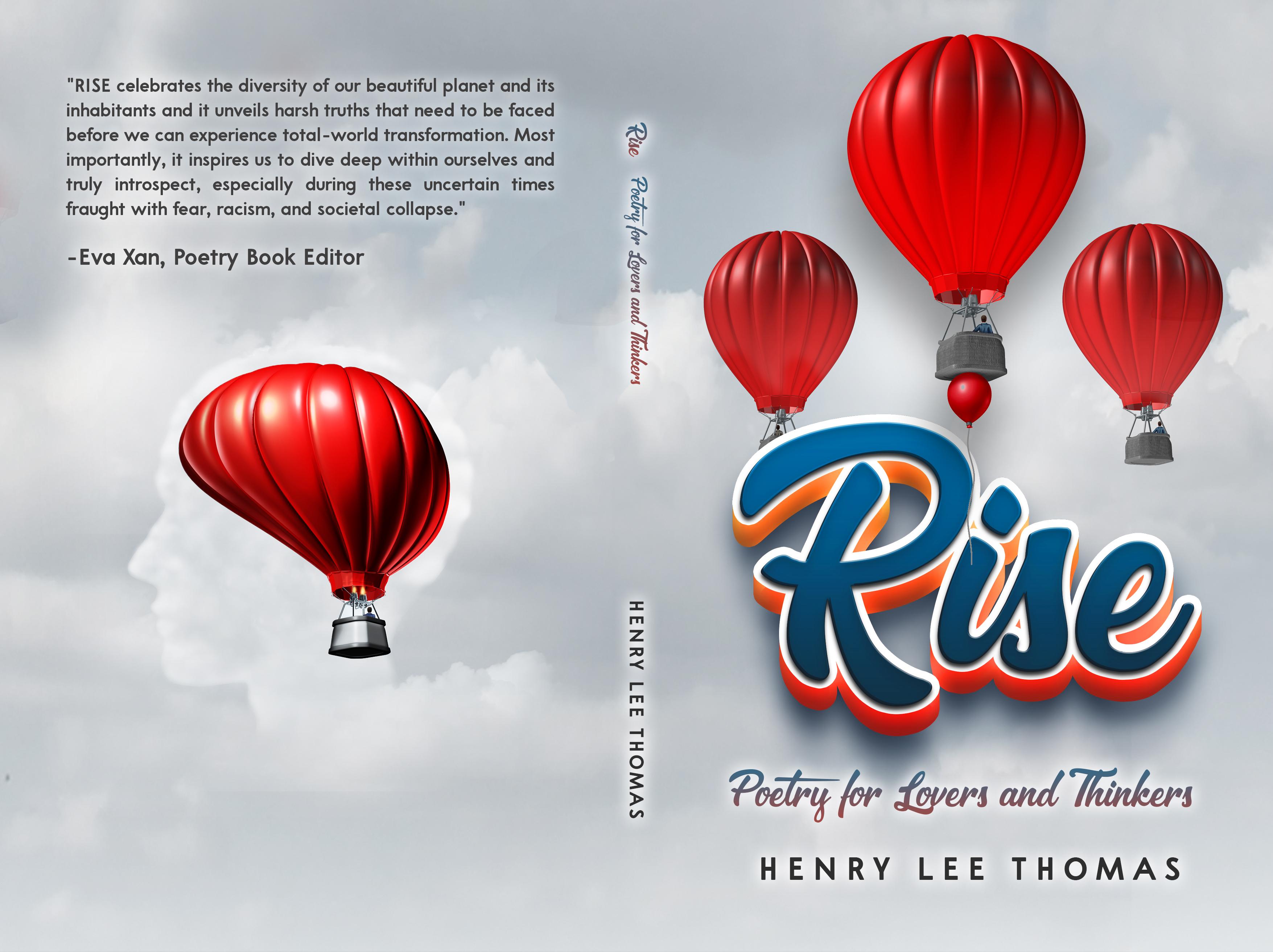
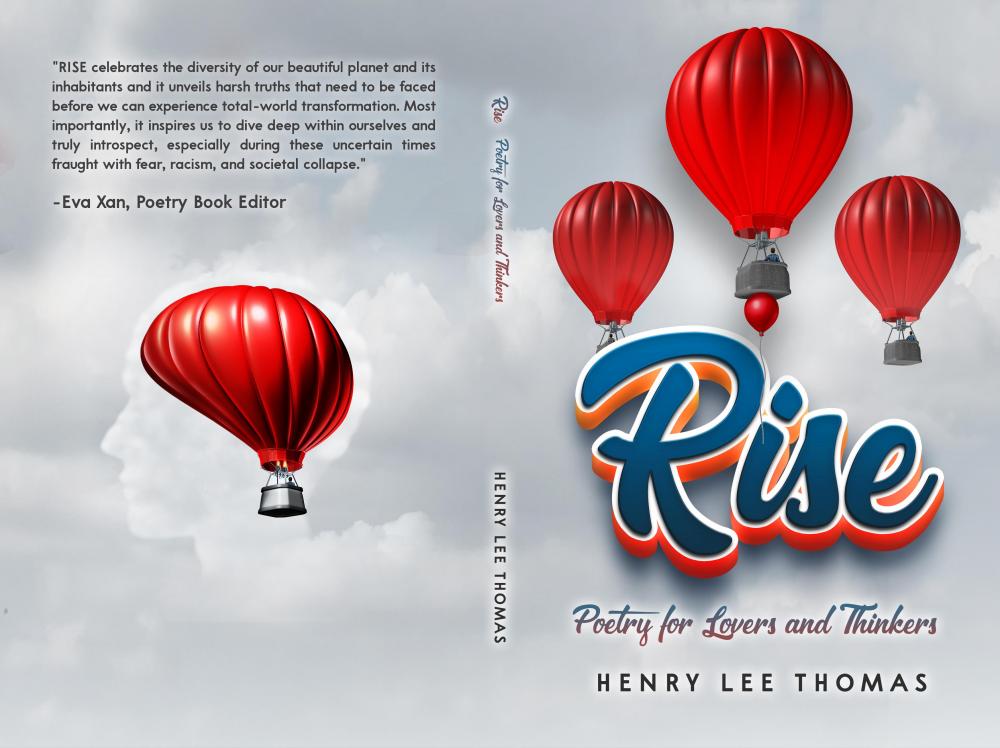
Hello All, Happy Black History Month! Please consider reviewing my below poetry book which touches above many of the issues we as a country are experiencing today. Review copies will be provided as a PDF document prior to the publication date and a limited number of paperback versions will be available after publication. Name/Author's Name: Henry Lee Thomas ISBN-13: 978-1-970144-09-3 (Paperback Edition) ISBN-13: 978-1-970144-10-9 (Hardcover Edition) ISBN-13: 978-1-970144-11-6 (E-book) Publication Date: April 04, 2022 Synopsis: RISE is another poetry collection full of potent messages, inspirational notions, and thought-provoking ideologies. RISE celebrates the diversity of our beautiful planet and its inhabitants and it unveils harsh truths that need to be faced before we can experience total-world transformation. Most importantly, it inspires us to dive deep within ourselves and truly introspect, especially during these uncertain times fraught with fear, racism, and societal collapse. The poems are grouped into the following categories: Love & Family Spiritual & Inspirational Nature Philosophical & Social Flash & Short Stories The book will be published in April to coincide with National Poetry Month. Currently only the e-Book version is shown on am*zon but all of the above 3 versions will be available in April. am*zon: https://www.am*zon.com/Rise-Thinkers-Henry-Lee-Thomas-ebook/dp/B09SDK3VSH/ref=sr_1_1?crid=395BGN53NOCD0&keywords=Rise+by+Henry+Lee+Thomas&qid=1644766730&s=books&sprefix=rise+by+henry+lee+thomas%2Cstripbooks%2C88&sr=1-1 Book Cover:
 1 point