


Leaderboard
-

Troy
Administrators3Points14,765Posts -
ErnestLiving
Members2Points3Posts -
Mel Hopkins
Members1Points2,198Posts -
Willie J Moye
Members1Points2Posts




Popular Content
Showing content with the highest reputation on 11/06/2018 in all areas
-
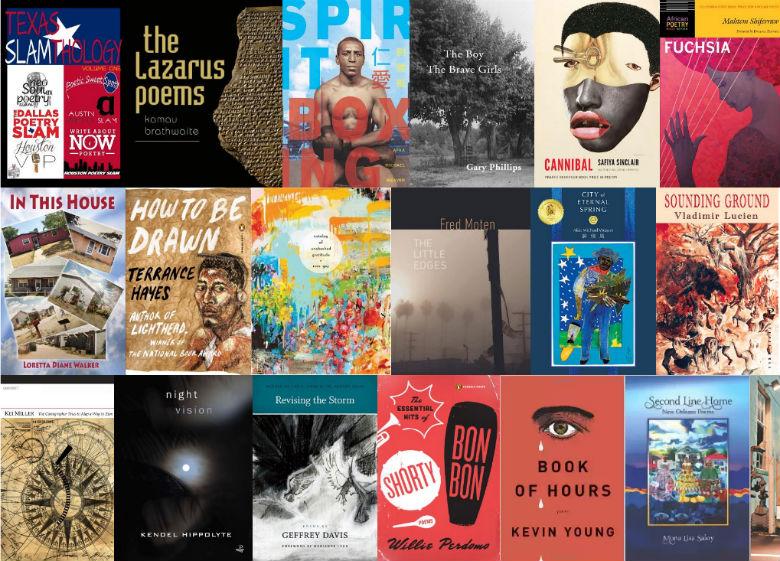
Here are the most popular book categories on the AALBC website. If you follow the links you will be sent to a page where the book in each category is listed. The first list has over 800 books in it. There are currently 288 books in the “Poetry / American / General” category. I found this personally interesting that this category of books is in the top 10, because poetry does not sell as well as it did which I launched the site over 20 years ago. Despite that it is obvious my focus on the genre has not wavered. A website can afford to do this, a physical bookstore can not because it is much wiser to dedicate floor space to products that are moving 🙂 Social Science / Ethnic Studies / African American Studies Fiction / General Fiction / Literary Biography & Autobiography / Cultural, Ethnic & Regional / General Fiction / Romance / Contemporary Fiction / African American / Urban Fiction / African American / Women Biography & Autobiography / Personal Memoirs Poetry / American / General Juvenile Fiction / People & Places / United States / African American Fiction / African American / General Fiction / Urban Fiction / Romance / African American Poetry / American / African American Fiction / Women Biography & Autobiography / Women Fiction / Historical / General Social Science / Discrimination & Race Relations Fiction / Romance / General History / United States / 20th Century Literary Criticism / American / African American Juvenile Fiction / General Fiction / Short Stories (Single Author) Fiction / Erotica / General Juvenile Nonfiction / Biography & Autobiography / Cultural Heritage Juvenile Nonfiction / People & Places / United States / African American Biography & Autobiography / General Self-Help / Motivational & Inspirational Fiction / African American / Christian Juvenile Fiction / Social Themes / Friendship Social Science / Minority Studies Social Science / Women’s Studies Fiction / Mystery & Detective / General Fiction / Thrillers / Suspense Political Science / Civil Rights @Mel Hopkins this is just more fun with BISAC codes 😉
 1 point
 -
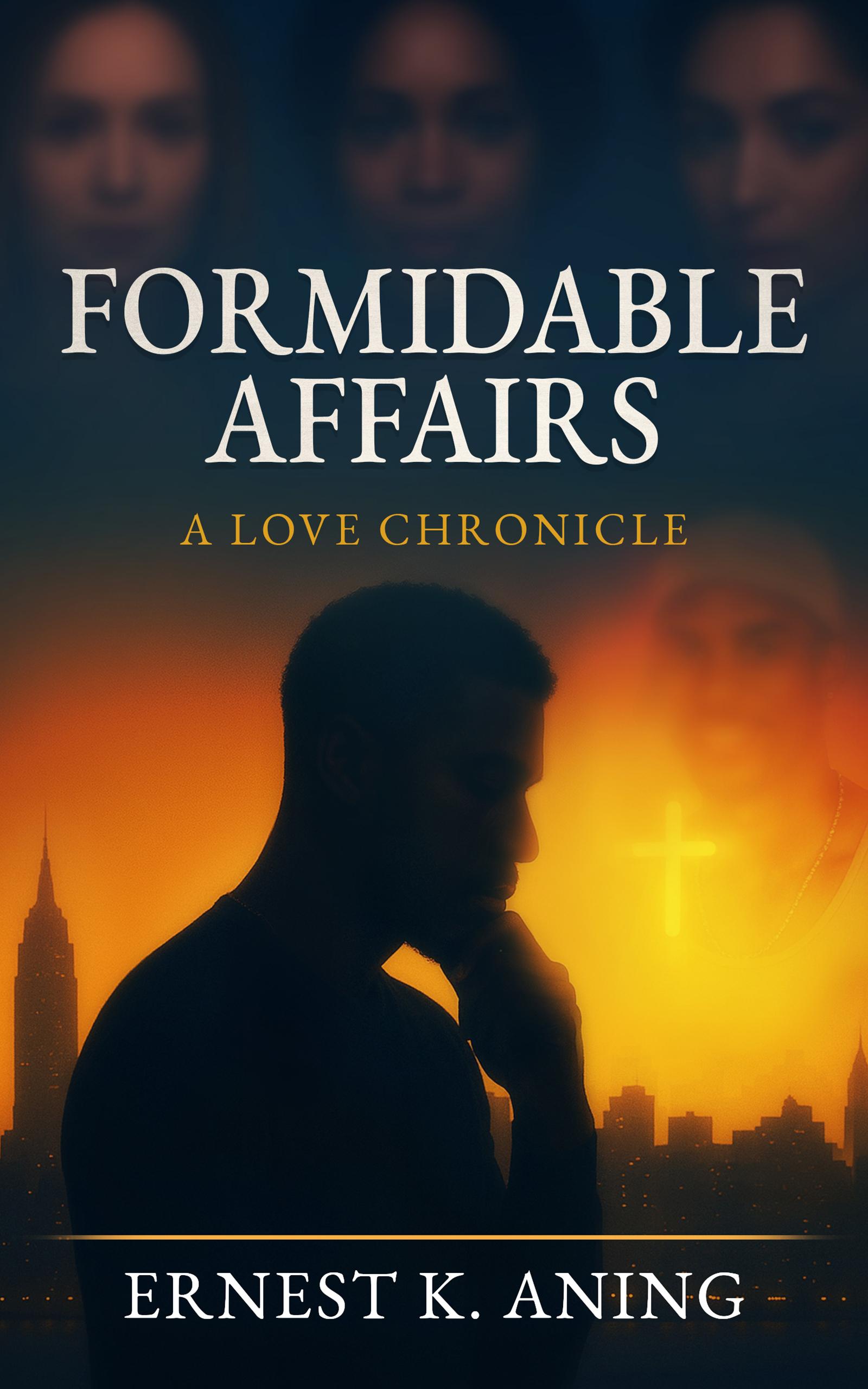
1 point@ErnestLiving You're welcome! One thing @Troy chat about in the #readingblack.com forum is how authors should make it super EASY for prospects to purchase your book. Consider directing interested readers to your own platform before sending them to Amazon. That is unless Amazon has your book exclusively. If amazon has your book exclusively I hope you got a nice advance on your royalties. If your own all the rights to your book then tell readers how they can purchase your book -and then list the price, s/h and what forms of payment you accept such as PayPal, checks, money order, et al. Also please join us over readingblack.com for more selling tips! Much success!1 point
-
1 point@Milton I used your quote in the newsletter I'm mailing in the morning. Yeah I know it is November.. but I've been busy 🙂 At any rate I've categories most of the book I have on AALBC using the BISAC codes and hyper linked your message as shown below: “It's Black Speculative Fiction Month! This month we celebrate the Black Fantastic by supporting our creators and their events throughout the Diaspora! If you've never read a Sword and Soul, Steamfunk, Afrofuturism, Africanfuturism, African Fantasy, Science Fiction, Paranormal, Urban Fantasy, Horror book or graphic novel by a Black author, this is your month. I encourage all my friends to read, support an author by writing a review, attend a Black Speculative Fiction event, share a book, event, and/or an author with friends. This is our month, so let's celebrate!” —Milton J. Davis There are over 4,600 BISAC codes defined (yes I counted them). I would you believe there are no categories for Afrofuturism, Sword and Soul, or anything African (the list of codes is American centric). I've taken to creating my own codes so that I can categorie these books and make them easier for readers to find. The challenge for authors is discovery. The lack of stores, websites, magazines, media coverage, make the discover of book very challenging today. I most people I talk to have ever heard of N.K. Jemison. @Valjeanne Jeffers, I believe I have all your books (physical) on the site: https://aalbc.com/authors/author.php?author_name=Valjeanne+Jeffers1 point
-
1 pointI saw an article before I went to bed that sounded formular to that moment in my life. That gave me a flash back. No, I stuck with job until a shift became available because another employee quit on the shift that I needed.1 point
-
1 point@Pioneer1 are you really and truly puzzled over why white men get away with shit Black men get put away for? Still, Harvey is not out of the woods yet1 point
-
1 point@Troy I'm a certified loser lol - bedtime is usually 9 - 9:30pm. I don't even try to fight it anymore. Naps are life! Don't ever let anyone tell you otherwise.1 point
-
1 pointHi @Mel Hopkins Thank you for the kind words! If you click on the book title in the original post (or my name), it should direct you to my Amazon page and website respectively (I hope the links aren't broken). The book is also available on Barnes & Noble. Also, are you suggesting that I include the tags in my posts? (sorry if I sound inexperienced - I am : / ). Writing the book was the easiest part, everything else?! sssssssssss! lol. Thank you guys in advance.1 point