Leaderboard
-
Mel Hopkins
Members1Points2,198Posts -

Troy
Administrators1Points14,765Posts -

Maurice
Members1Points290Posts



Popular Content
Showing content with the highest reputation on 10/31/2019 in all areas
-
“For almost 10 years, Black Books Direct continued to bring you a great selection of books of interest to our readers. Like many other businesses, and particularly, independent book stores, we have faced considerable challenges over the years. We have reached a point where we are faced with making some tough choices. For these reasons, we will suspend our current operations, after clearing out our inventory. We are pricing everything competitively and only listing items remaining in inventory. We will ship within 48 hours and will continue to guarantee your satisfaction while we stay live as BlackBooksDirect.com.” I learned about Black Books Direct's closing in an email I read just a few moments ago. Now I don't have all the details of why Black Books Direct is closing, but as an online bookseller, I know first hand the many "challenges" they have to contend with. Another potentially great website and business closes because of Amazon's virtual monopoly of on-line book sales. Amazon's algorithms will not make up this loss. AALBC.com can not make up this loss. The web is a less rich place as a result. The worst part of Black Books Direct closing is that will go unnoticed by most Black folks—even the most conscious of us. We don't know what we are losing, and it is really very sad.
 1 point
 -
1 point
-
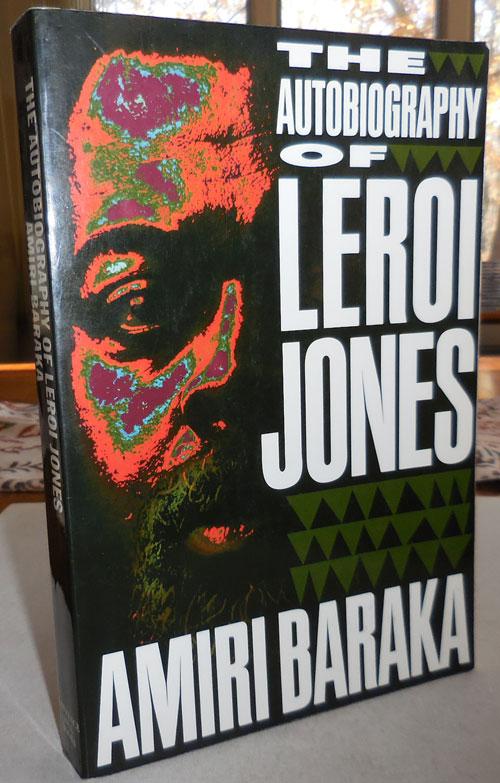
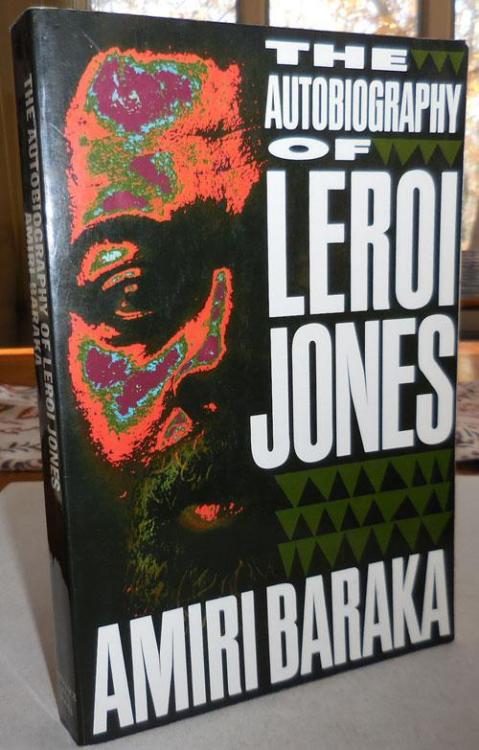
1 pointAround 15 pages from the end of The Crisis of the Negro Intellectual. Phew..... longest book I've read in a while at about 520 pages. Anyway, next up is this which I'm dieing for.
 1 point