Leaderboard
-

Delano
Members2Points6,032Posts -

Troy
Administrators1Points14,729Posts -

daniellegfny
Members1Points1,305Posts



Popular Content
Showing content with the highest reputation on 09/24/2020 in all areas
-
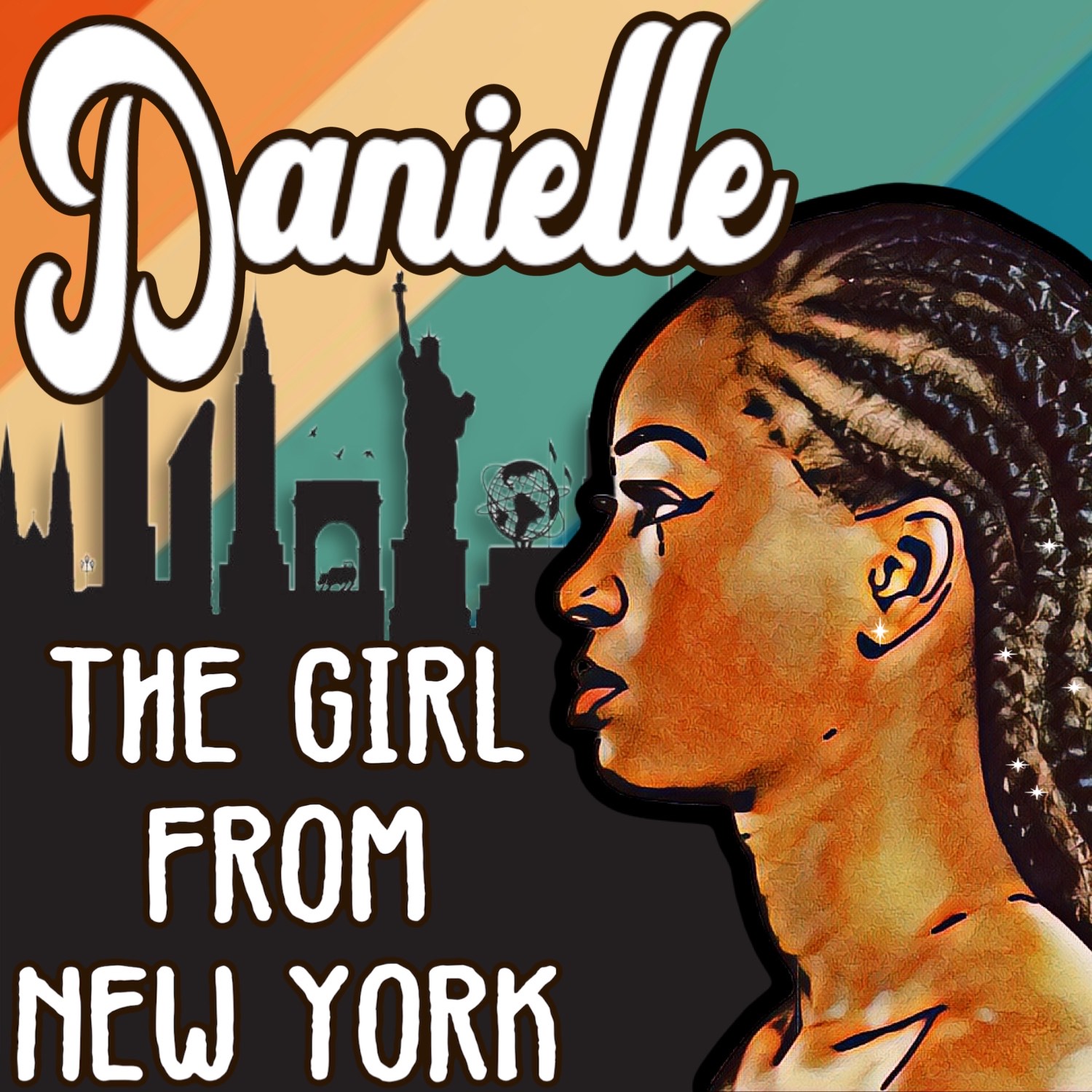
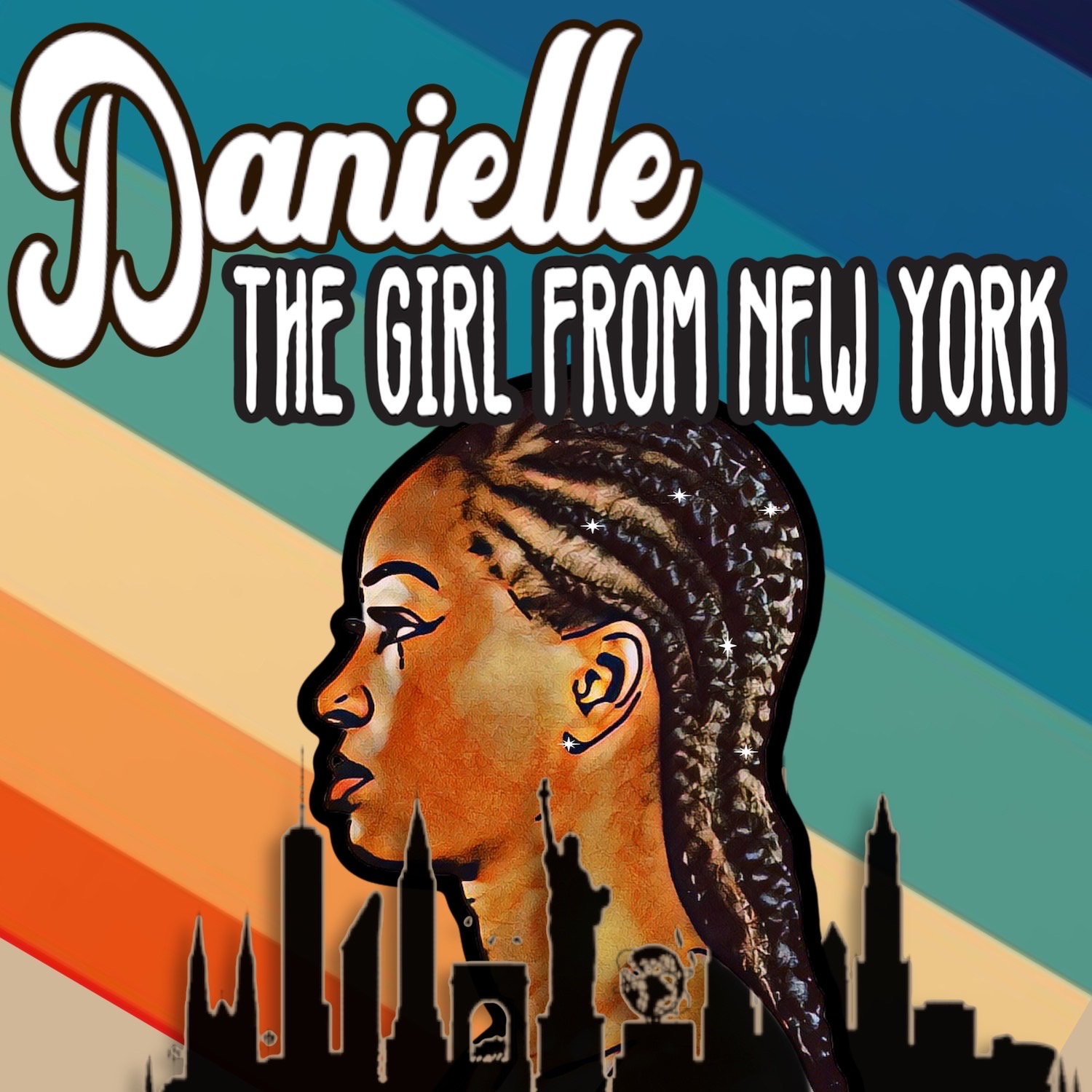
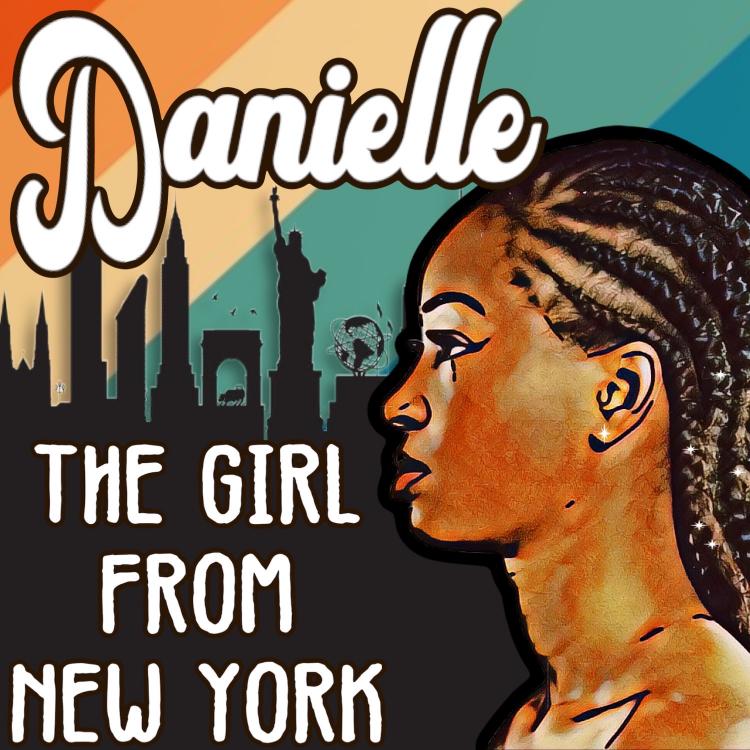
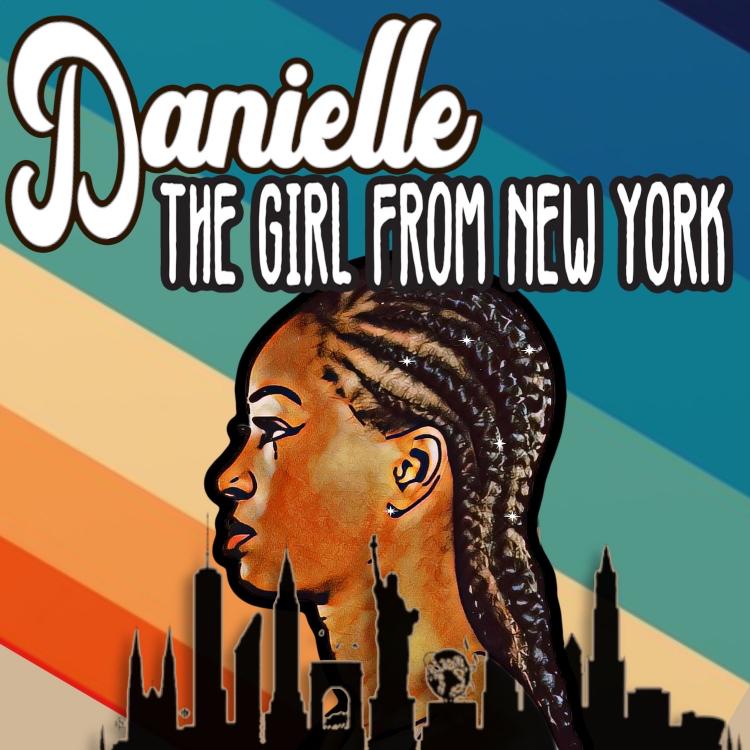
1 point1 point1 pointWorking remotely has it’s challenges. I think that when working with an English speaking Freelancer a video chat might be more efficient and effective. Here are two submissions that were created just from email conversations. If you are using images from the internet to express the characteristics you want make sure to let the artist know that the model isn’t your model and should just be used as a reference. This is to avoid copyright issues and complaints of unauthorized use of a persons image. I know that a lot of graphic artist and print shops just grab images from the net and use them on flyers and business cards. As we are maturing in our crafts and promotions it’s one of the things we need to be mindful of. This is why as is I can’t use either of these commercially. But, it’s a worthwhile intermediary step towards the final product. One parting suggestion is to make sure your freelancer is willing to do multiple revisions. Let me know about your experiences and thoughts.
 1 pointMaybe a foundation should be inclusive that permits all people to express themselves in their totality.1 pointI've begun compiling a list of books to mark the 100th anniversary the holocaust which too place in Tulsa: https://aalbc.com/books/category.php?name=Tulsa+Massacre1 point