


Leaderboard






Popular Content
Showing content with the highest reputation on 11/18/2024 in all areas
-
2 pointsPeople need to understand the difference between a MOVEMENT and a CAMPAIGN Movements promote specific agendas with clearer goals (be they good or bad) than campaigns which pretty much parrot partisan rhetoric. Movements tend to be more grassroots oriented, wholistic, and longer lasting, than campaigns. While campaigns typically last less than 4 years, movements can span DECADES. Think.... CIVIL RIGHTS MOVEMENT WOMEN'S MOVEMENT LABOR MOVEMENT While a campaign is designed to change the POLITICAL direction of a nation, a Movement is designed to and can change not only the entire political landscape but the entire CULTURE and FUTURE of a nation. Trump had...and still has...a MOVEMENT behind him! The MAGA Movement. Harris was merely running a campaign.2 points
-
The vast majority of the planet is deserted so if the aircraft was to crash land here, most likely it would be in the ocean or deserted area. You mean like landing here 🙂1 point
-
1 pointMike Tyson is a savvy business man. He sells gummies shaped like Evander Holyfield's eat. So they both get a check. He is also very philosophical and says some deep snit from time to time.1 point
-
1 pointThe Pyramid of the Sun and the temple of Quetzcoatl The Pyramid of the Moon
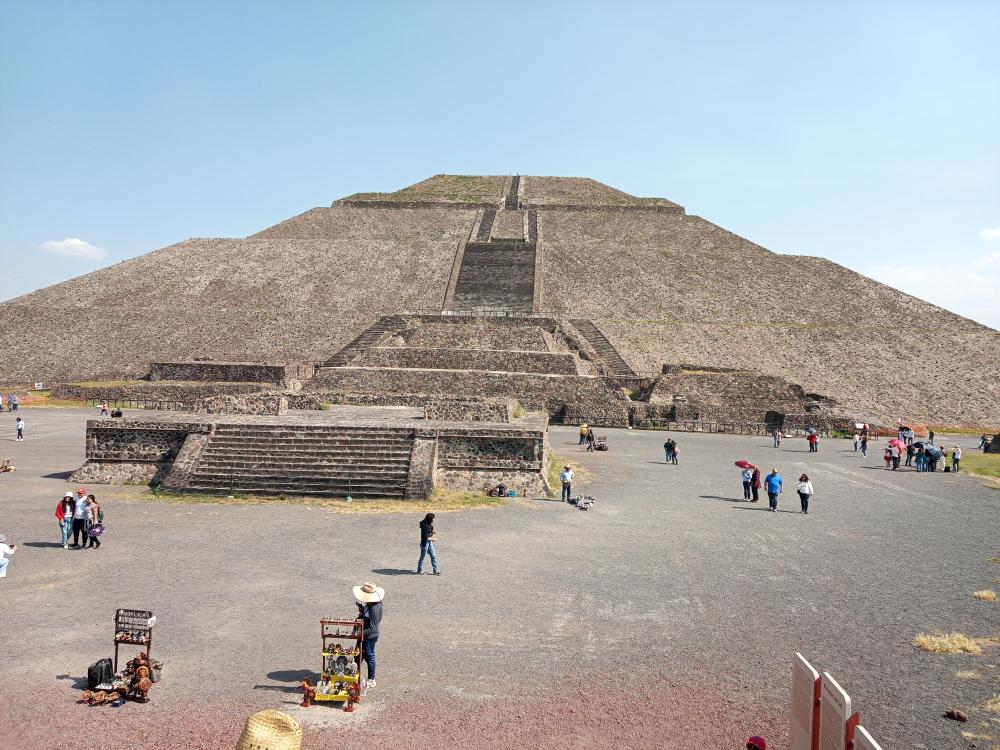
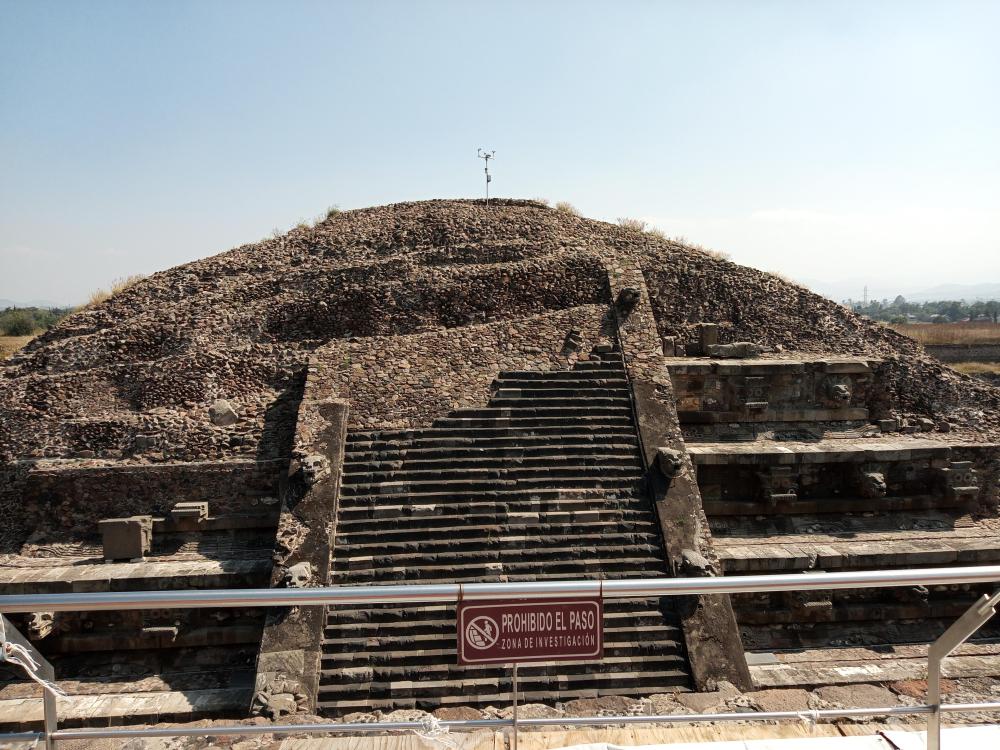
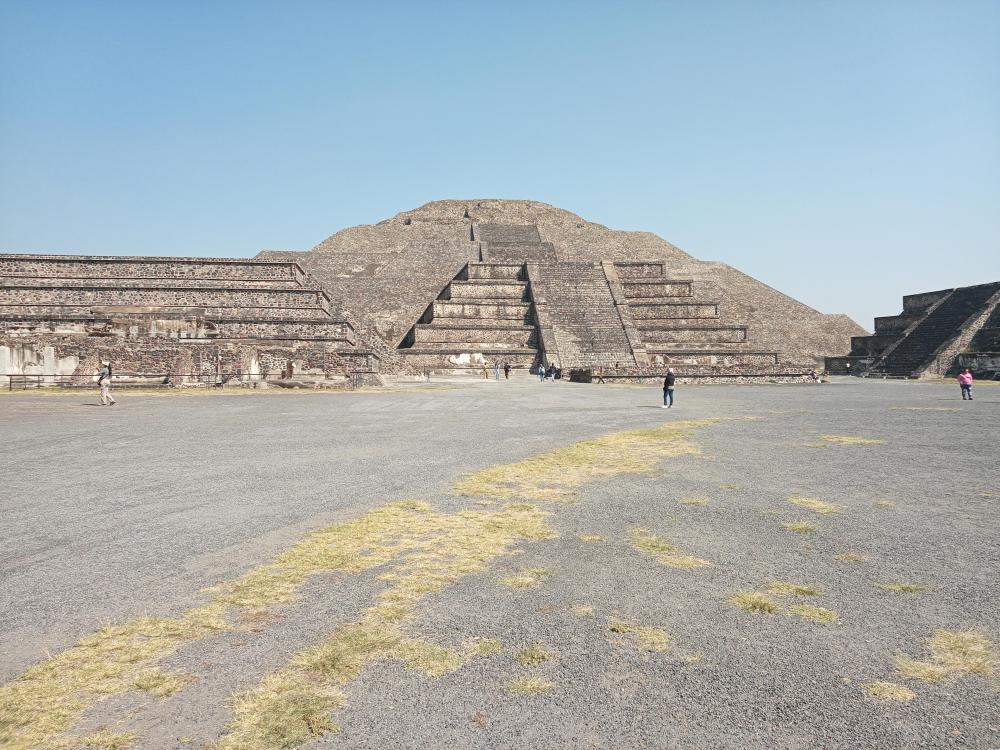 1 point


