


Leaderboard
-
Mzuri
Members3Points633Posts -

daniellegfny
Members2Points1,305Posts -

Pioneer1
Members1Points13,762Posts -
ProfD
Members1Points7,933Posts




Popular Content
Showing content with the highest reputation on 11/06/2021 in all areas
-
I have been working on and been around elections since I was a kid. I couldn’t wait to be 18 so I could. With all the talk about lowering the voting age to 16, I think it’s cute.1 point
-
Good Morning! We cannot communicate if you will not respond.1 point
-
ProfD Yes sir, I see it.....and I think it's a good thing. We need more BROADCASTING media.....not just social media where our views and communications are limited as well as the audience. As I've said before numerous times, AfroAmericans actually used to own FAR more radio stations, newspapers, and magazines than we do today. Especially before the 1980s. Many of our people have become intellectually lazy compared to the 1940s and 50s where we had Black radio stations, news papers, and even most Black highschools had it's own Black news paper.1 point
-
Right. I stopped because it was the end. Of the sentence.1 point
-
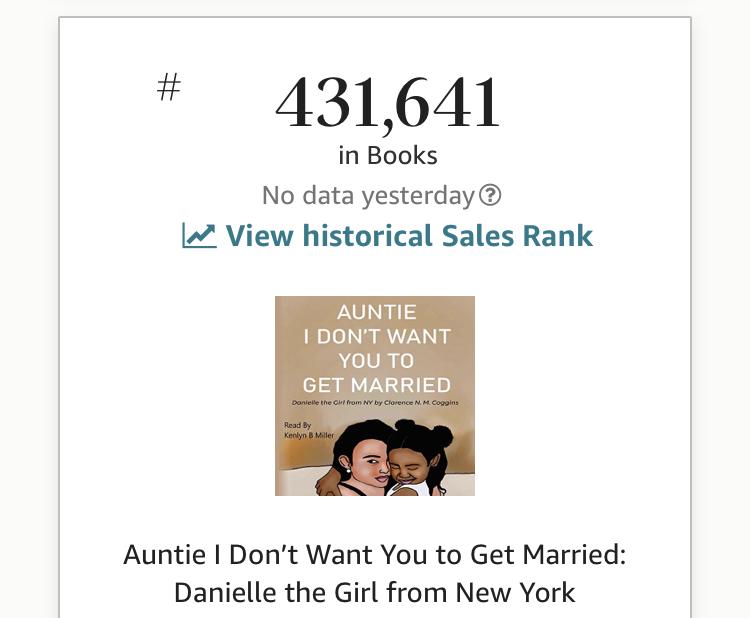
No sales are increasing. I guess it’s true you can’t teach old dogs new tricks. But learn how to Spell Winsome Sears. The best of America 🇺🇸. @Mzurijust goes to prove those with biggest mouths have cheapest purses with the tightest strings. @Cyniquedemonstrates it perfectly. Broke baby broke. they are going in the right direction.
 1 point
 -
1 point
-
In the immortal words of the late Rodney post azz whuppin, can't we all just get along.😁😎1 point